Colortran Encore Control Console
Software Version 3.05
226
Viewing Macros
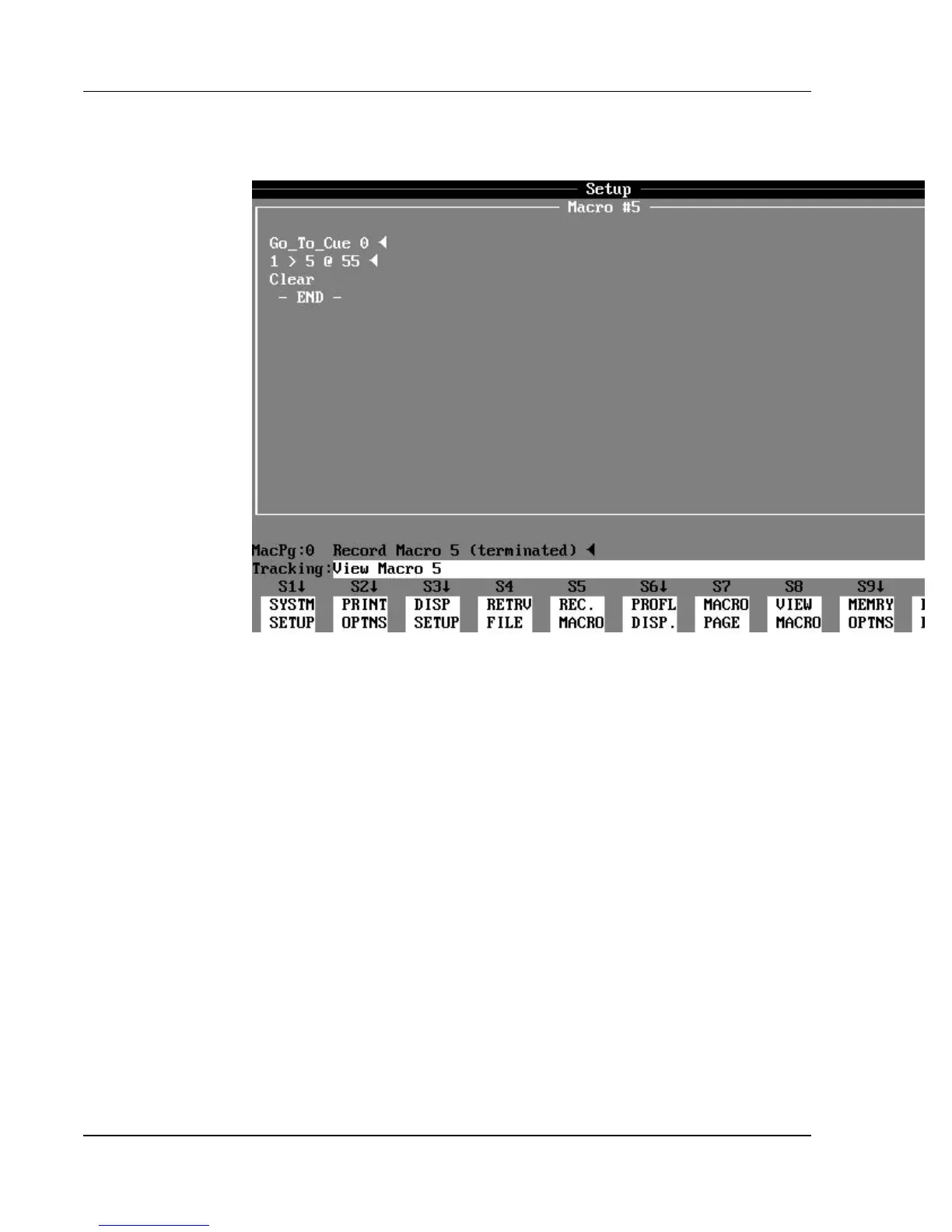
Figure 21. Macro Window
You can view the recorded contents (keystroke sequence) of any of the 100
macros by using the (VIEW MACRO) soft key in the Setup display. The
(VIEW MACRO) keys opens a large aqua-colored Macro window that shows
the contents of the selected macro as a sequence of keystrokes.
? EXAMPLE: To view the contents of macro 5, in the Setup display:
(VIEW MACRO) [5] [ENTER]
Once the Macro window is open, you can use the [NEXT] and [LAST] keys to
view other macros.



 To Next Page