Chapter 3: Displays
Software Version 3.05
27
Moving Within Displays / Position
Keypad
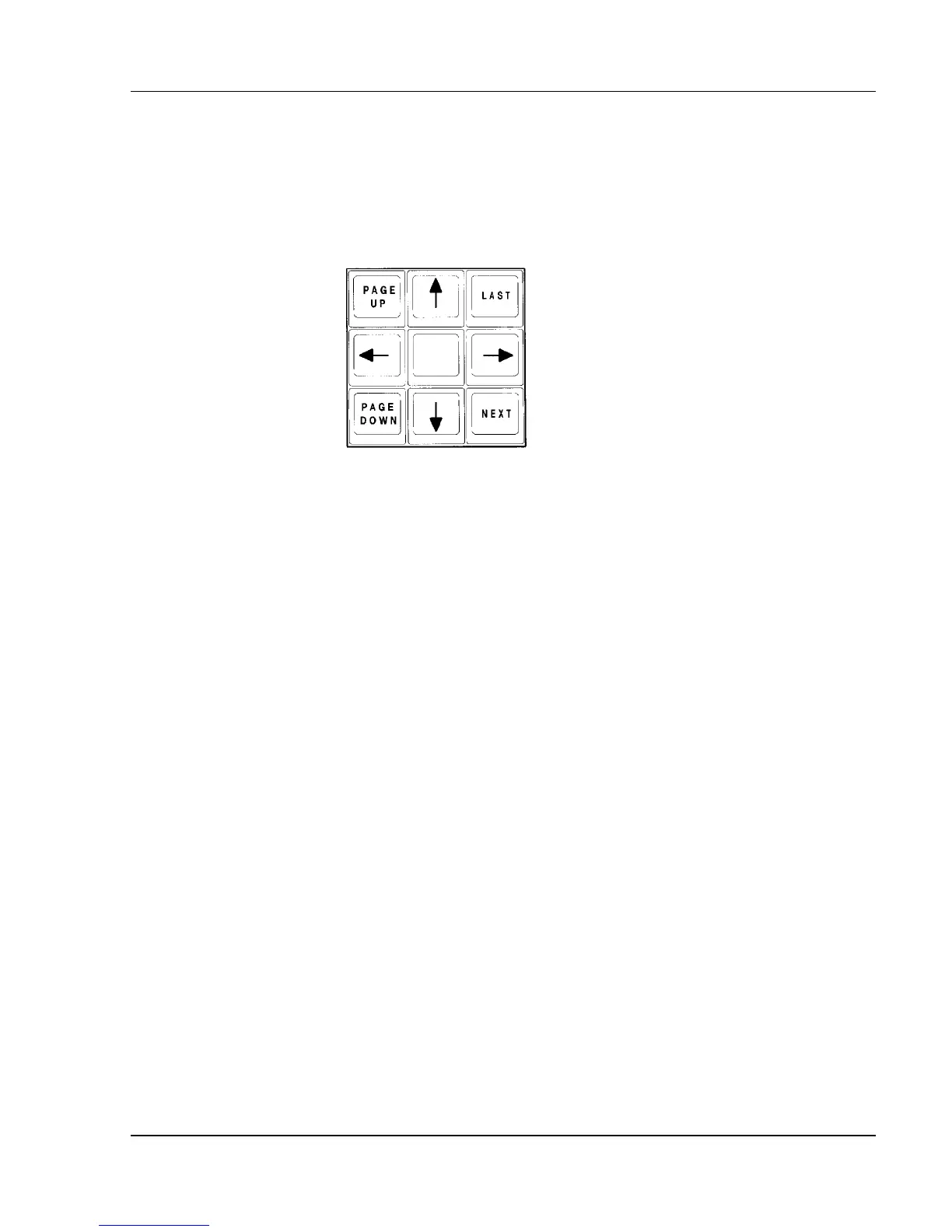
To move within a display, or to change the contents of the display, use the
Position Keypad. (See Figure 3.2.)
Figure 3.2, Position Keypad
The [LAST] and [NEXT] keys generally change the display to select the next
or last item as the "current" item, such as the Effect or Submaster number that
is displayed.
The Up and Down arrow keys generally scroll (move) the contents of the
display vertically one line at a time. They move the current default selection in
the Effect display only.
The Left and Right arrow keys move the Tracksheet display left or right 12
channels at a time to reveal other channels for viewing.
The [PAGE UP] and [PAGE DOWN] keys show the next or previous page of
information.



 To Next Page