Colortran Encore Control Console
Software Version 3.05
28
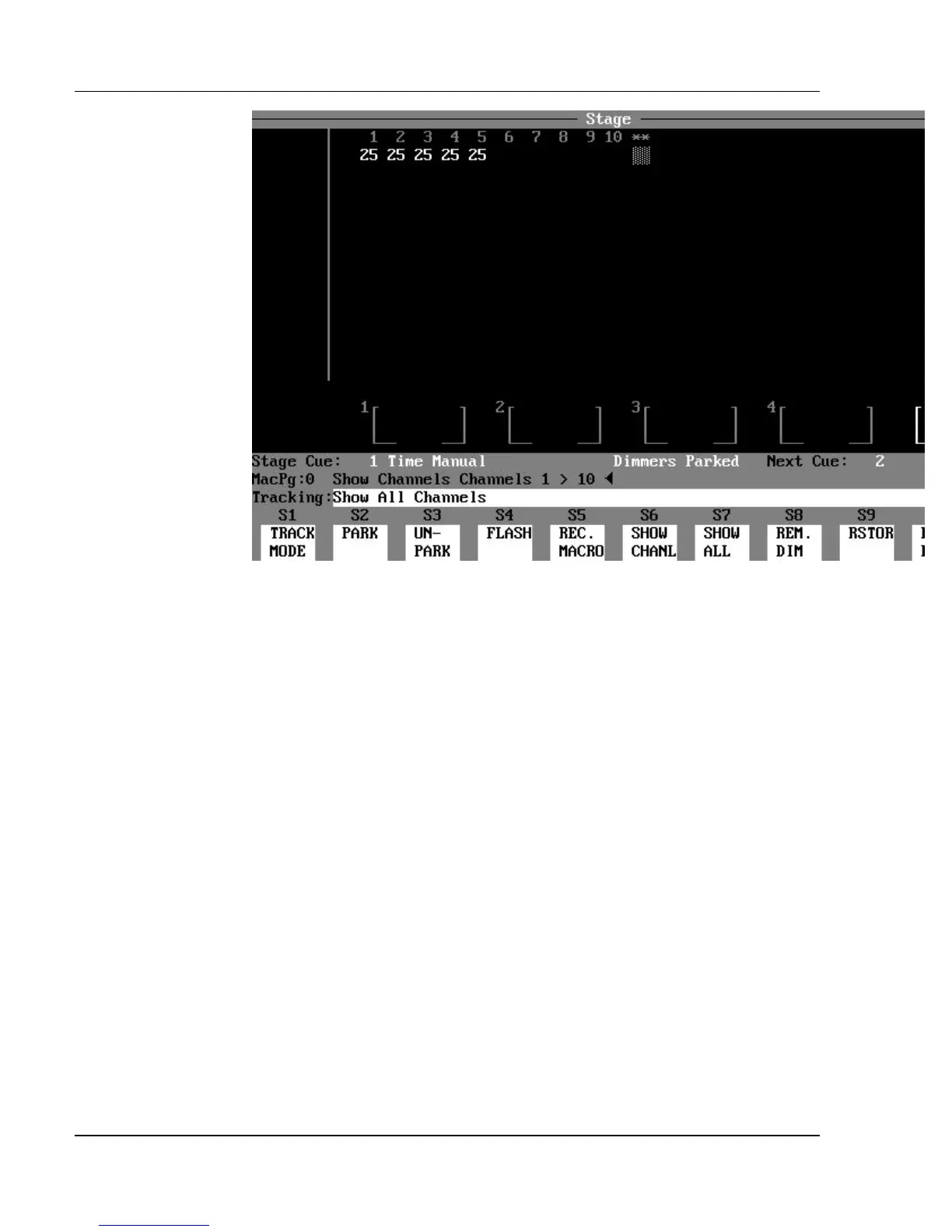
Figure 3.3, Channel Formatting
Channel Formatting
You can use the Show Channel (SHOW CHANL and Show All (SHOW ALL)
soft keys to format the display of channels. The total number of channels is
specified in the Setup display, or is determined by assigning the Two-Scene
mode or Multi-Scene mode (for the Encore 24/48 and 48/96 models). When
the (SHOW CHANL) soft key is pressed, the display is limited to show a subset
of all possible channels, and the characters "**" appear in the display
indicating that channels are not being shown. If a channel that is not shown
has an active level, a block of "dots" is shown below the "**".
? EXAMPLE: To set up the display to only show channels 1 - 10:
(SHOW CHANL) [1] [>] [10] [ENTER]
? EXAMPLE: To set up the display to show all active (non-zero)
channels:
(SHOW CHANL) [ENTER] (Do not specify a channel
list.)



 To Next Page