Chapter 4: Console System Setup
Software Version 3.05
63
? EXAMPLE: To assign a Show Name to a show in the Setup display:
1. (SYSTM SETUP)
2. (NAME SHOW) [enter alpha-numeric show name] [ENTER]
?
ADVANCED TOPICS: To name your show files using alphabet
characters, see Chapter 11, Names.
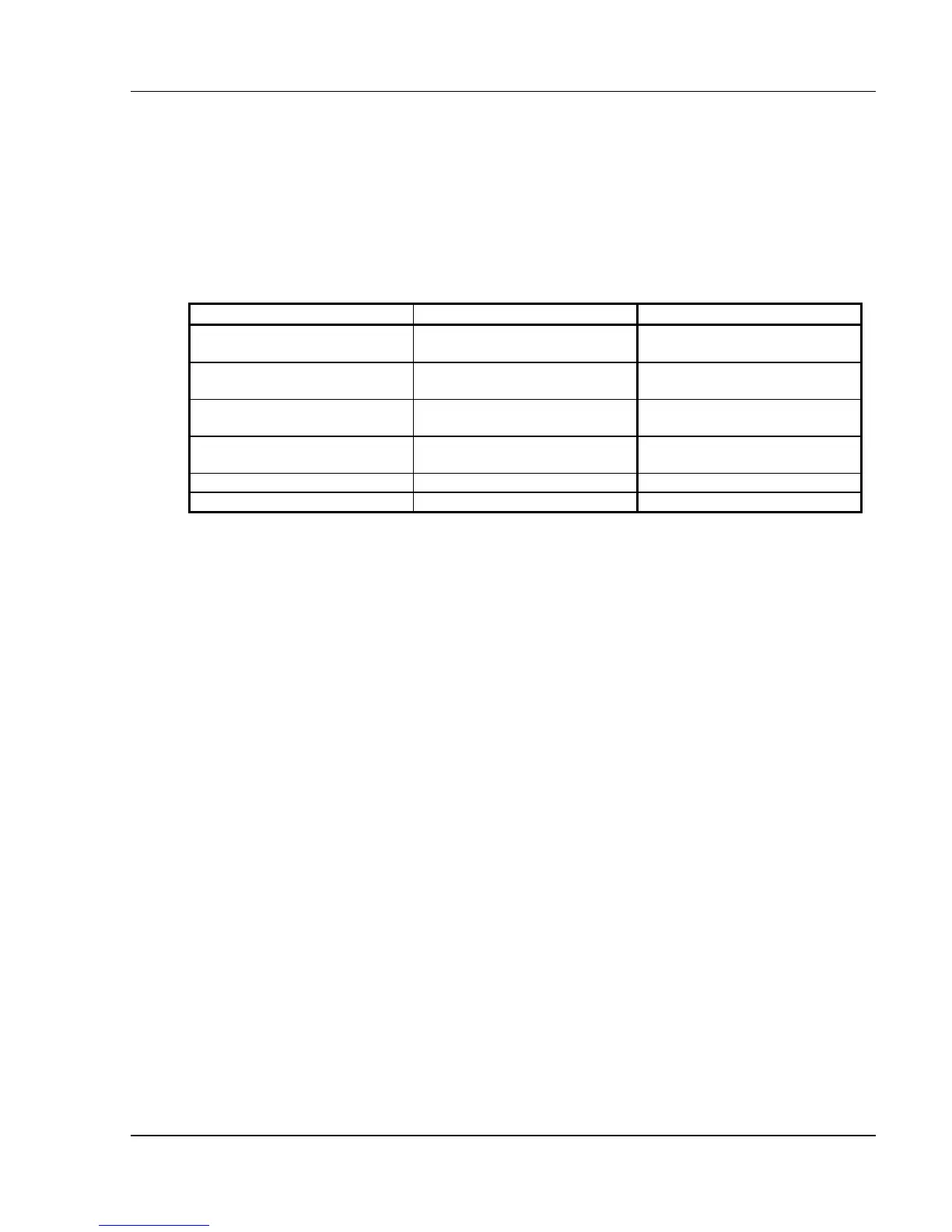
Console Model Channel Capacity Dimmer Capacity
24/48 24 in 2-Scene mode
144 in Multi-Scene mode
512
24/48 Expanded 24 in 2-Scene mode
512 in Multi-Scene mode
512
48/96 48 in 2-Scene mode
144 in Multi-Scene mode
512
48/96 Expanded 48 in 2-Scene mode
512 in Multi-Scene mode
512
XL 512 512
XL/2 1024 1024
Table 4.1, Console Channel / Dimmer Capacities
Number of Channels and Dimmers
The maximum number of control channels and dimmer channels available is
determined by the model of Encore console you are using. (See Table 4.1.)
You may select a lesser number of channels and dimmers by using the (# OF
CHANS) soft key or the (# OF DIMRS) soft key under the (SYSTM SETUP)
soft key. These commands address the console globally, reducing the number
of channels shown in all displays.
? NOTE: The number of channels and dimmers may be customized
without clearing memory. If you reduce the number of channels or dimmers,
and restore them later, the previous patch assignments will be remembered. If
you increase the number of channels or dimmers in a show that was read from
disk, any previously assigned Non-Dim or Parked dimmers will be
remembered, but patch assignments will not be remembered. See Chapter 5,
Setting Up The Soft Patch.
? EXAMPLE: To set up a show with 200 channels:
1. (SYSTM SETUP)
2. (# OF CHANS) [200] [ENTER]
? EXAMPLE: To set up a show with 300 dimmers:
1. (SYSTM SETUP)



 To Next Page