Colortran Encore Control Console
Software Version 3.05
144
Cue Check Utility
You can quickly test the output for each cue by running the Cue Check utility,
which is similar to the Dimmer and Channel Check utilities. While you are in
any cue in any display, press the [GO TO CUE] key. "Go To Cue" appears in
the Command Line awaiting a specific cue number. Instead of completing the
command, press the [NEXT] or [LAST] key to step through the cues
sequentially. Each cue fades in the two second default time, to help reduce the
shock, and thereby prolong the life of your lamps.
? EXAMPLE: To run a cue check in the Stage or Playback display:
1. [GO TO CUE]
2. [NEXT] or [LAST], etc.
Warnings and Error Messages
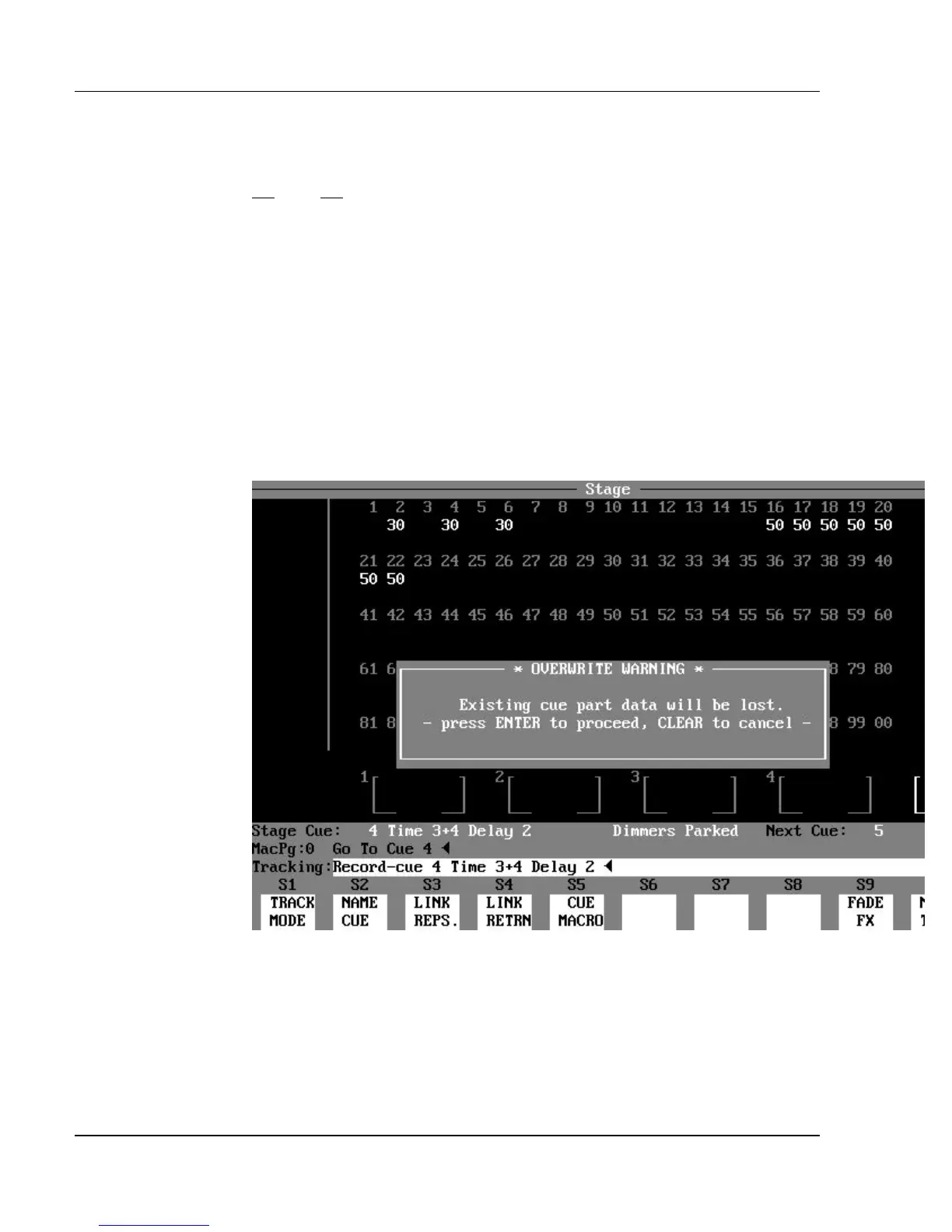
Figure 12.1, Overwrite Warning Message.
Overwrite Warning: The Overwrite Warning message alerts you to the
fact that the command that you entered will overwrite information that already
exists in console memory. The command will delete the previous information
from the console memory and replace it with the newly created information.
To cancel the overwrite, press the [CLEAR] key. To continue the command,
press [ENTER].



 To Next Page