Chapter 12: Utilities, Warnings, Printing, and Default Settings
Software Version 3.05
145
The Overwrite Warning message occurs with the following command types,
when the current command would cause pre-existing data to be destroyed:
?? Record commands
?? Copy commands
?? Renumber commands
?? Retrieve commands
Error Messages: A red Error Box containing an error message appears
on the display when the command entered cannot be performed. Usually, this
type of error occurs when a wrong key or wrong command has been entered. In
all cases, the command entered cannot be executed as specified until you
correct the problem indicated in the Error Box. The following actions cause an
Error Box to appear:
?? Command syntax errors (wrong keystrokes)
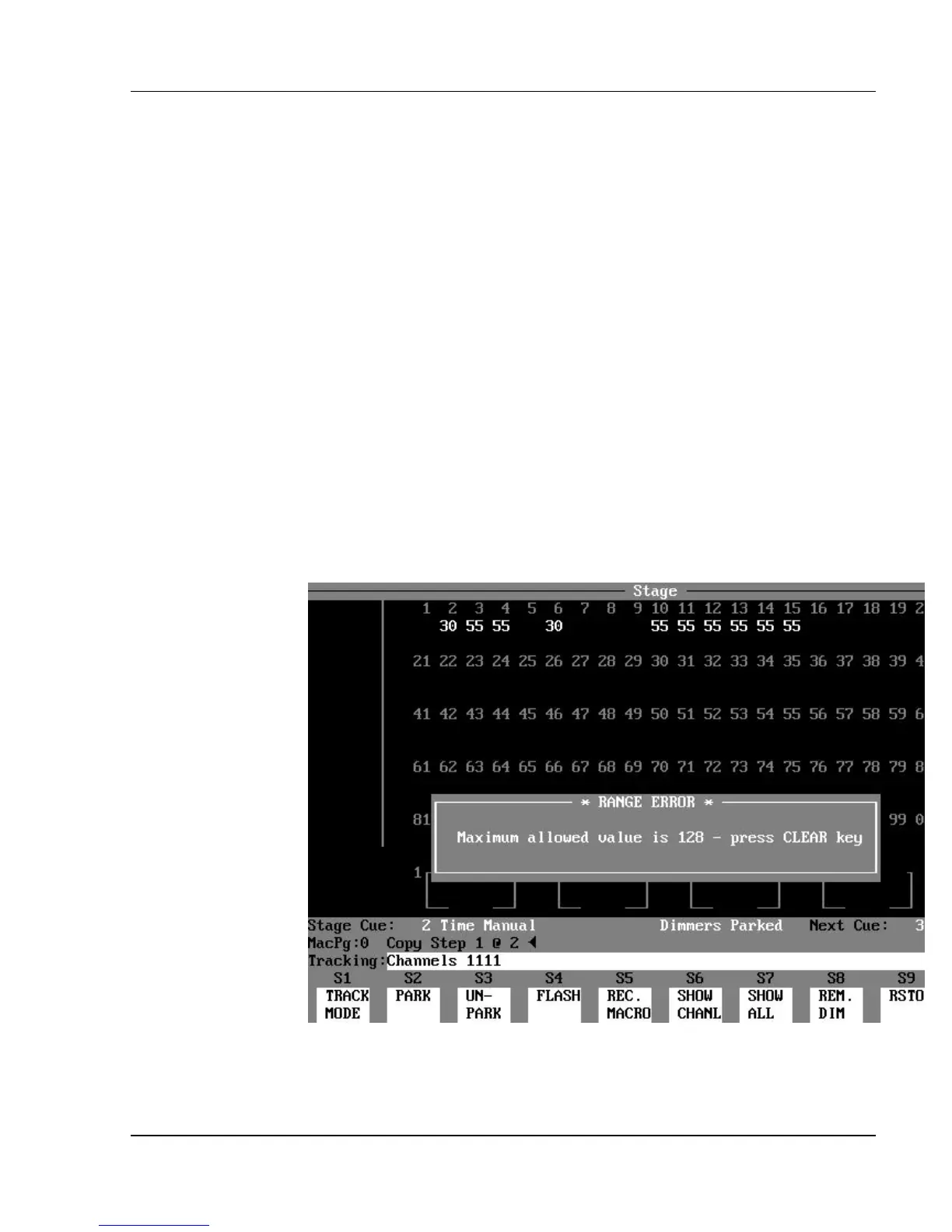
?? Range errors (see next topic)
?? Cross patching errors (patching a dimmer to more than one channel)
Press [CLEAR] to dismiss an Error box.
Figure 12.2, Range Error Message
Range Error Message: A red Range Error message appears when the
number entered is outside the range of values available for that item. The
range limit is shown within the Range Error Box.



 To Next Page