Chapter 12: Utilities, Warnings, Printing, and Default Settings
Software Version 3.05
147
Printing
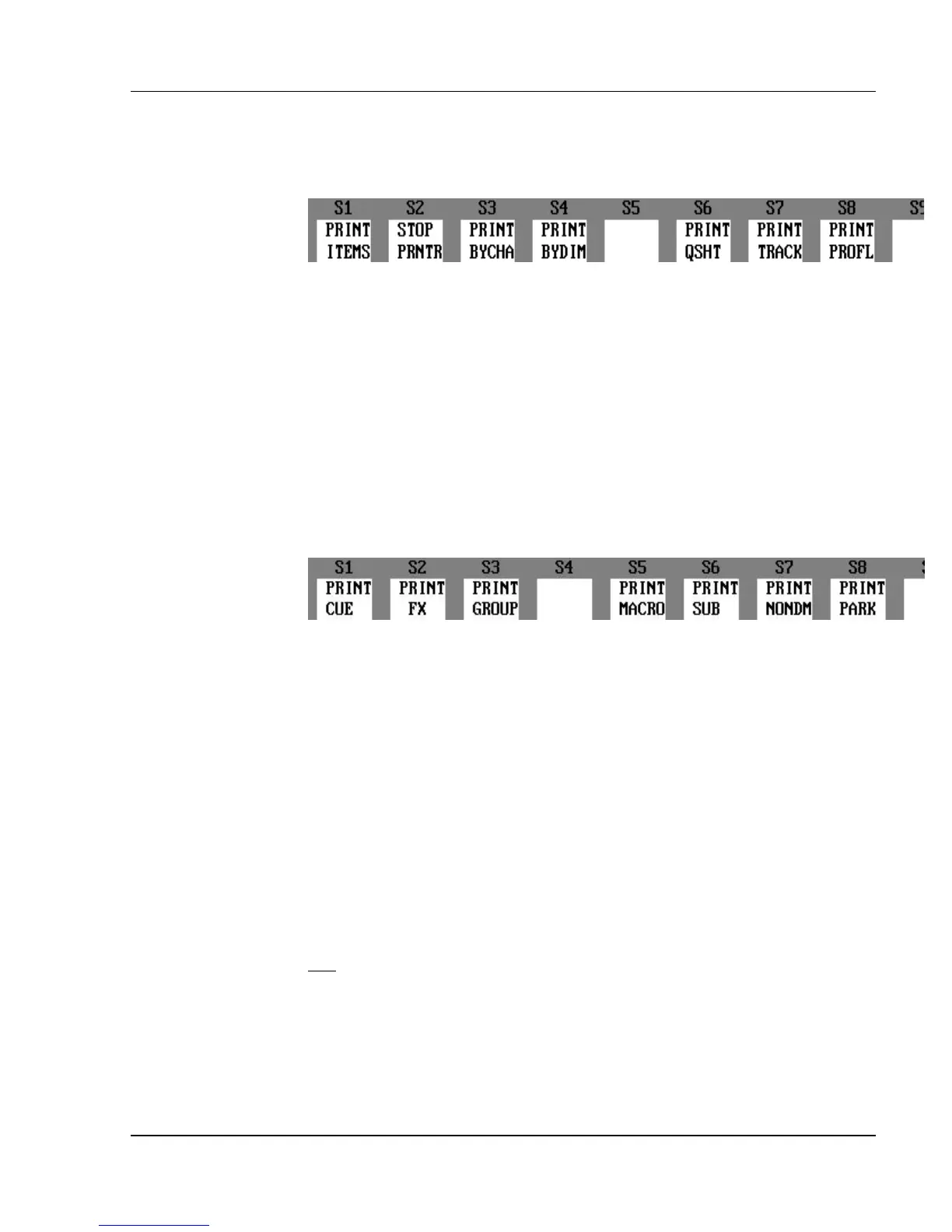
Figure 12.3, Print Options Soft Keys
You can perform all printing commands through the Setup display. You can
print all of the show, or print only specific portions. You can use the following
Print Options soft keys to print its corresponding show data:
?? (PRINT BYCHA) = Prints entire Patch: By Channel table.
?? (PRINT BYDIM) = Prints entire Patch: By Dimmer table.
?? (PRINT QSHT) = Prints entire Cuesheet.
?? (PRINT TRACK) = Prints entire Tracksheet.
?? (PRINT PROFL) = Prints all Profiles. .
Figure 12.3, Print Items Soft Keys
Press the (PRINT ITEMS) soft key to reveal the soft keys that print the
following:
?? (PRINT CUE) = Prints cues.
?? (PRINT FX) = Prints effects.
?? (PRINT GROUP) = Prints groups.
?? (PRINT MACRO) = Prints macros.
?? (PRINT SUB) = Prints submasters.
?? (PRINT NONDM) = Prints all non-dim dimmer
assignments.
?? (PRINT PARK) = Prints all Parked dimmer assignments.
?? (PRINT ALL) = Prints all show data.
? NOTE: Printing all the show data with the (PRINT ALL) key takes a
long time (and a lot of paper).
Filtered Range: Some print commands allow you to print a specified
range of items, referred to as a "filtered" range. The word "Filtered" in bold at
the bottom of a printout indicates that additional items of that category are not
included in the printout. For example, you can use the Print Cue command
with a list to indicate which cues to print.



 To Next Page