Chapter 7: Basic Submaster Operation
Software Version 3.05
89
?
BASIC RULE: Parked dimmer levels are never recorded by the
Record commands.
?
ADVANCED TOPIC: See the Parking Dimmers topic in Chapter 20,
Advanced Patching Options.
? EXAMPLE: To record the current stage look to submaster 2, from
any display:
[RECORD SUB] [2] [ENTER] (Submaster 2 has
current stage look recorded to it.)
? NOTE: In the example above, if submaster 2 has already been
recorded, an "OVERWRITE WARNING" message will appear on the screen.
The message asks you to confirm the command by pressing the [ENTER] key
again.
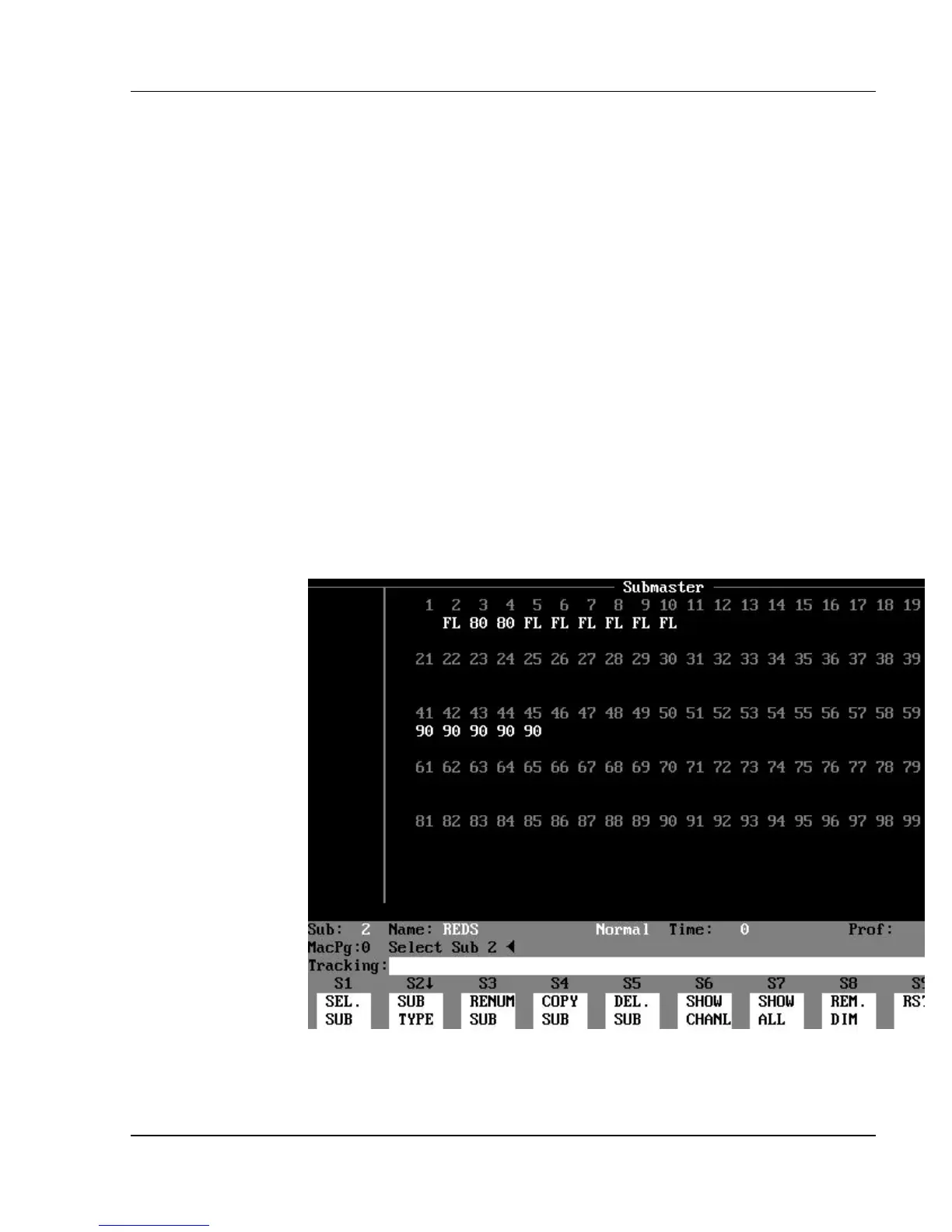
Figure 7.2, Submaster Display
Creating Subs Blind



 To Next Page