Chapter 10: Editing Cues and Using Track Modes
Software Version 3.05
123
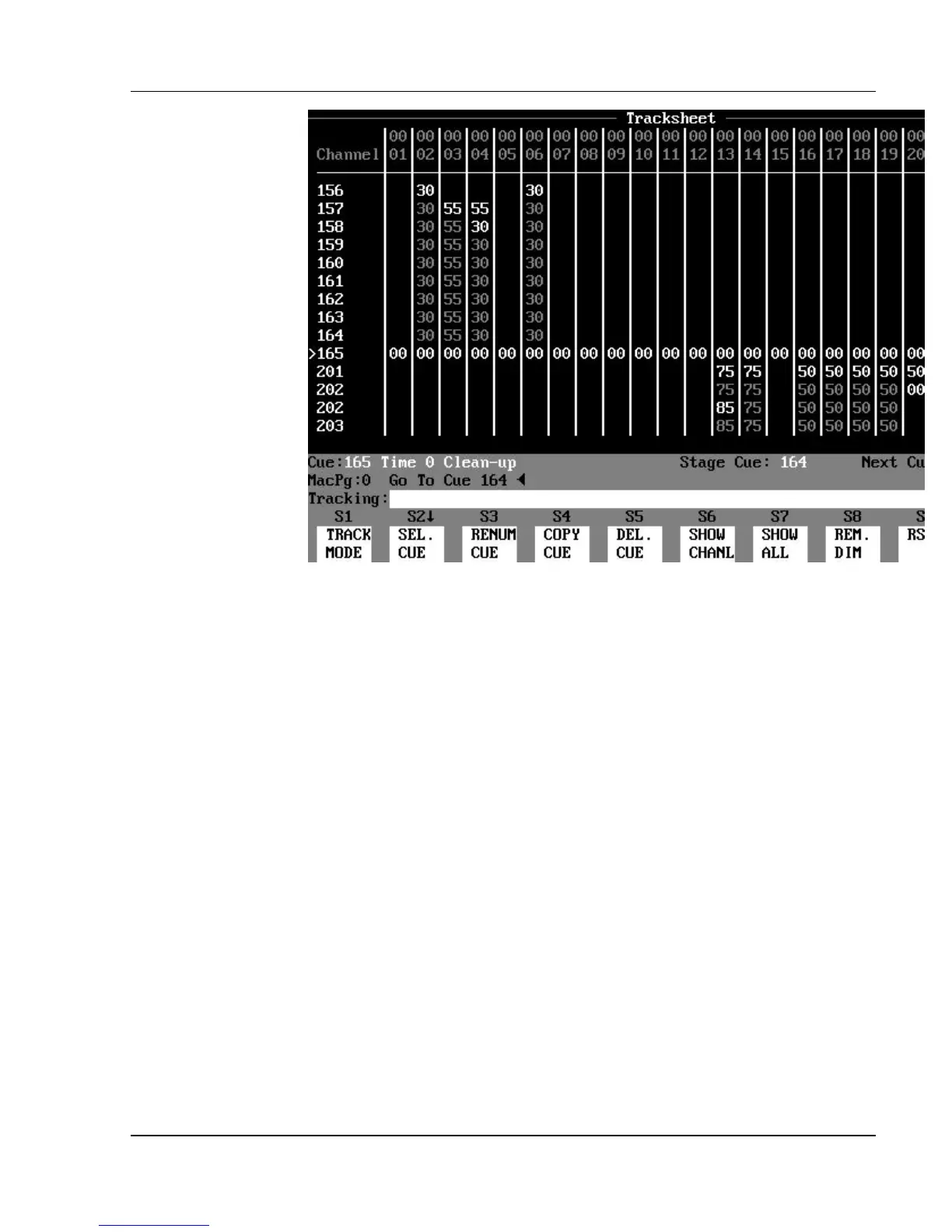
Figure 10.3, A Clean Up Cue Stopping Tracking Levels
? NOTE: Any cue may be created or converted to a "Clean Up cue" by
using the [CLEAN UP] key to assign the Clean Up attribute to the cue,
regardless of the current Track mode.
?
HINT: Some designers make the last cue of each scene a Clean Up
cue to insure themselves a fresh start for each new scene, with no unwanted
tracking levels from the previous "look".
Editing Existing Cue Levels in Different
Track Modes
Each of the editing modes (Tracking, Cue Only, and Clean Up) act differently
not only when you create new cues but also when you edit existing cues. The
same basic principles apply, but each mode has a few unique characteristics
when editing existing cues.



 To Next Page