Chapter 19: Advanced Cues
Software Version 3.05
203
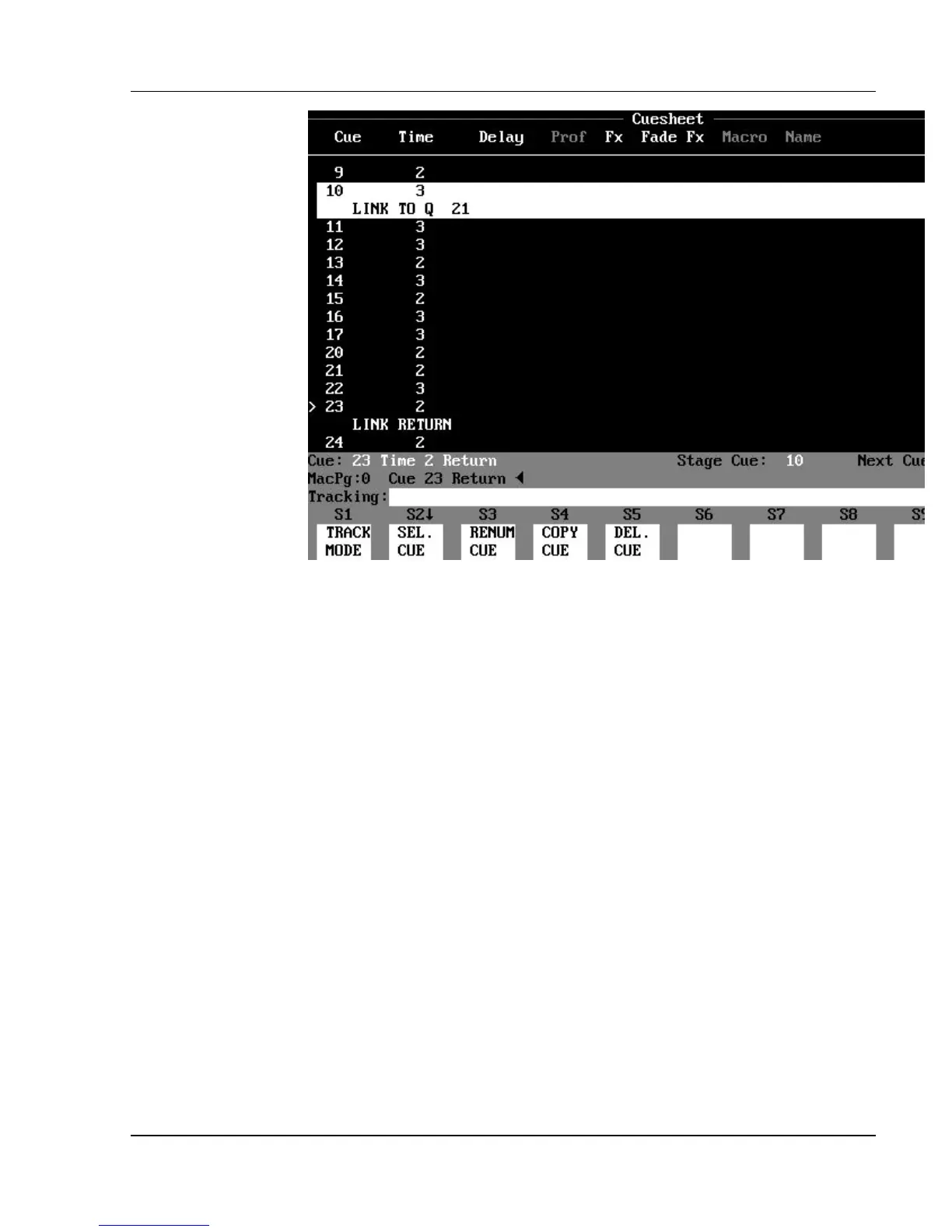
Figure 19.3, Cue Link Return
? EXAMPLE: To assign a Link Return to a cue from the Stage,
Preview, Cuesheet, Playback, or Tracksheet displays:
[CUE] [#] (LINK RETURN) [ENTER]
? EXAMPLE: To set up a Link from cue 10 to cue 21, with a Link
Return from cue 23 back to the original cue sequence:
1. [CUE] [10] [LINK] [21] [ENTER] (Link to
destination cue 21.)
2. [CUE] [23] (LINK RETURN) [ENTER] (Link Return
assigned to cue 23.)
The cue execution sequence would run like this: 9, 10(Link), 21, 22,
23(Link Return), 11, 12, etc.
Link Repetitions
You can use Link Repetition command to specify how many times you would
like a linked sequence to be repeated. You must always assign the Link
Repetition attribute to the cue that has the Link assigned to it.



 To Next Page