Colortran Encore Control Console
Software Version 3.05
50
?
HINT: The (CUE ROWS) soft key also exists as a "hidden" soft key
in the Playback display, under (S1).
?
HINT: Selecting the number of cues rows shown in the Cuesheet
Area may work best when you are using the compressed text display mode (43
lines per page).
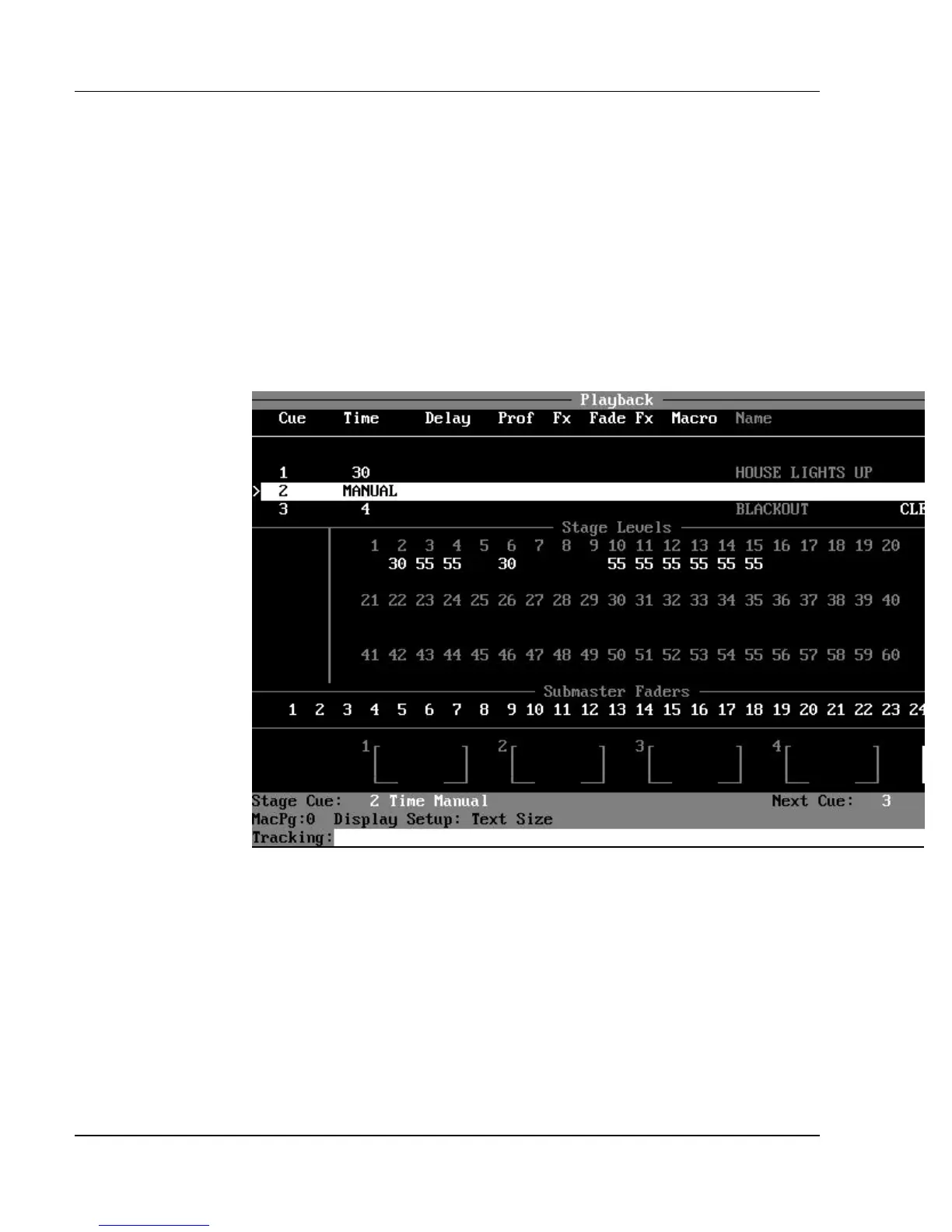
Figure 3.15, Stage Levels in Playback Display
Stage Levels Window: The Playback display also allows you to view
live stage levels. The number of rows of cuesheet information shown in the
Cuesheet Area can be specified in the Setup display by pressing the (DISP
SETUP) and (CUE ROWS) soft keys. If fewer rows are specified than are
available in the display, the extra rows are used to show live stage channel
levels. This feature is especially effective when you are using the compressed
(43-line) text display mode, when you can have many more rows on the screen
than in the uncompressed (27-line) text display mode.
Submaster Fader Window: The Submaster Fader numbers are listed
sequentially in rows, below the cuesheet area. Below the Submaster Fader



 To Next Page