Chapter 3: Displays
Software Version 3.05
49
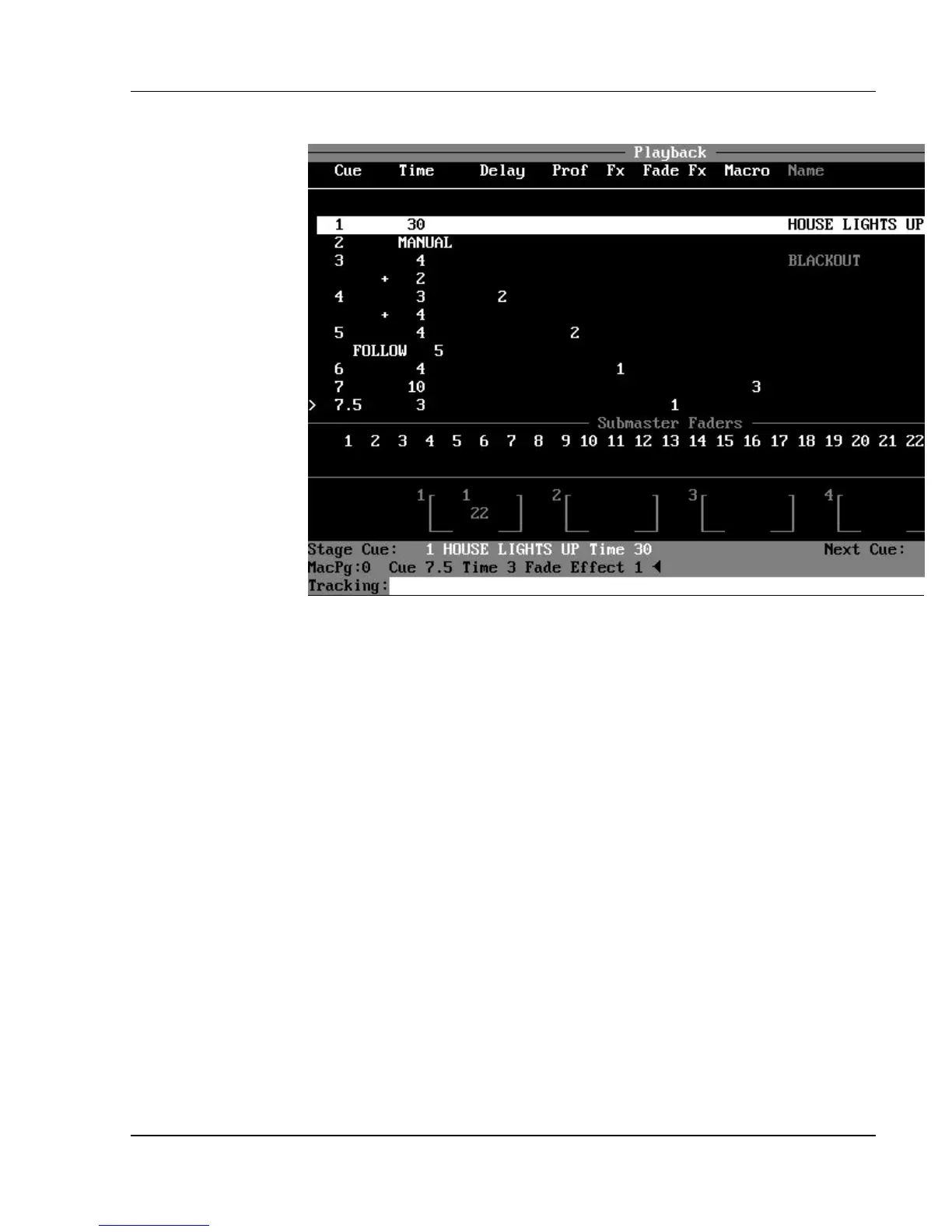
The Playback Display (a live display)
Figure 3.14, Playback Display
Purpose of the Playback Display: The Playback display is used to
view the current status of any running cues and active submasters. The
Playback display shows previous, current, and upcoming cue numbers, while
the Stage display shows the channel levels of fading cues. A limited number of
stage channels can also be shown in the Playback display.
Contents of the Cuesheet Area: The upper area of the Playback
display is the Cuesheet Area, which consists of eight columns listing each cue
and its attributes. This information is identical to the Cuesheet display, except
that in the Playback display:
?? The current stage cue (shown in reverse video in a horizontal gray band)
automatically remains
centered in the Cuesheet Area.
?? You cannot page through the cue list, as in the Cuesheet display.
?? You can select how many rows of cues you want to view on the screen at
one time. Any remaining
space shows stage levels.
You can select the number of cue rows you want to see in the Cuesheet Area by
pressing the
(CUE ROWS) soft key under the Display Setup (DISP. SETUP) soft key in the
Setup display.



 To Next Page