Chapter 5: Setting Up the Soft Patch
Software Version 3.05
69
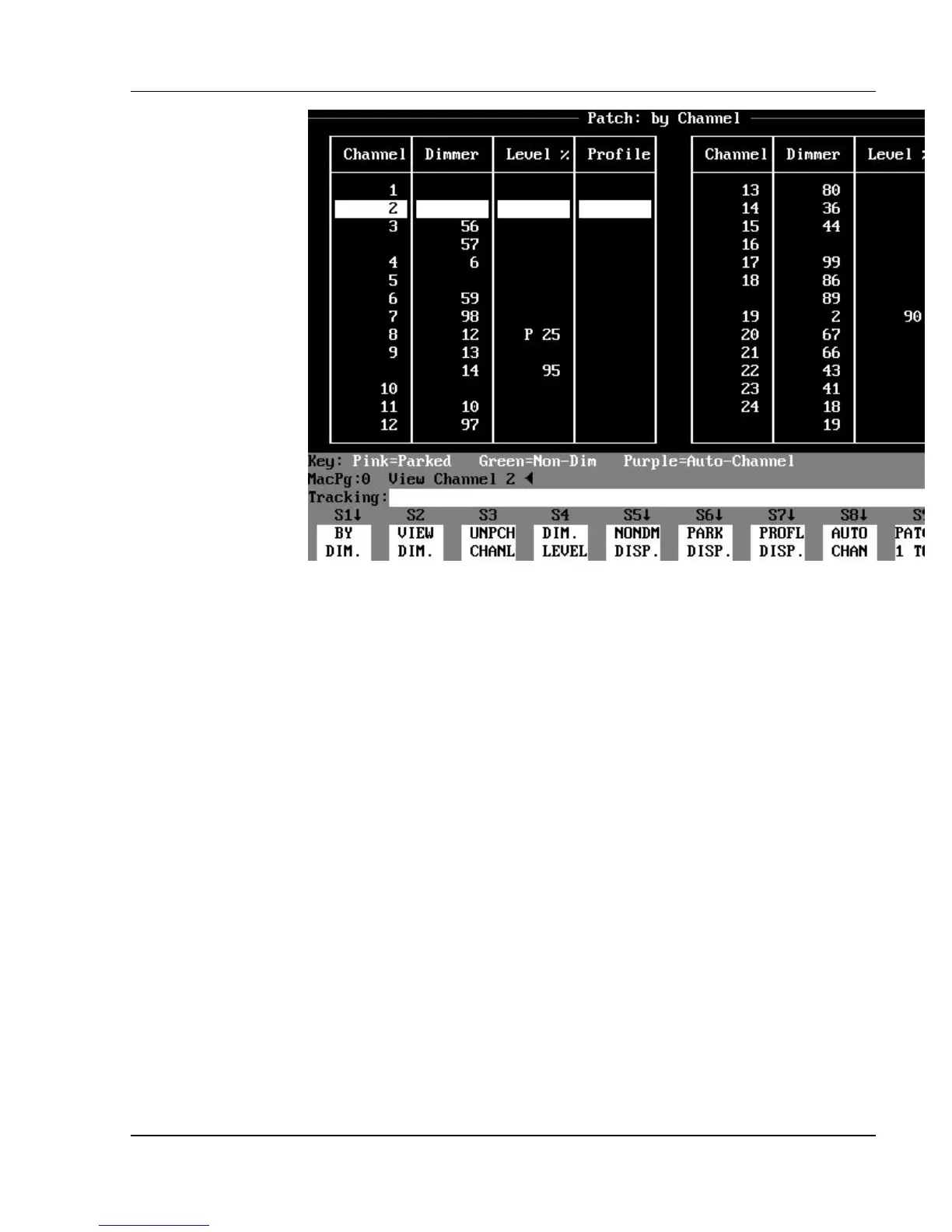
Figure 5.2, Patch: By Channel Display
Patch: By Channel Display Mode
The Patch: By Channel display lists the patches by channel order in the first
column, and the dimmer assignments in the second column. If more than one
dimmer is patched to a channel, the channel number is not repeated in the
channel column, but the channel column will always show a channel number at
the top (when the dimmer assignments to a channel continue from the previous
page).
If no dimmers are patched to a given channel, there is a blank in the dimmer
column next to the channel number. A patched channel is shown in white on
the display, and an unpatched channel is shown in gray .



 To Next Page