Chapter 20: Advanced Patching Options
Software Version 3.05
221
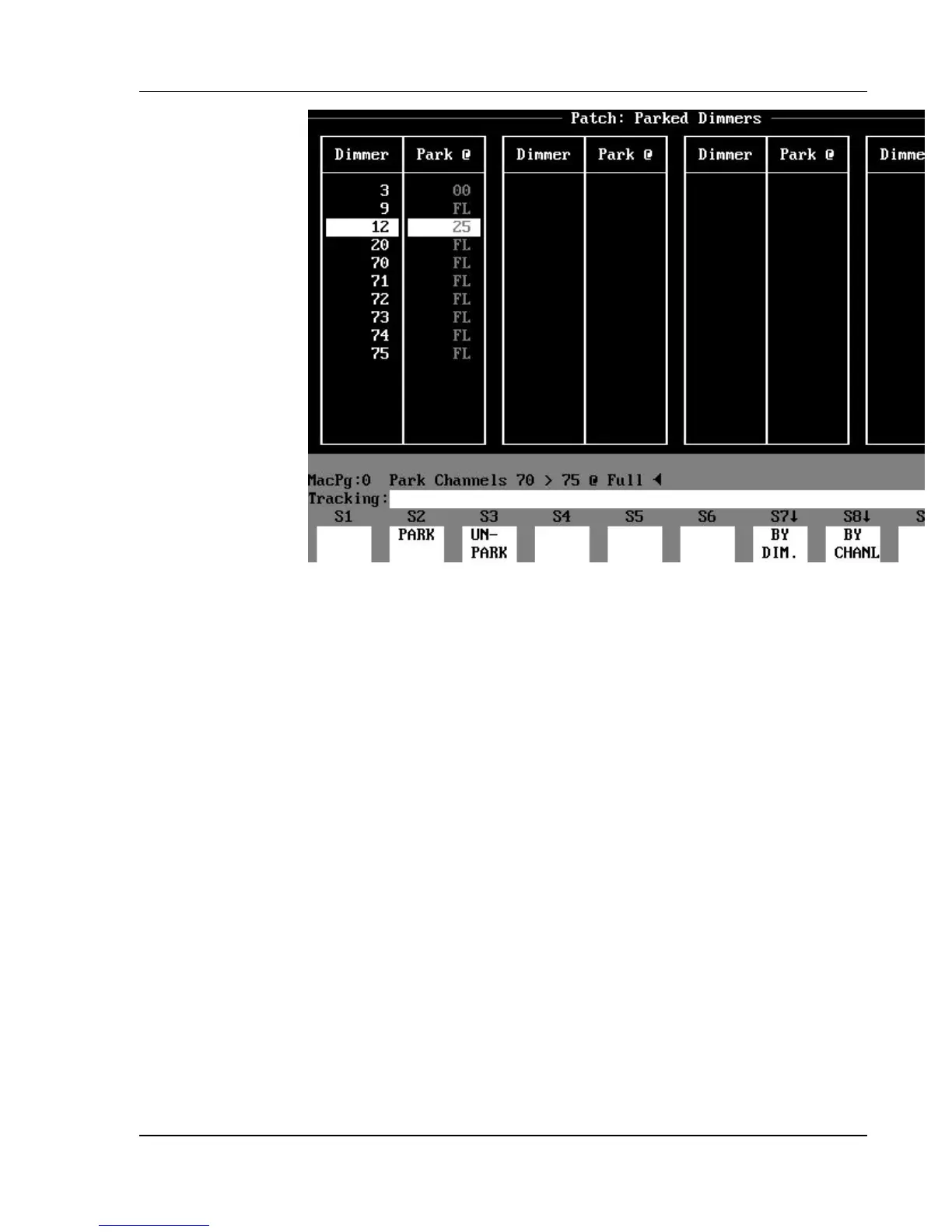
Figure 20.2, Patch: Parked Dimmers Subdisplay
To view a list of all parked dimmers, use the (PARK DISP.) soft key in the
Patch display to reveal the Patch: Parked Dimmers subdisplay. There are two
columns; the left column shows the dimmer number, and the right column
shows the parked level. The current parked dimmer is shown in reverse video.
This is the default dimmer in the Patch: Parked Dimmers subdisplay for
patching and unpatching commands (when you do not specify a dimmer).
Uses for Parked Dimmers
Parked dimmers have a variety of applications. Their biggest advantage is that
you can record cues, groups, and submasters live on stage without recording the
parked dimmer levels. This allows you to use stage lighting circuits for work
lights or rehearsal lights while you are recording cues. You can leave
backstage lighting parked at a low level for backstage running lights. Some
operators use parked dimmers to run the power supplies on their moving lights,
so they don’t worry about them accidentally going out during a cue. If you
control your houselights with your console, you can park your aisle lights at a
low level. These are just a few possible applications.



 To Next Page