Colortran Encore Control Console
Software Version 3.05
A-4
1. Obtain the correct replacement battery, which can be purchased from
your Colortran dealer as
part # 35-00008 (3 VDC 560 mA/hr Lithium). You can also purchase a battery
from your local electronics retailer (Panasonic model CR2354, or equivalent).
2. First, unplug the console from the AC power source!
3. Place the console on a flat sturdy surface.
4. Using a flat blade screwdriver, loosen the large screws on each side of
the console. (The screws are spring loaded "captive" screws - they cannot fall
out.)
5. Lift the front of the top panel, and raise it to its fully upright position.
Support the top panel with the "hood prop" (located inside the edge of the top
panel) by inserting the end of the hood prop into the hole provided in the edge
of the chassis.
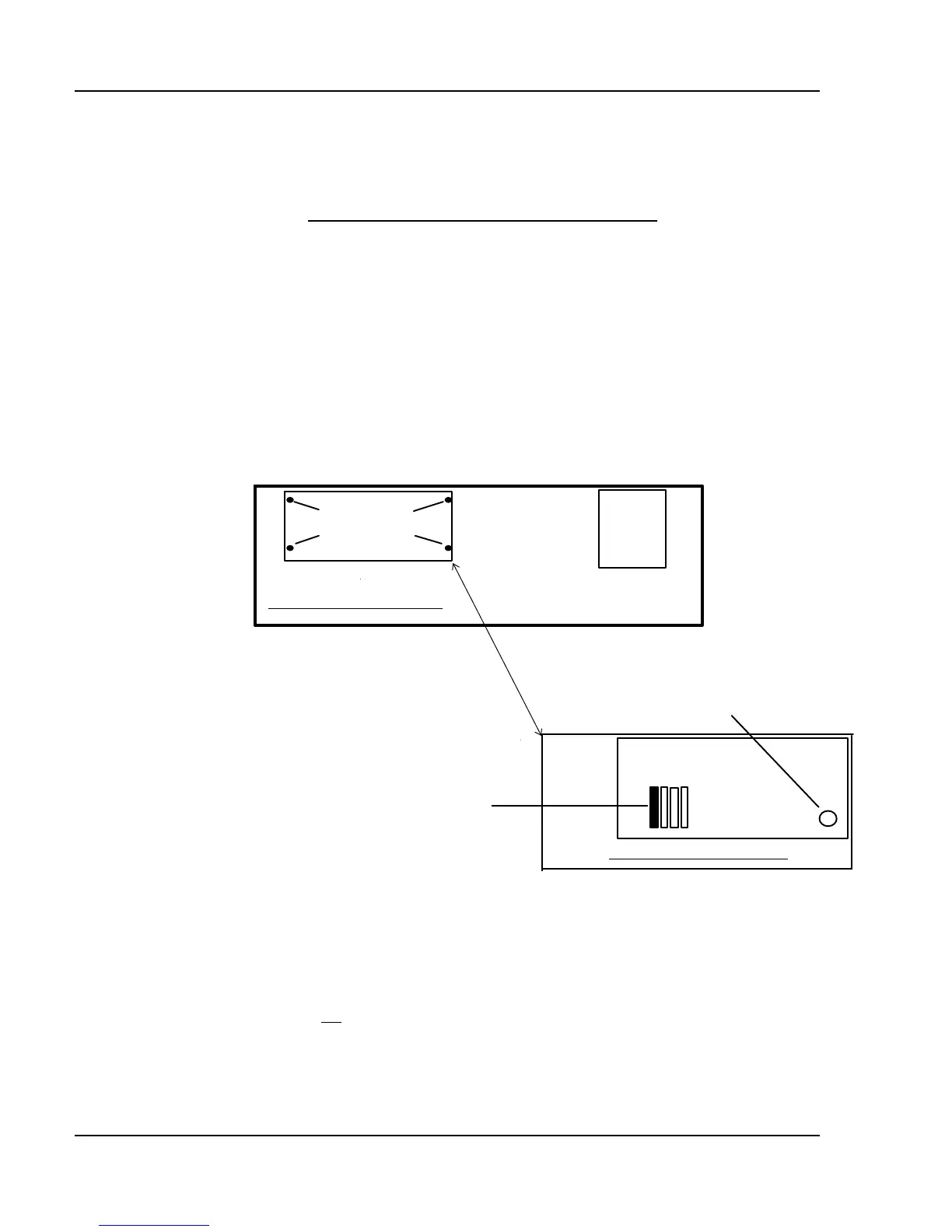
Inside the Encore console
Inset - under Engine Cover
Figure A-1, Inside the Console
6. Remove the 4 hand screws from the Engine cover as shown. These
screws are not captive. Take care not to lose the lockwashers on the hand
screws. (The lockwashers are required to maintain the UL safety compliance.)
Locate the battery as shown.



 To Next Page