Colortran Encore Control Console
Software Version 3.05
56
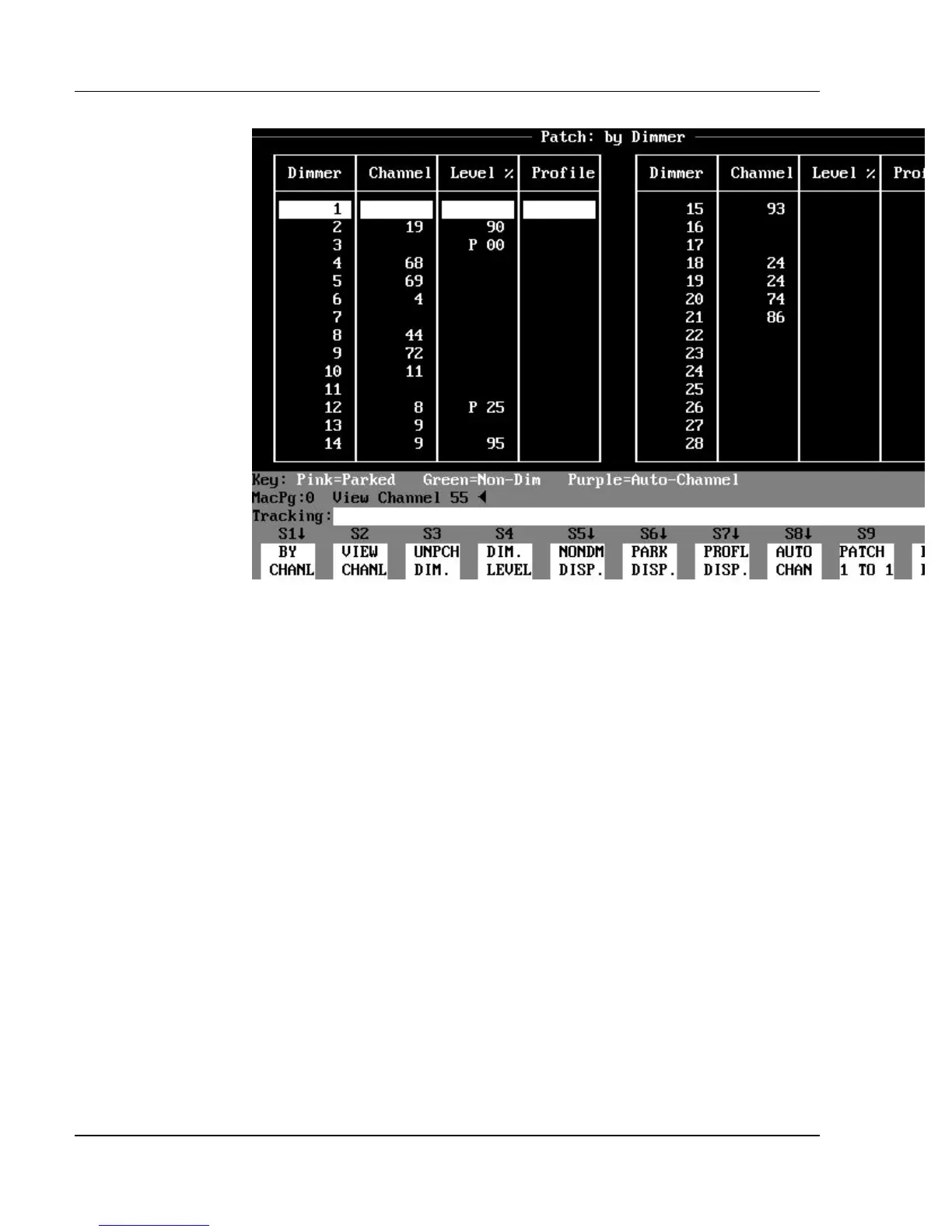
Figure 3.17, Patch: By Dimmer Display
Press the (S1) key to toggle between the Patch: By Channel and Patch: By
Dimmer displays. Press the (NONDM DISP.) soft key to see the Patch: Non-
Dim Dimmers subdisplay. Press the (PARK DISP.) soft key to see the Patch:
Parked Dimmers subdisplay.
? NOTE: (S1) is the (BY DIM.) soft key in the Patch: By Channel
display. (S1) is the (BY CHANL) soft key in the Patch: By Dimmer display.



 To Next Page