Colortran Encore Control Console
Software Version 3.05
82
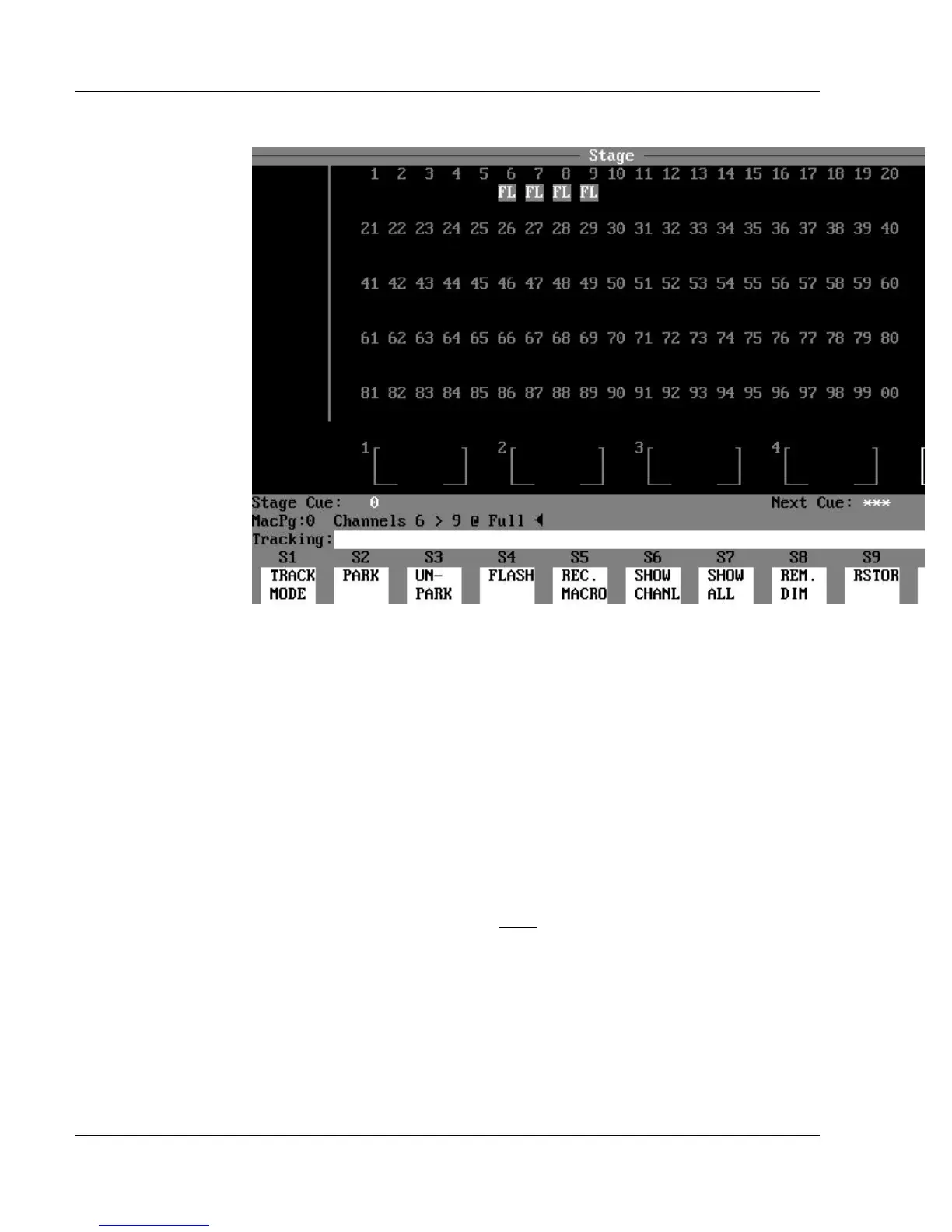
Figure 6.2, Captured Channels
You do not need to set channels to a level in a command to capture them. They
can be captured by simply listing them and pressing [ENTER].
? EXAMPLE: To capture a single channel, without setting a level:
[#] [ENTER]
? EXAMPLE: To capture channels 5 - 20 and channel 30, without
setting a level:
[5] [>] [20] [+] [30] [ENTER]
When the Command Line is “empty” and no channels are currently captured,
pressing the [ENTER] key captures all active channels (all non-zero channels).
The exception to this is that pressing [ENTER] does not capture any Automated
channels. Automated channels must be addressed specifically.
?
ADVANCED TOPIC: See the Automated Channels topic in Chapter
20, Advanced Patching Options.



 To Next Page