124
[4] NUMBER OF EIRES HUNG CHANGE DISPLAY
• Before changing the number of wires hung with the switch for changing the number of
wires hung, be sure to stop the ongoing crane operation. Changing the number of
wires hung during crane operation may result in an unexpected accident.
• Before starting a crane operation, make sure that the number of wires hung set for the
moment limiter agrees with the actual number. Mistaking the number of wires hung
may cause serious accidents to occur.
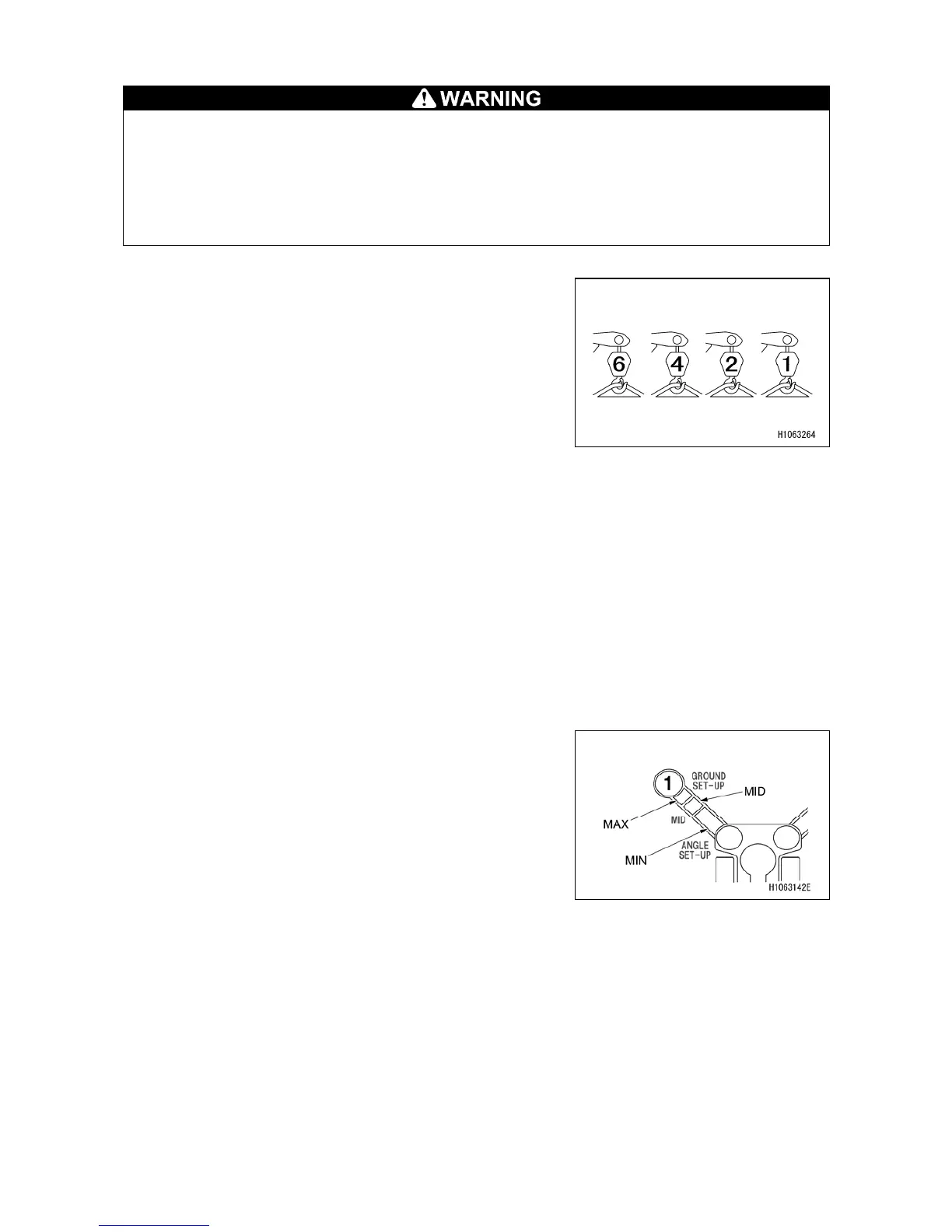
A safety load per one wire rope is specified.
The number of wires hung must be determined according
to the maximum load to be lifted.
Always make sure that the number of wires hung indicated
on the monitor agrees with the actual number.
To change the number of wires, switch to the User Initial
Mode screen by pressing the settings switch on the monitor.
The set value for the number of wires hung will remain
memorized even after the starter switch is set to the “OFF”
position.
[5] BOOM UPPER LIMIT DETECTION
When the boom angle reaches approximately “77 degrees” while the boom is raised up in a boom
derricking operation, the boom stops automatically.
[6] BOOM LOWER LIMIT DETECTION
When the boom angle reaches approximately “3 degrees” while the boom is lowered in a boom
lowering operation, the boom stops automatically.
[7] OUTRIGGER EXTENSION DETECTION
The extension states of individual outriggers are detected
with the four limiter switches installed on the respective
outriggers. The Rated Total Load can be adjusted
according to the indications, MIN, MID, or MAX, for the
outrigger states.



 To Next Page