176
2.26.2 PICK & CARRY POSTURE
2.26.2.1 CHANGE TO PICK & CARRY POSTURE FROM TRAVELLING POSTURE
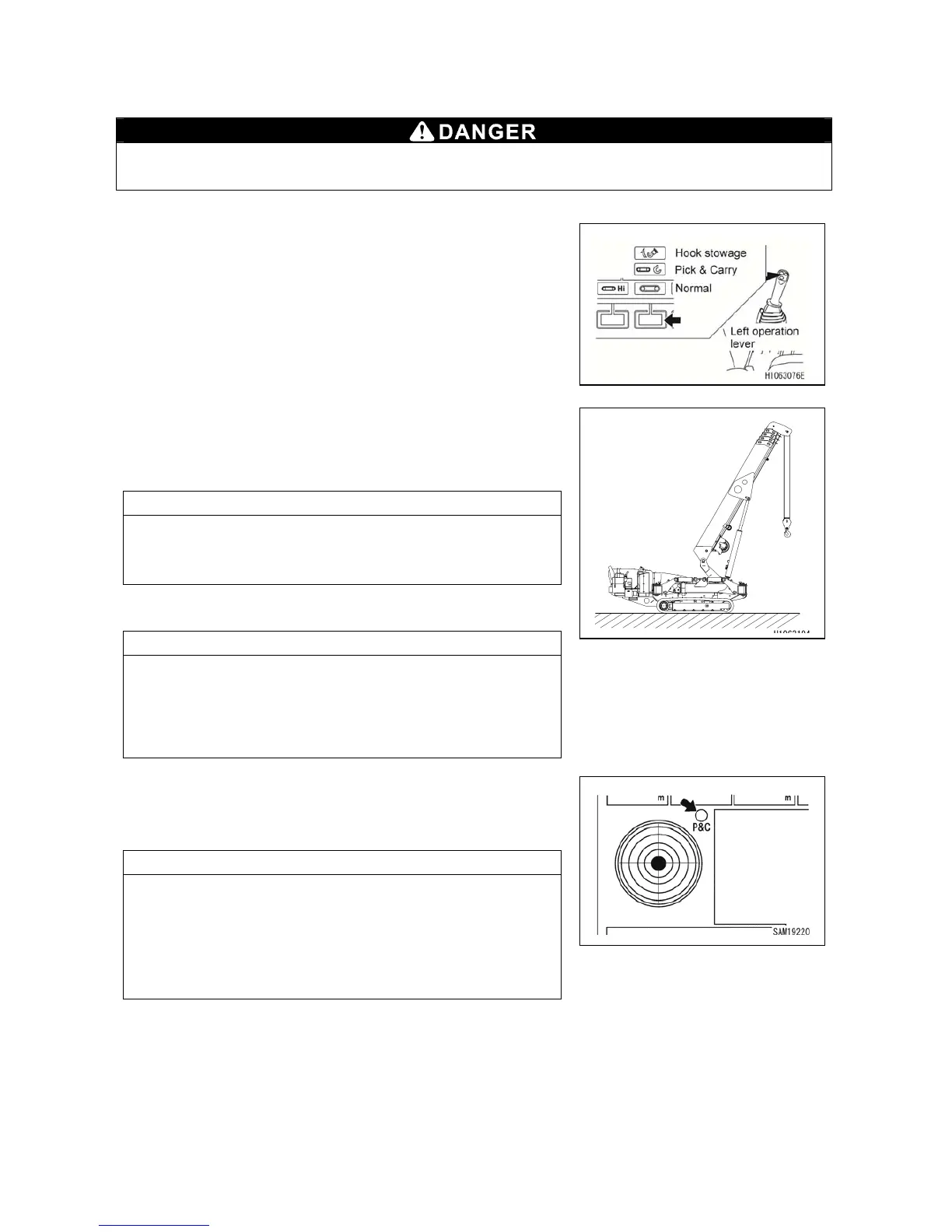
1. Change the mode to Pick & Carry with the mode
selector switch (3) (Pick & Carry) on the monitor or with
the left control lever.
2. Lower the hook block until the overwind detector does
not activate.
3. Raise the boom to more than 70 degrees.
NOTES
If the machine is inclined for more than 2 degrees,
operation is restricted. In such case, place the machine
on level and firm ground and try it again.
4. Slew the boom to 180±5 degrees.
NOTES
• Slewing operation is possible only when the boom is
fully retracted, boom angle is more than 70 degrees and
there is no load hoisted.
• While operating the slewing, other crane function
cannot be operated.
5. When the Pick & Carry position lamp lights in yellow,
pick & carry can be operated.
If this is not lit, check the machine condition.
NOTES
Lighting condition of the Pick & Carry position lamp (lights
up when all conditions are met)
• Boom is fully retracted
• Boom angle is more than 60 degrees
• Slew boom to 180±5 degrees
• No load hoisted
When changing machine from travelling posture to pick & carry posture, be sure to carry
it out on level and firm ground. Otherwise it may cause tipping of the machine.



 To Next Page