105
1.2.8 LIGHT SWITCH
Use this switch to turn on the headlights equipped on the
front of the machine.
The pilot lamp on the switch lights up when the switch is
set to the “ON” position, and goes out when it is set to the
“OFF” position.
・ON: The lamp lights up.
・OFF: The lamp goes out.
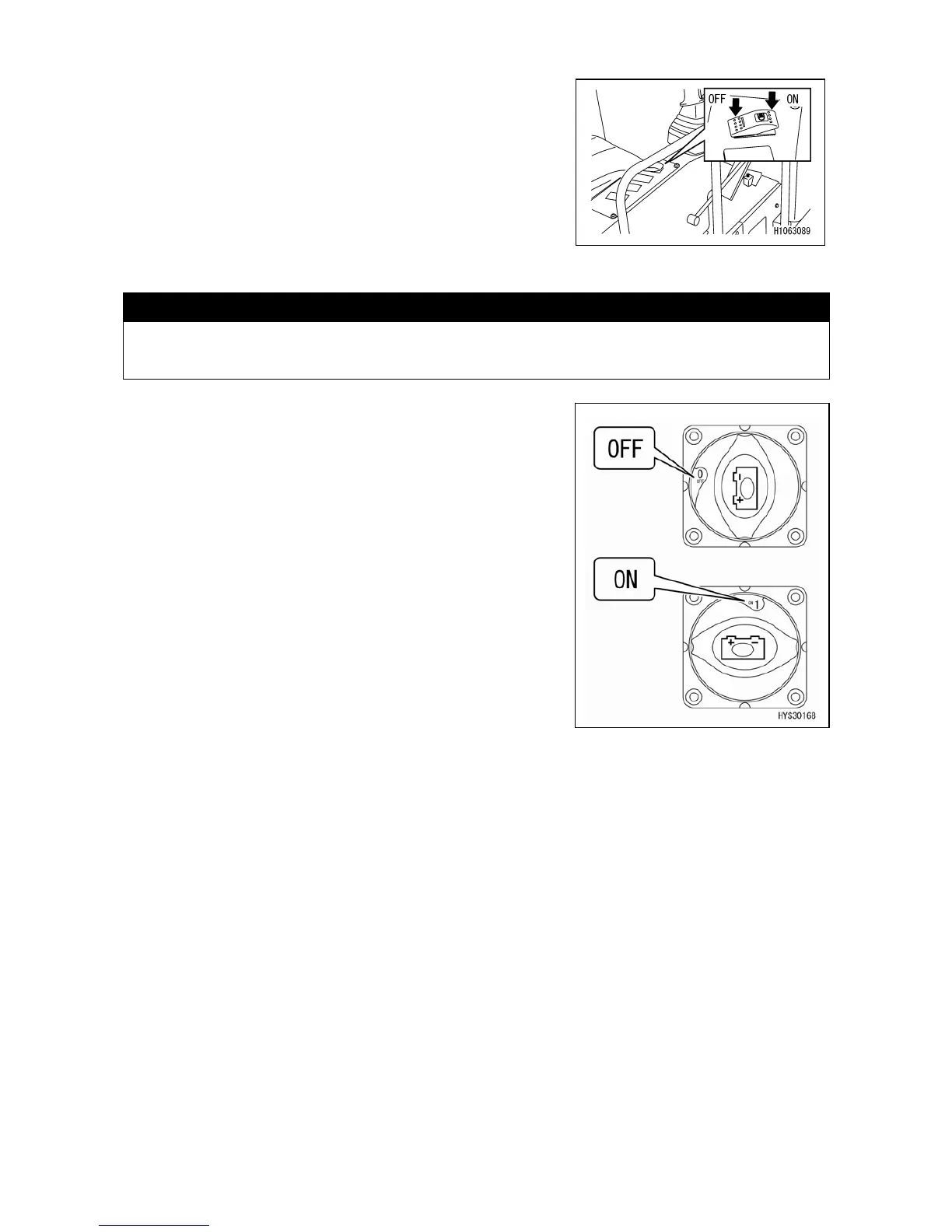
1.2.9 DISCONNECT SWITCH
CAUTION
Be sure to place this switch in the “ON” position. Use this switch temporarily only in the
case of preventing unexpected startup of electrical equipment during inspection and
maintenance.
Use this switch to turn off the battery power supply to
prevent unexpected startup of electrical equipment during
inspection and maintenance.
• OFF: The battery power supply is turned off and no
electricity flows through all the electrical systems.
• ON: The battery power supply is connected.



 To Next Page