204
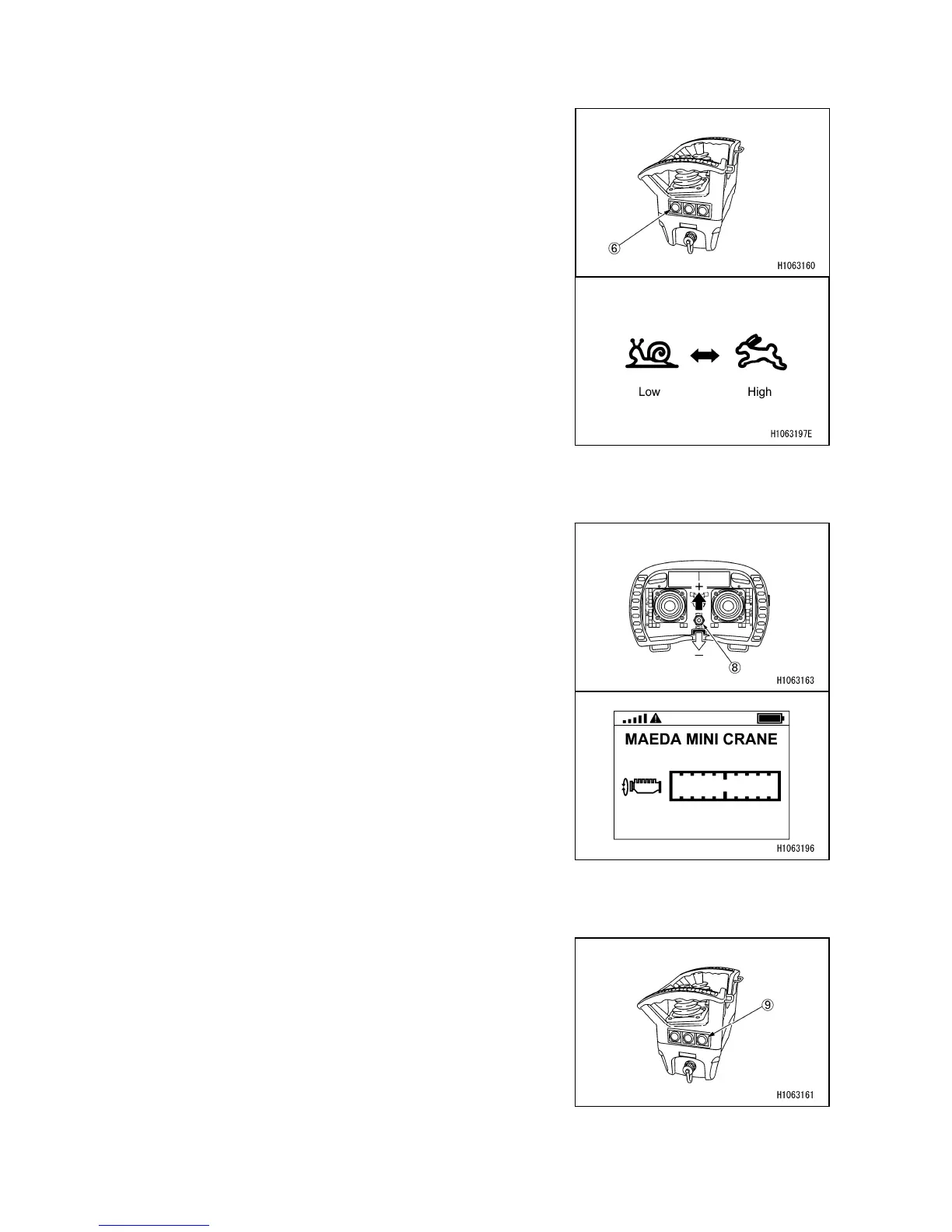
3.9 OPERATING SPEED SELECTOR/OUTRIGGER SELECT SWITCH
Only in the Crane and Travel modes, does it become
possible to switch the speed mode between High and Low
by pressing Speed selector/Outrigger select switch (6).
In the outrigger mode, the outrigger operation mode can be
switched between Extension and Extension stowage by
pressing the Speed selector/Outrigger select switch (6).
3.10 OPERATING ACCELERATOR CONTROL SWITCH
The accelerator control switch (8) allows you to control the
maximum rpm of the engine.
The maximum rpm value appears on the left-side monitor
(M1) when the crane menu is displayed.
+: Increases maximum rpm
-: Decreases maximum rpm
3.11 OPERATING HORM SWITCH
The horn keeps blowing while this switch (9) is pressed and
held.



 To Next Page