Procedures for Testing with the DX Host
94 Baker DX 71-030 User Guide EN V10 www.megger.com
9. Touch the ZS Override icon to establish its settings at the reference level.
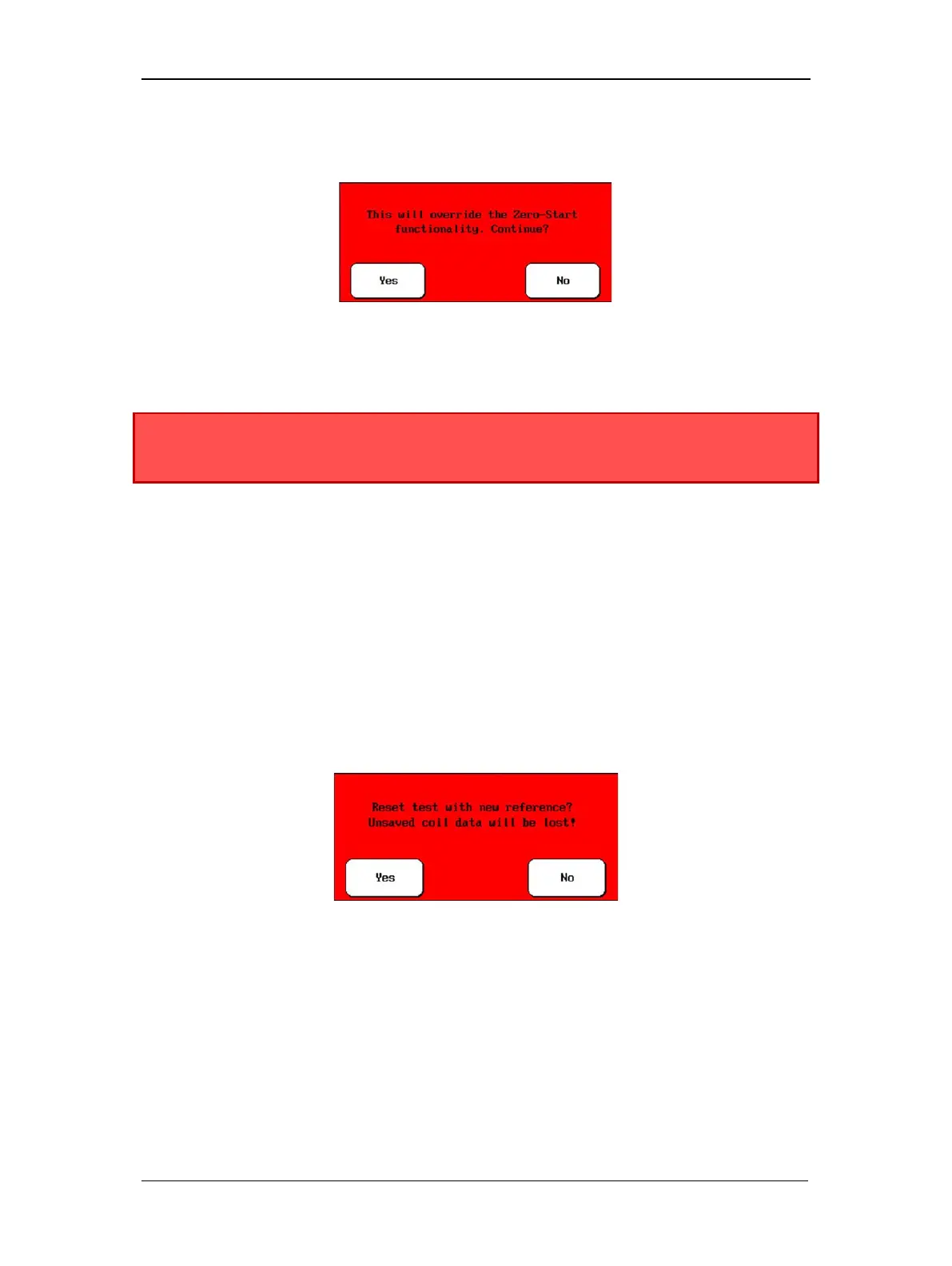
10. Touch Yes when the following message appears:
Figure 103. Override zero-start functionality message dialog.
11. After you set the ZS Override level, the Voltage Output Control knob on the unit will
no longer control the unit’s output voltage.
WARNING: To avoid injury or death from severe electrical shock, take
precautions because subsequent tests will immediately apply the test voltage to
the coil. Voltage will not start at zero.
12. You can now test a group of “identical” coils by sequentially connecting the test leads
to each coil, pushing the Start (PTT) button and holding it for approximately 10 pulses.
(When armature testing, retest the first bar pair or span to obtain information for those
windings, then move on to the next pair or span.)
Resetting Test Reference
1. If for some reason you need to reset the reference (for example, you ran a few more
tests and realized that your “known good” coil was not what you expected, you can
simply touch the Set Reference icon again when you have the preferred waveform.
2. When a reference has already been set, you will see a dialog box like the one shown
below asking if you want to clear all coil data collected and use the new reference.
Select Yes.
Figure 104. Reset test reference dialog box.
3. Ensure that the zero-start override is set.
4. You can now test a group of “identical” coils by sequentially connecting the test leads
to each coil, pushing the Start button and holding it for approximately 10 pulses.



 To Next Page