General Operating Information
megger.com 5
Baker ZTX E-stop and Remote E-Stop
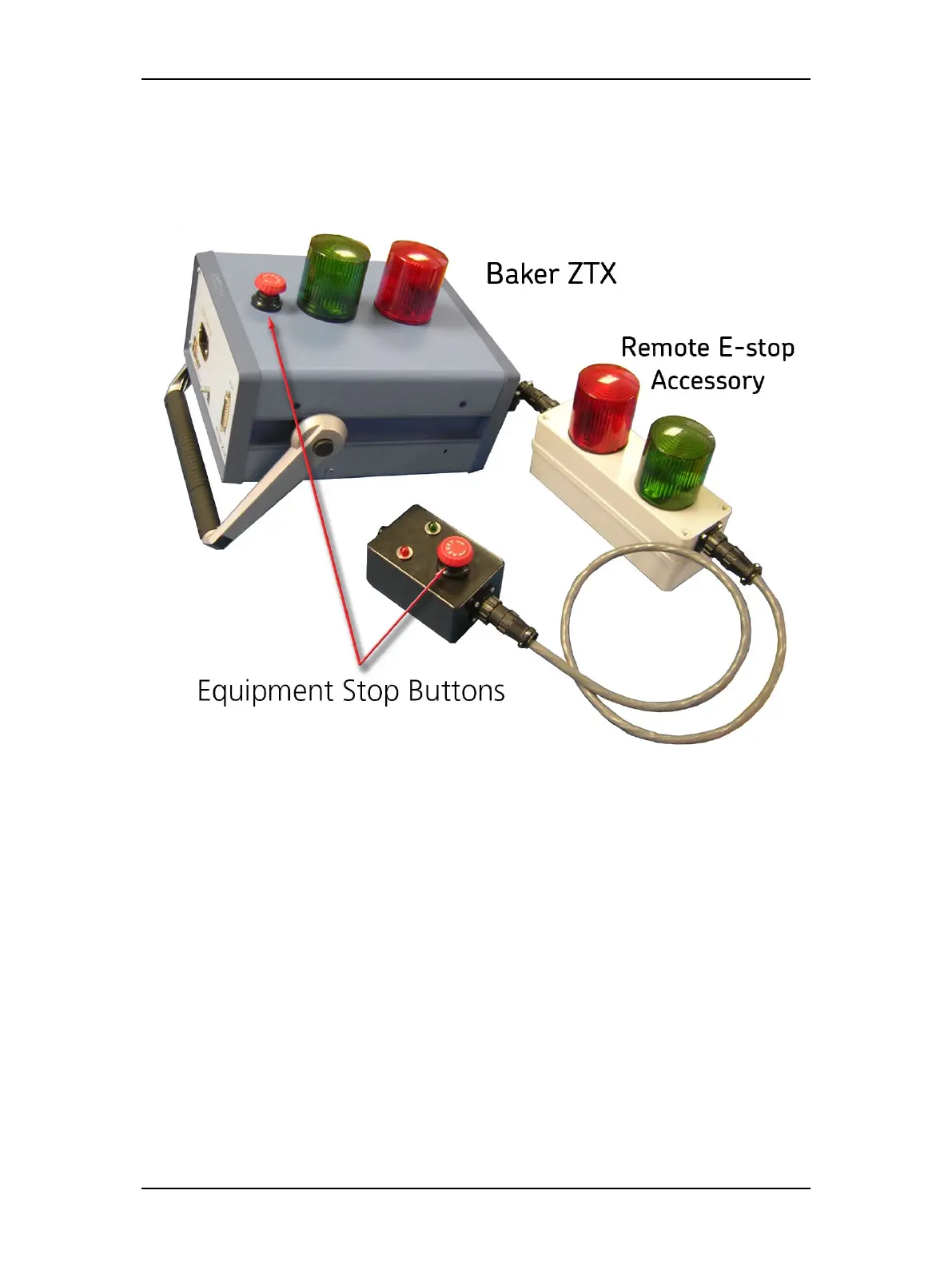
The Baker ZTX unit and the remote E-Stop unit are both equipped with a red Equipment Stop
button. The Equipment Stop button is on top of the Baker ZTX unit and it is in the line with
the status lights on the remote E-Stop accessory.
Figure 3. Baker ZTX unit and Remote E-Stop Equipment Stop buttons.
After being pressed, the button will remain locked in position until manually retracted by rotating
the Equipment Stop button clockwise. A warning message will appear on the DX screen.



 To Next Page