Procedures for Testing with the DX Host
66 Baker DX 71-030 User Guide EN V10 www.megger.com
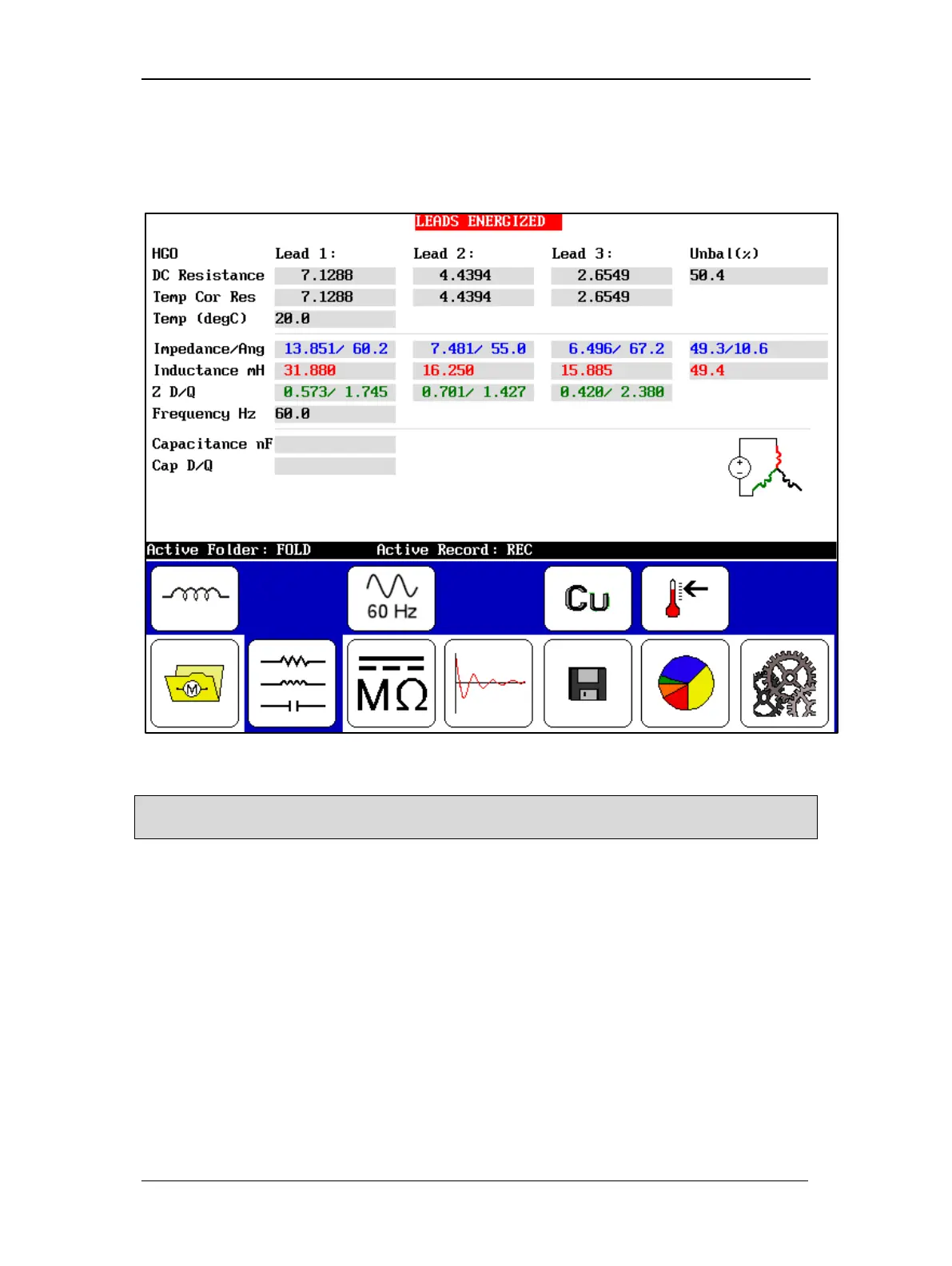
4. Push and release the Start (PTT) button to run the inductance test. Inductance
measurements will automatically be made for all three phases. The “Leads Energized”
message will appear at the top of the display. When the test finishes, the results and
unbalance will display on the screen.
Figure 70. Inductance test results screen.
NOTE: Be sure to save the tests you want to report. If you require another inductance test, running this test
again will overwrite the current results unless you save it.



 To Next Page