Using Baker DX Non-Test Functions
44 Baker DX 71-030 User Guide EN V10 www.megger.com
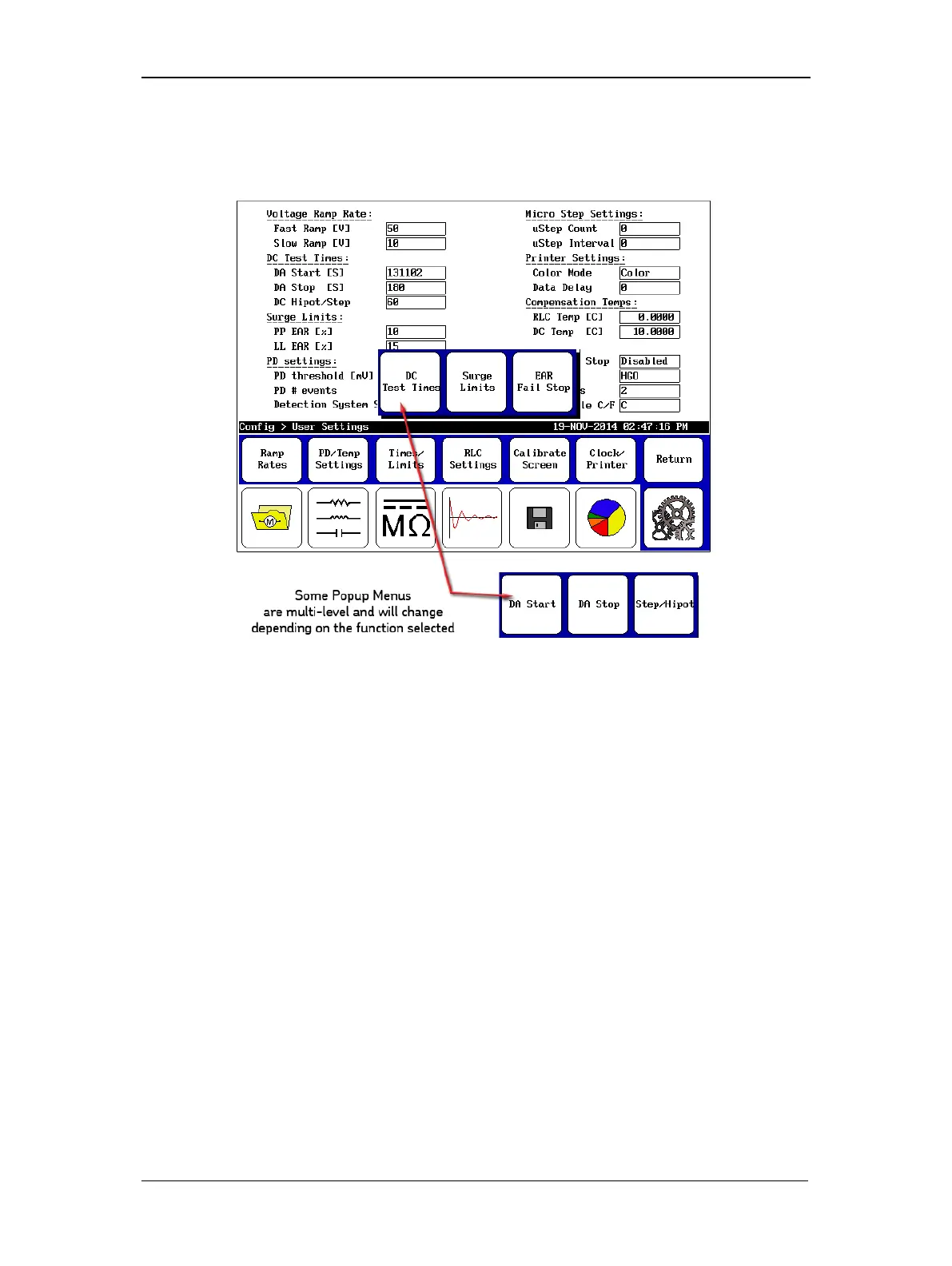
As the graphic below illustrates, some popup menus are multi-level and will change depending
on the function selected. In this example, when the Times/Limits then DC Test Times icon is
touched, the popup menu changes to display the options for DC test times.
Figure 47. Multi-level Popup Menu example.
Partial discharge testing uses settings in both the Voltage Ramp Rate and PD settings sections.
Application of these parameters for PD testing is explained in more detail on the next page.



 To Next Page