Baker DX User Interface Overview
megger.com 23
Popup Menus
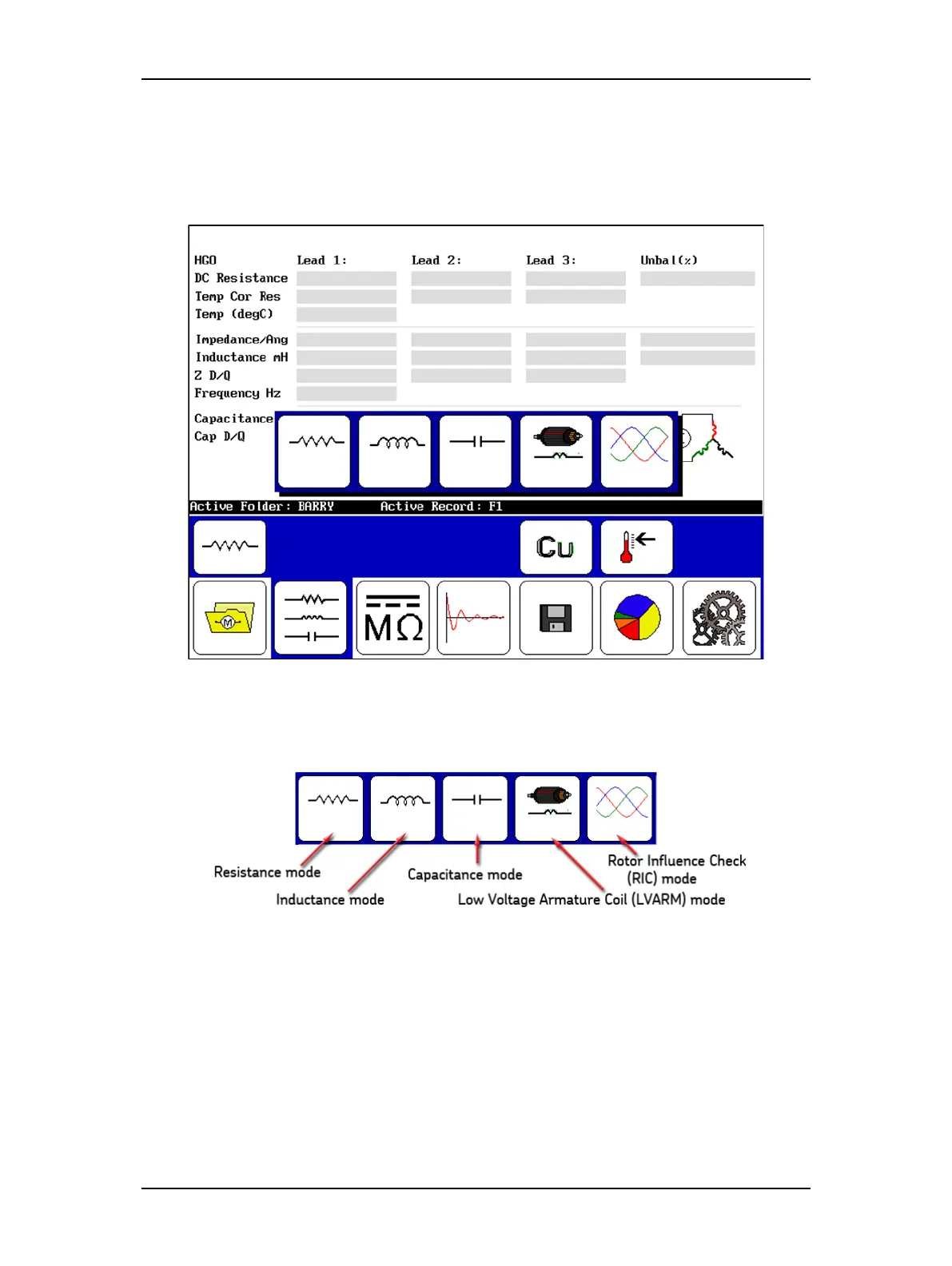
Popup menus appear when specific functions are selected during the testing process. In the
example below, a popup appears in the Display Area when the RLC test selection icon (first
icon from the left in the Mode Submenu) is touched.
Figure 24. Popup menu appearing when the mode icon is touched.
The details of this popup menu are provided in the example below.
Figure 25. Popup menu icon descriptions for mode selection.
Descriptions of other popup menus are provided in each test description section as needed.



 To Next Page