megger.com 29
4 — Using Baker DX Non-Test Functions
Data Management Operations
Managing Data Folders
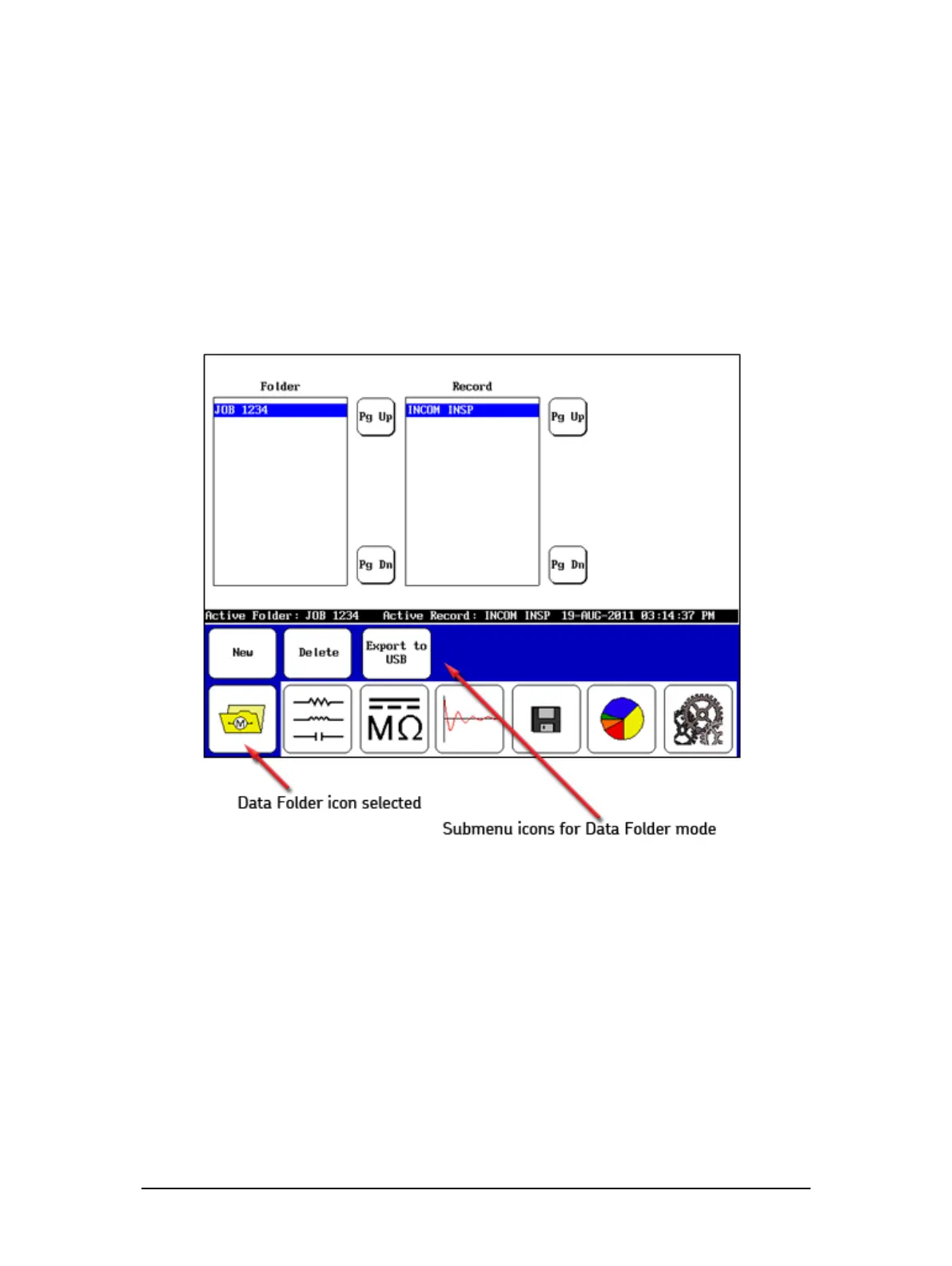
Moving from left to right on the mode menu, the first mode is activated by pressing the Data
Folders icon. Touching this icon brings the Folder and Record lists into the Display Area as
shown below.
Figure 31. Data folder mode.
Managing Test Data
The submode icons for Data Folders mode are self-explanatory. Data management functions
for a given test typically involve creating folders and records for new data, saving data, viewing,
exporting or deleting existing data, or printing data.



 To Next Page