Procedures for Testing with the DX Host
122 Baker DX 71-030 User Guide EN V10 www.megger.com
8. Continue testing by moving the rotor to a new position and executing another test (via
the PPT button). The “Leads Energized” message will appear at the top of the display
with each test execution. When you have completed all your tests on every rotor
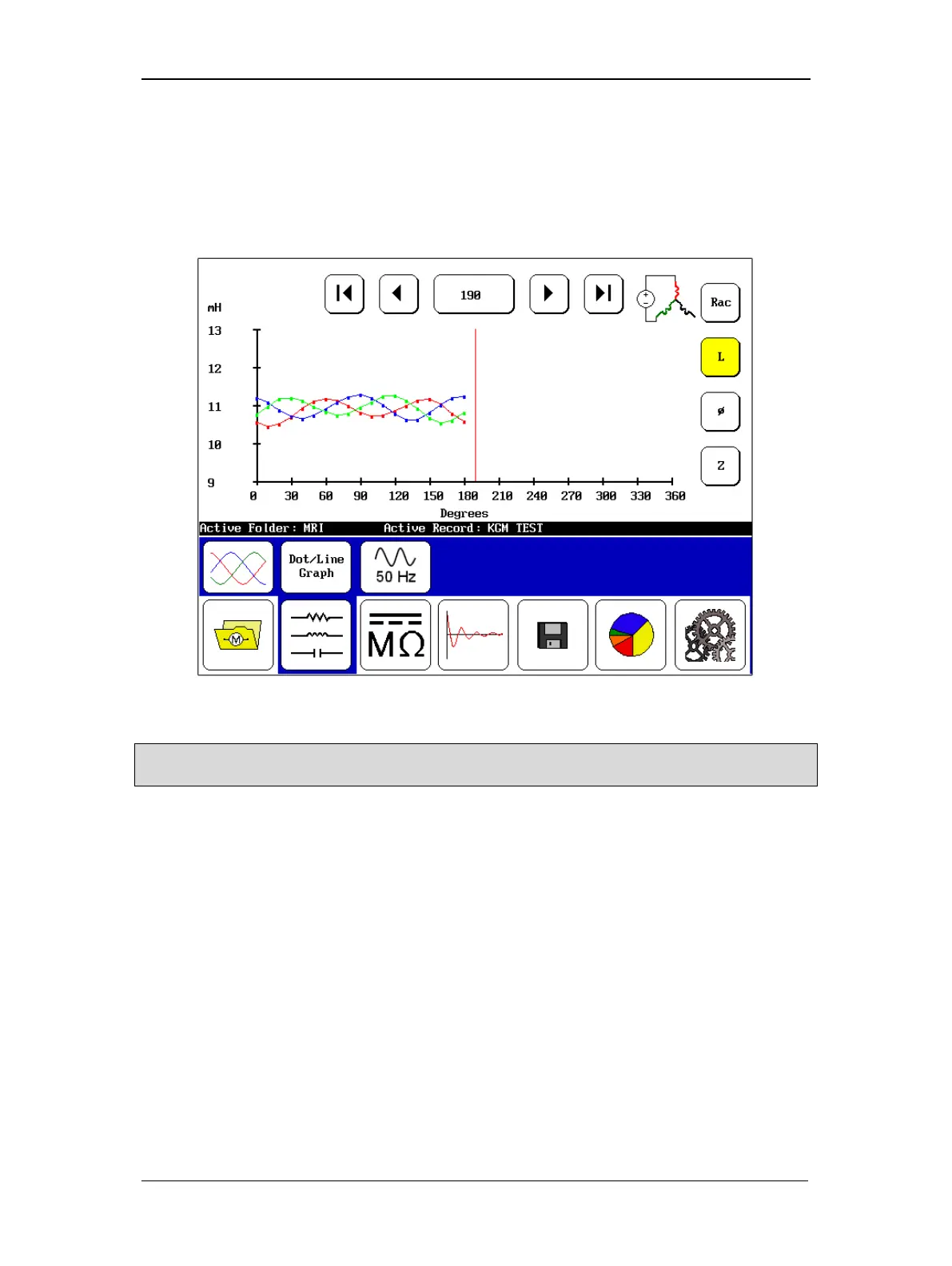
position, the test results will be plotted in the Display Area. In the following example,
the test is still in progress, but the results are representative of what you will see during
testing.
Figure 136. RIC test results screen.
NOTE: The X-axis starts with 0–90 degrees in the display, but if the measurements continue past 90 degrees
the scale will bump up to 120, 180, and 360 as needed (depending on the number of poles in the motor).
9. When you have completed your tests, touch the Save icon to store your test results.



 To Next Page