Procedures for Testing with the DX Host
megger.com 99
1. Ensure that Active Folder and Active Record in the Status Bar display the proper
locations for where the data for the Surge tests will be stored.
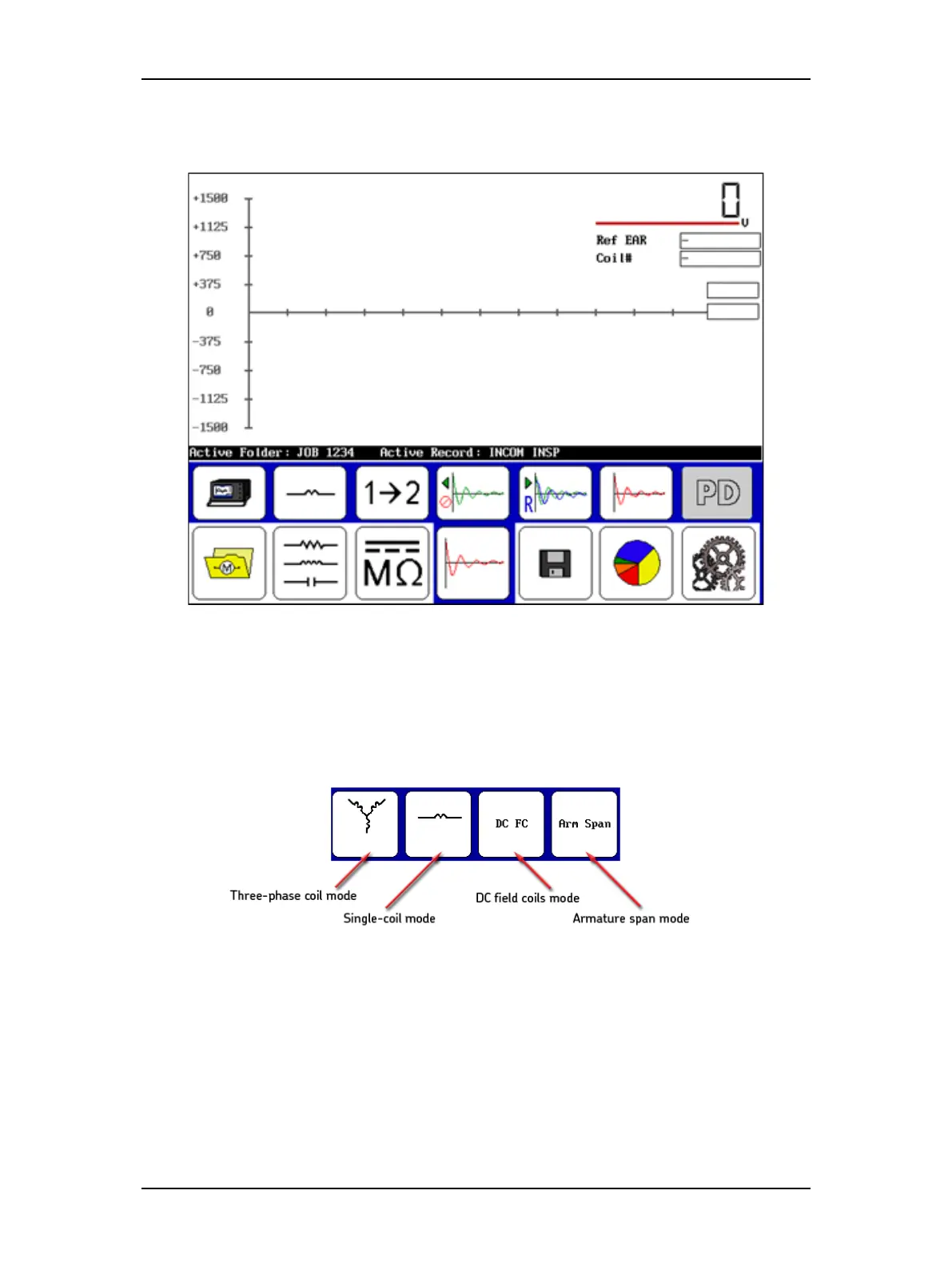
Figure 109. Single-coil test initial screen.
2. For this example (and for armature span testing), ensure that the Configuration
options icon shows the standalone unit selected. (Other uses of this process would
select the Power Pack, ZTX, or Armature (DX-15A) icons.)
3. Touch the Coil mode selection icon to bring up the popup menu shown below.
Figure 110. Coil mode selection popup menu.
4. Select the Single-coil mode icon for this example. (Other uses of this process would
select other options such as Arm Span, Arm Bar, or DC IP).



 To Next Page