Procedures for Testing with the DX Host
megger.com 95
Using the Recall Reference Feature
If you come in fresh to this screen, you have to create a reference. If you test a coil and touch
the Set Reference icon, that data becomes your reference. But if you have not tested anything
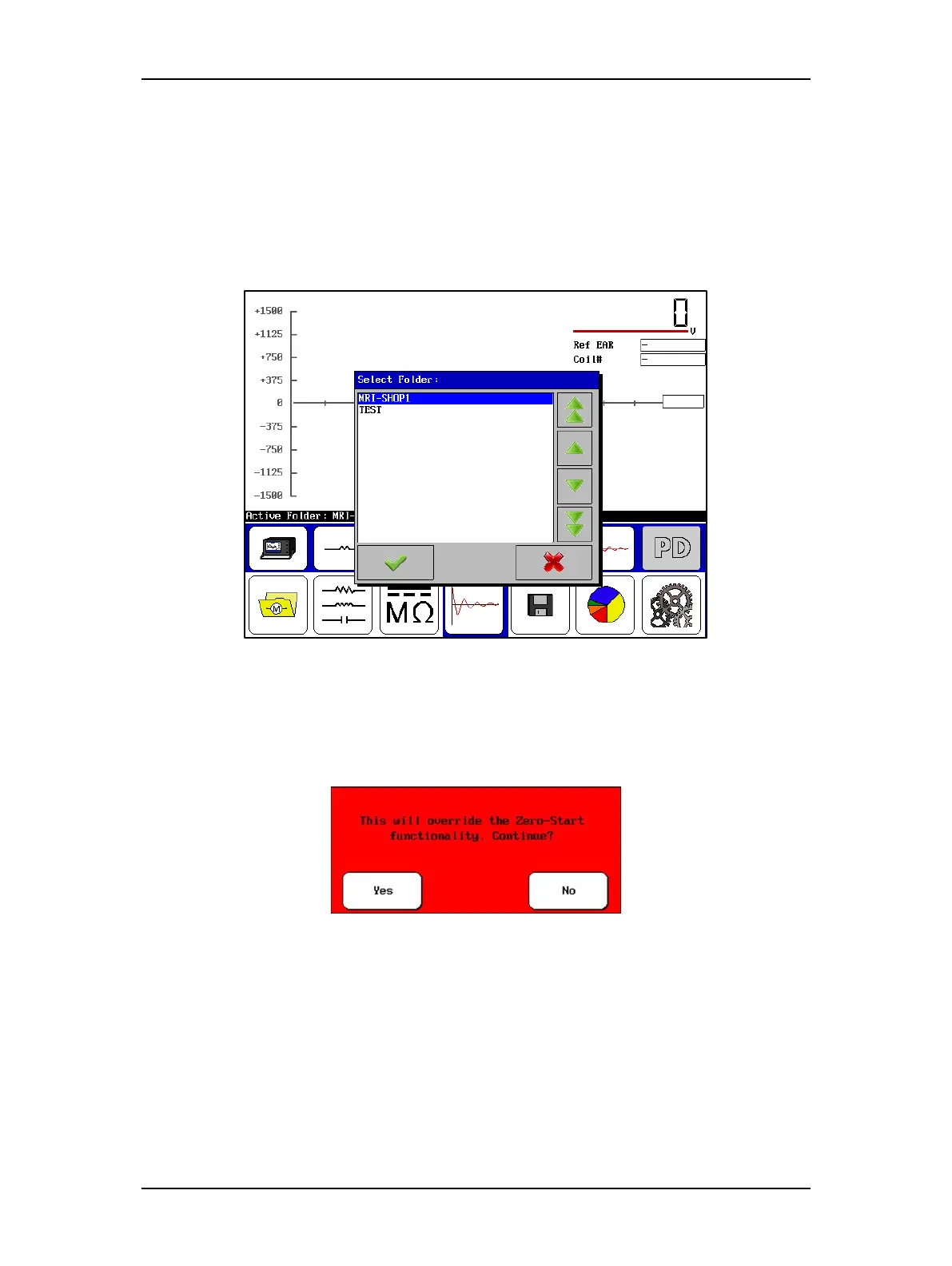
yet, and you already have a reference saved, touch the Set Reference icon and the following
dialog box appears so you can locate and select a previously-saved reference.
1. Select folder, record, then reference. You will see a dialog confirming that the new
reference was set.
Figure 105. Using the recall reference feature.
2. When you have set the new reference and before you start testing other coils, touch the
ZS Override icon to establish its settings at the reference level.
3. Touch Yes when the following message appears:
Figure 106. Override zero-start functionality message dialog.
4. After you set the ZS Override level, the Voltage Output Control knob on the unit will
no longer control the unit’s output voltage.



 To Next Page