Procedures for Testing with the DX Host
68 Baker DX 71-030 User Guide EN V10 www.megger.com
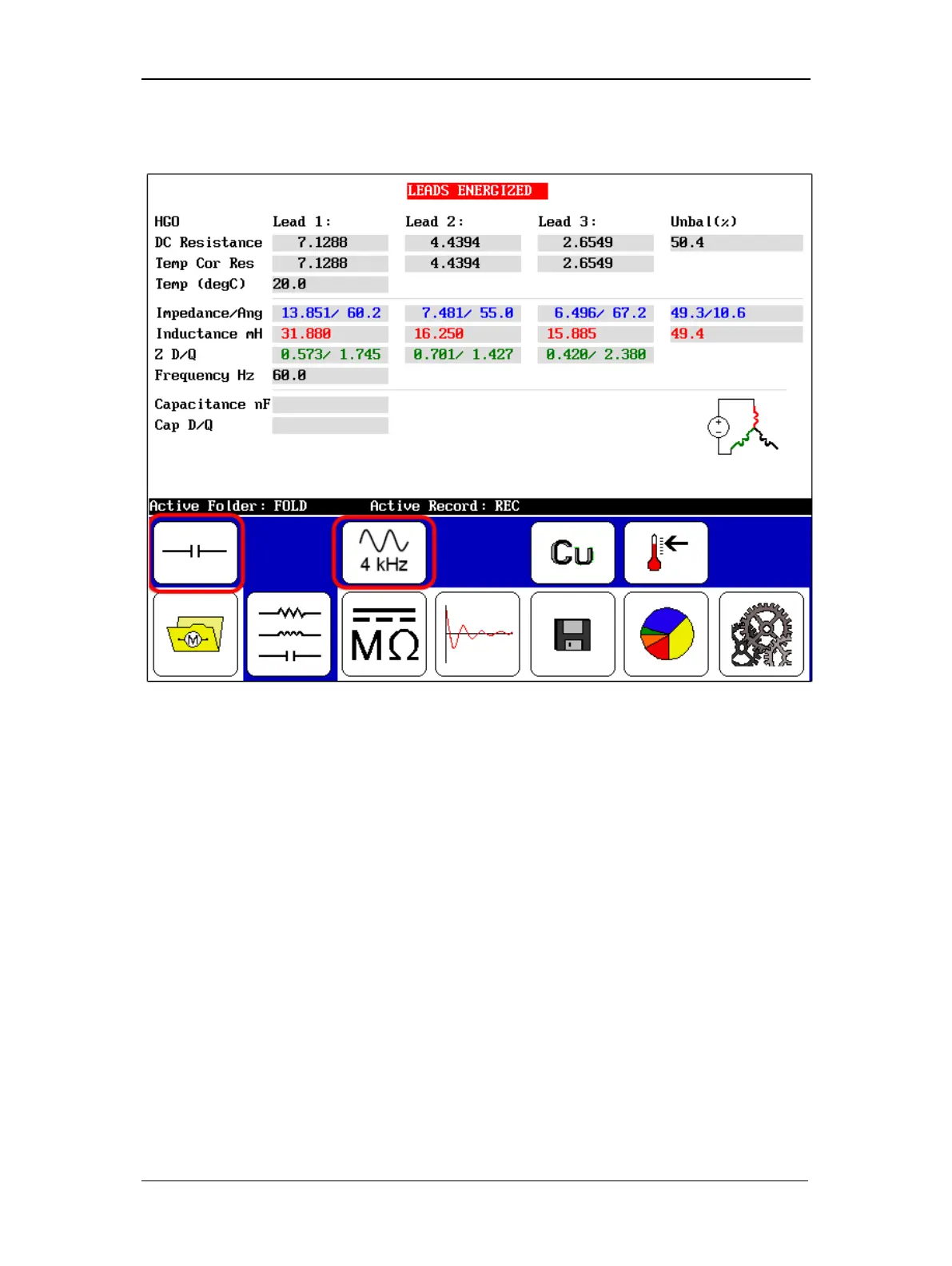
4. Ensure that the folder and record you want to use are shown as the Active Folder and
Active Record.
Figure 72. Capacitance test start screen.
5. Touch the RLC Test Selection icon to change it to show the Capacitance Test icon.
6. The submenu changes as shown in the example above with the
4 kHz frequency icon shown to identify the frequency at which the capacitance tests are
conducted. (Capacitance tests are restricted to 4 kHz.).



 To Next Page