Using Baker DX Non-Test Functions
42 Baker DX 71-030 User Guide EN V10 www.megger.com
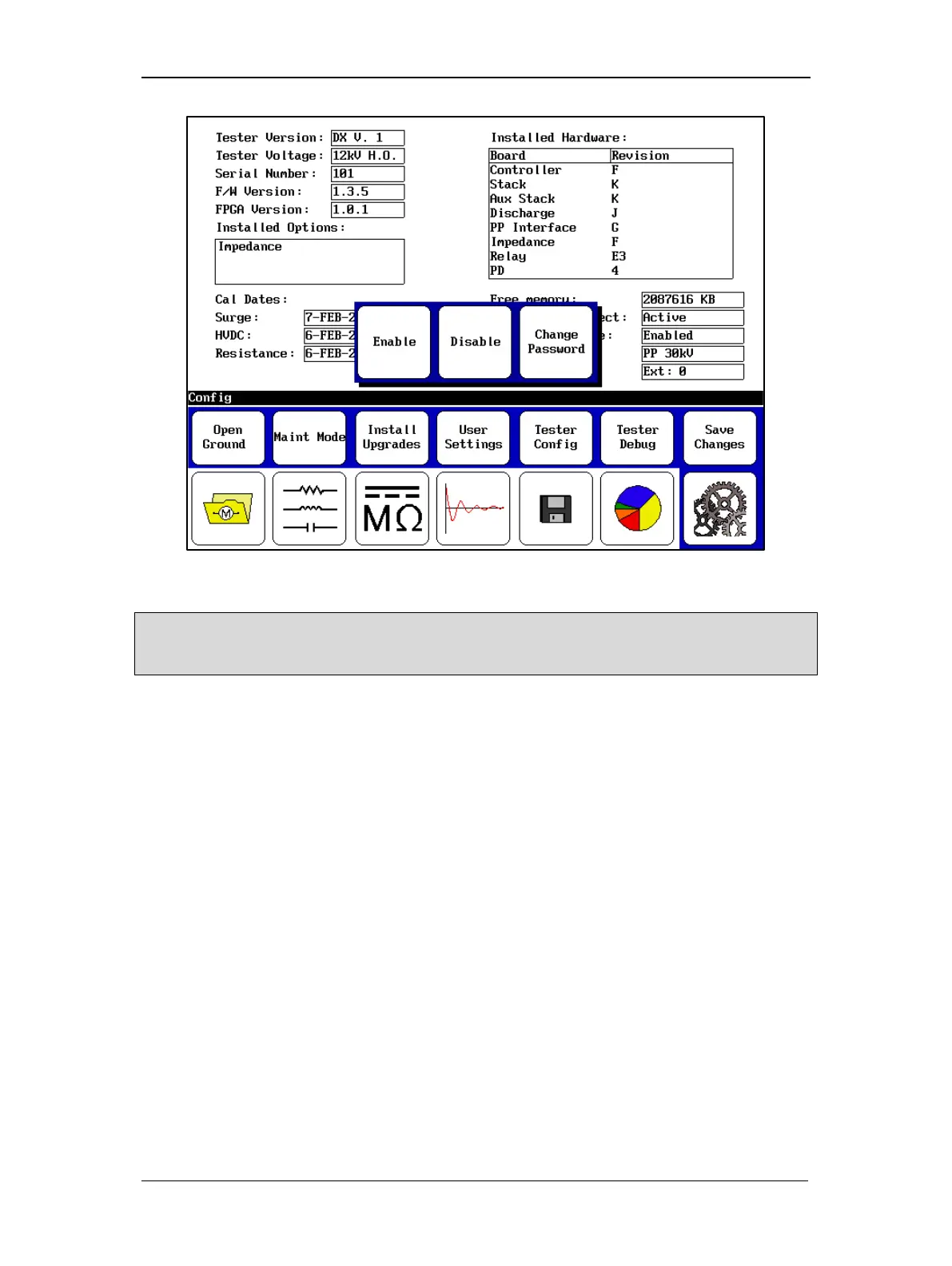
Figure 45. Maintenance Mode popup menu.
NOTE: This area can also be used to enter system settings in admin mode, but that mode is reserved for
Megger personnel. The admin password is based on hardware specific to the machine and cannot be
changed.
Touch the Install Upgrades icon to open an Enter Activation Code dialog in which you enter
codes for new software upgrades purchased. The upgrades appear in the Installed Options list
after they are added to the system.



 To Next Page