Procedures for Testing with the DX Host
megger.com 69
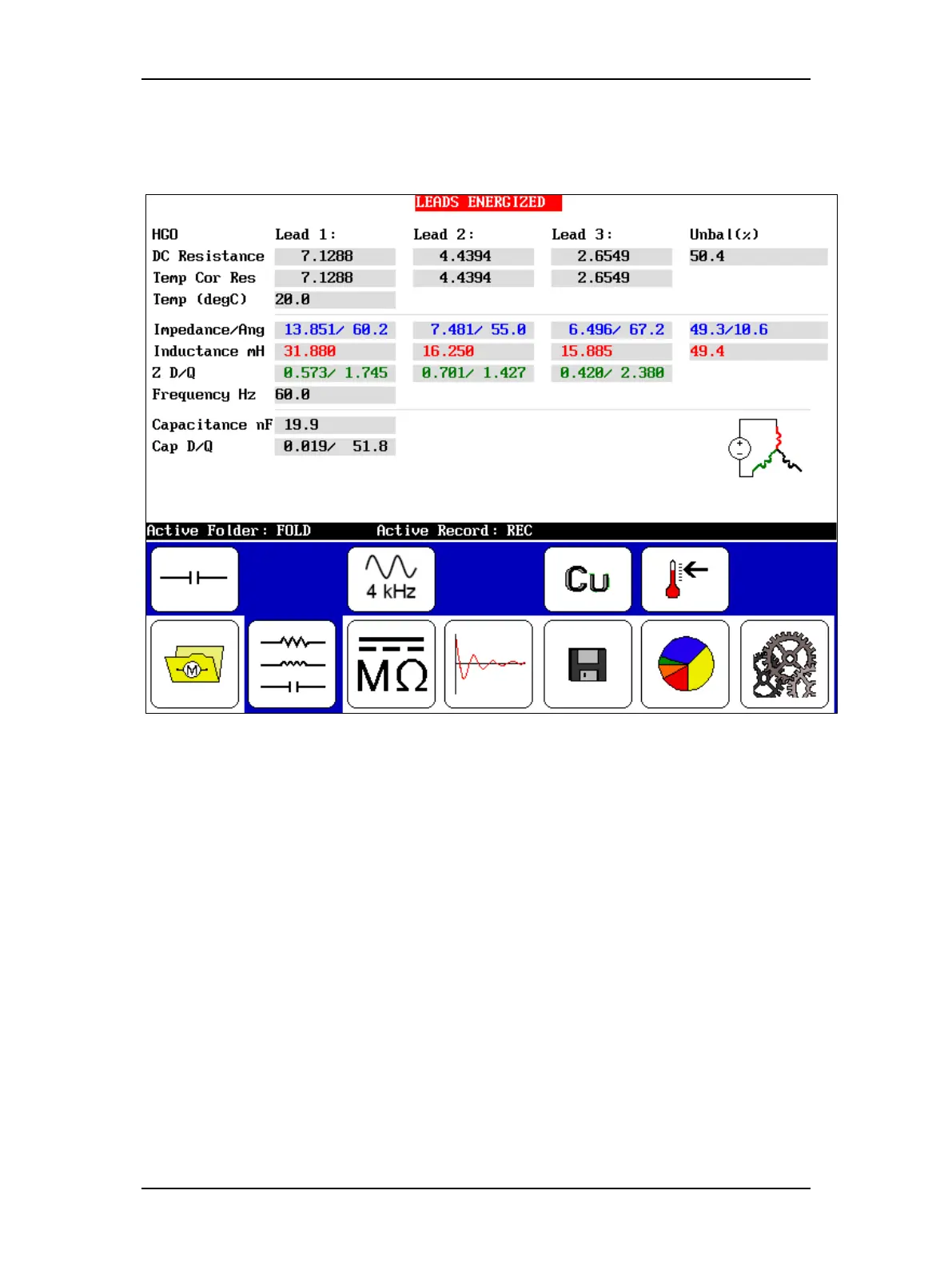
7. Push and release the Start (PTT) button to run the capacitance test. The “Leads
Energized” message will appear at the top of the display. When the test finishes, the
data will include in the capacitance results.
Figure 73. Capacitance test results screen.
8. Touch the Save icon to save your data, unless you plan to conduct more capacitance
tests (data will save to the selected folder). In any case, be sure to save your data before
going on to the next set of tests. The next test will overwrite unsaved test data.
9. Disconnect the low-voltage resistance test leads and set them safely aside.



 To Next Page