Procedures for Testing with the DX Host
80 Baker DX 71-030 User Guide EN V10 www.megger.com
12. Release the PTT button.
13. Use the Surge waveform zoom icons to adjust the display scale of the surge
waveform.
14. If the winding is a wye or delta configuration, select coil 2 and repeat the process from
step 10; then repeat again for coil 3.
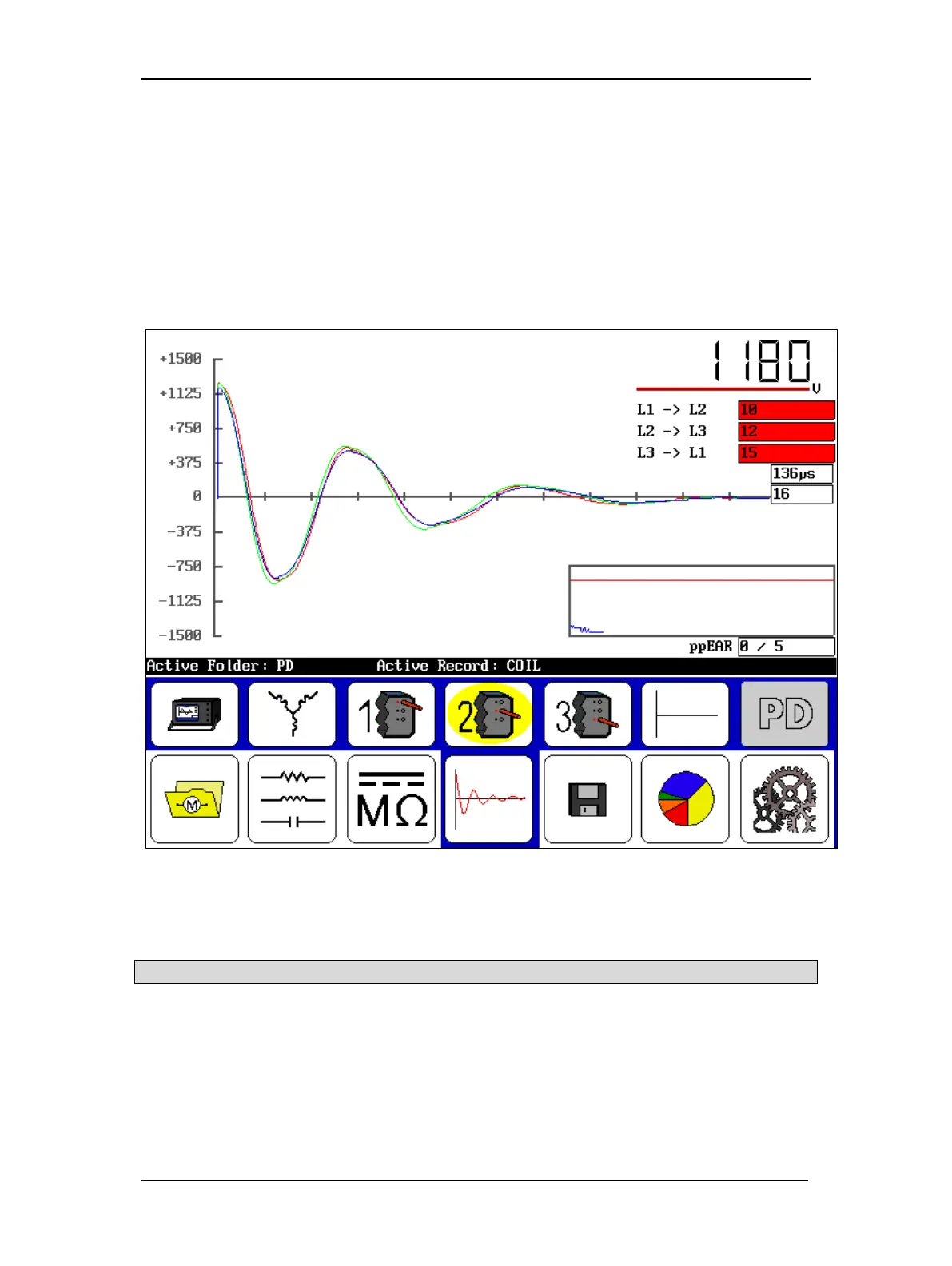
15. The results of the winding tests of a wye or delta configuration will appear, as shown
below.
16. Touch the Save icon to save your results at this time.
Figure 88. Surge test results screen.
17. If needed, you can also clear all test results by touching the Clear Data icon then start
the process over.
NOTICE: Selecting the Clear Data icon immediately and permanently deletes all data and the reference test.



 To Next Page