General Operating Information
4 Baker DX 71-030 User Guide EN V10 www.megger.com
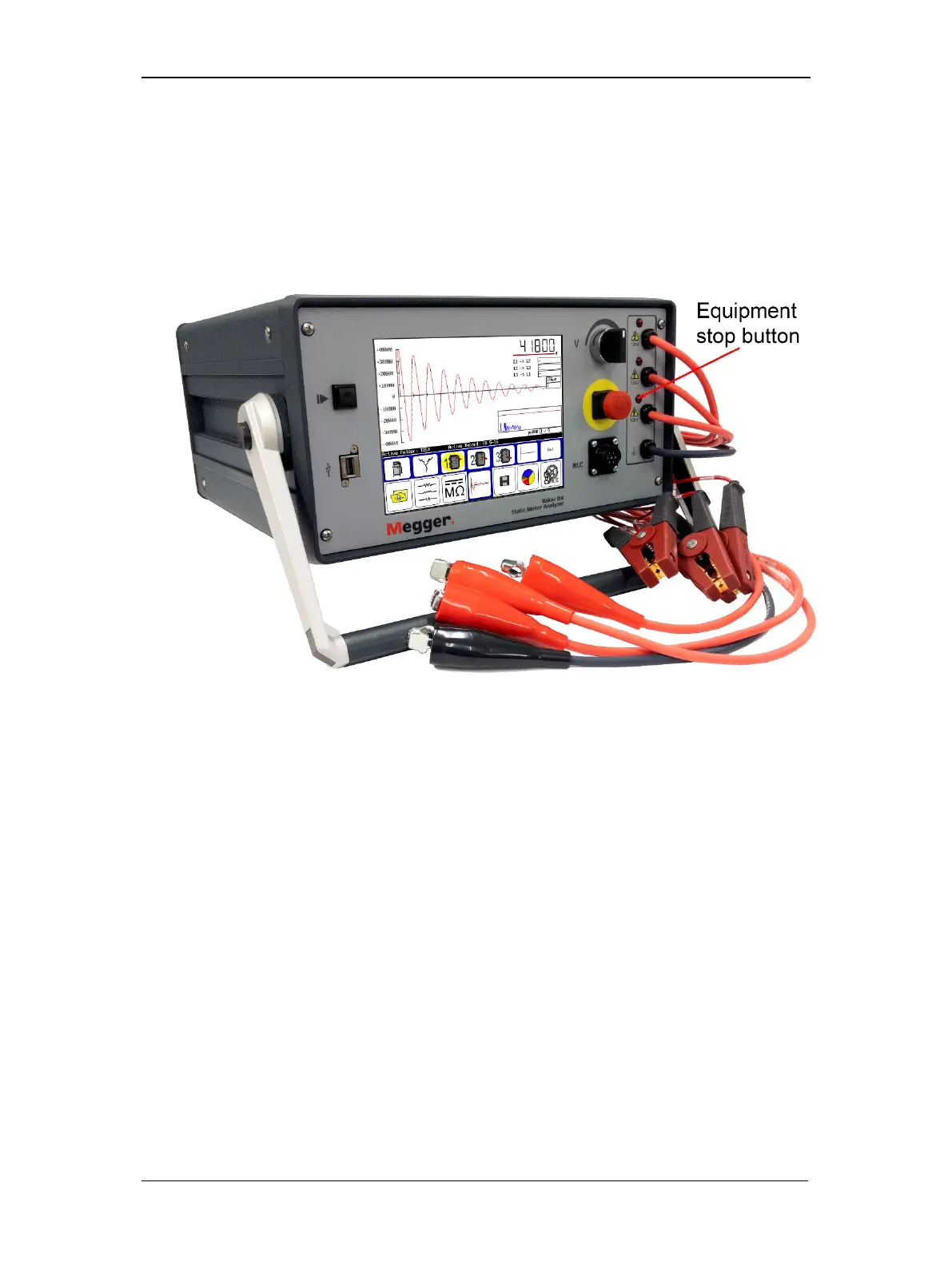
Equipment Stop Button
The Baker DX tester is equipped with a red Equipment Stop (E-Stop) button on the front panel
of the unit. Use it to quickly discontinue a test and to shut off power to the power pack’s high-
voltage circuitry.
The button will remain locked in position until manually retracted by rotating the Equipment
Stop button clockwise.
Figure 2. Baker DX showing Equipment Stop button.



 To Next Page