Procedures for Testing with the DX Host
88 Baker DX 71-030 User Guide EN V10 www.megger.com
Options for Displaying PD Data During Testing
The Baker DX is equipped with multiple viewing options for observing the partial discharge
activity on the unit being tested. The data gathered for PD detection is separate from the data
gathered for the surge waveform, allowing you to manipulate the PD waveform independently
of the surge waveform if desired.
The default view shows the PD waveform fully zoomed in.
PD activity typically occurs on or immediately after the peak of the surge waveform, though it
may also occur at the second peak if the pulse exceeds the PDIV value. Discerning exactly where
the discharge activity is occurring and what it looks like usually requires viewing the PD data in
an expanded view.
Essentially, the viewing options include:
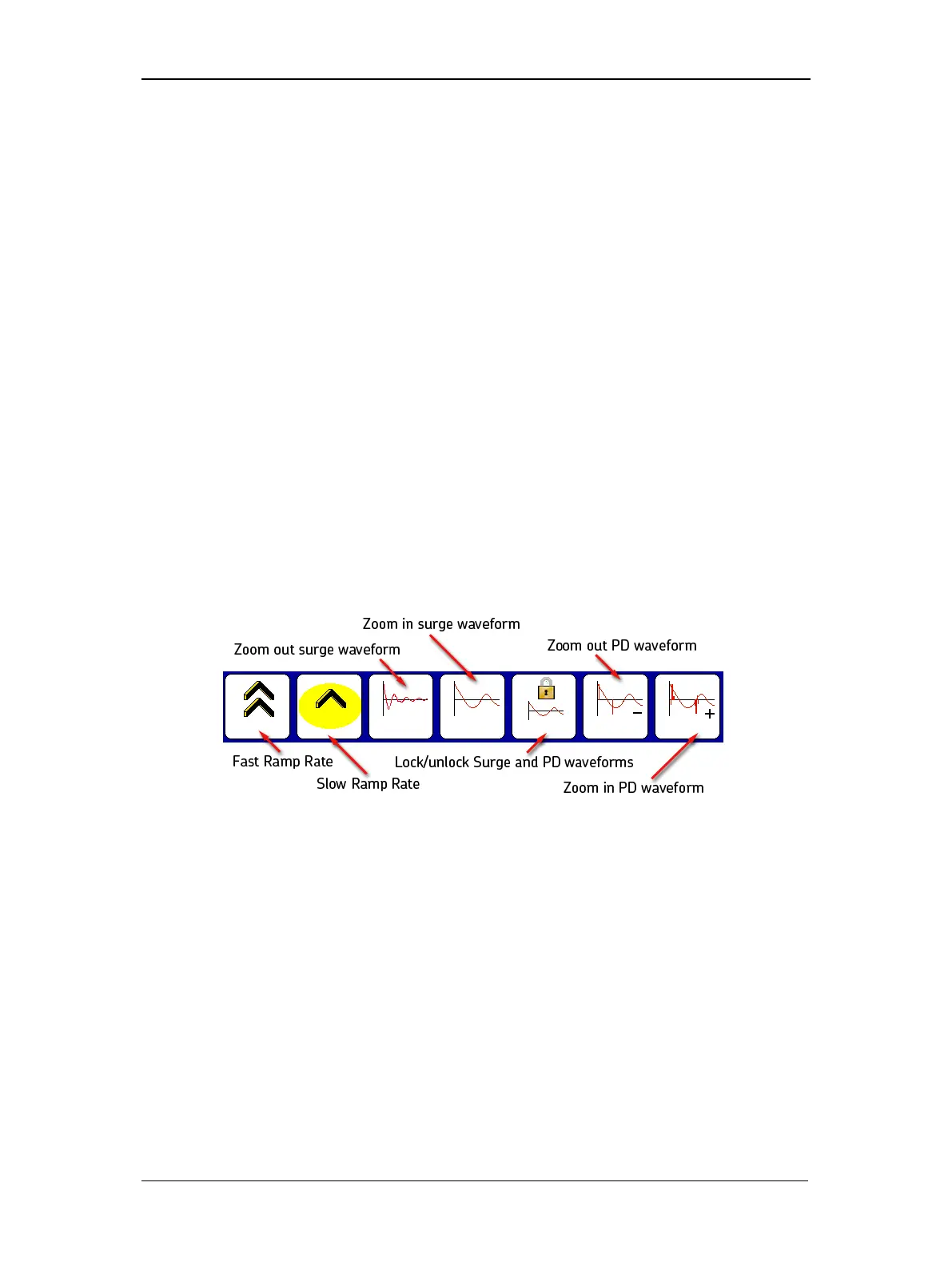
Waveforms locked—With the Locked/Unlocked icon in the locked state, the PD and surge
waveforms are synchronized. In this state, touching the surge or PD zoom in/out icons has the
same effect: the display scale of both waveforms will increase or decrease with each touch of the
icon.
Waveforms unlocked—With the Locked/Unlocked icon in the unlocked state, the PD and
surge waveforms are not synchronized. In this state, use the surge zoom in/out icons to adjust
the display scale of the surge waveform. Use the PD zoom in/out icons to adjust the display scale
of the PD waveform.
Touching the Locked icon to set it in the locked state at any point during testing will
automatically lock the PD and surge waveforms together.
Figure 96. Waveform zoom and lock icons.



 To Next Page