Using Baker DX Non-Test Functions
32 Baker DX 71-030 User Guide EN V10 www.megger.com
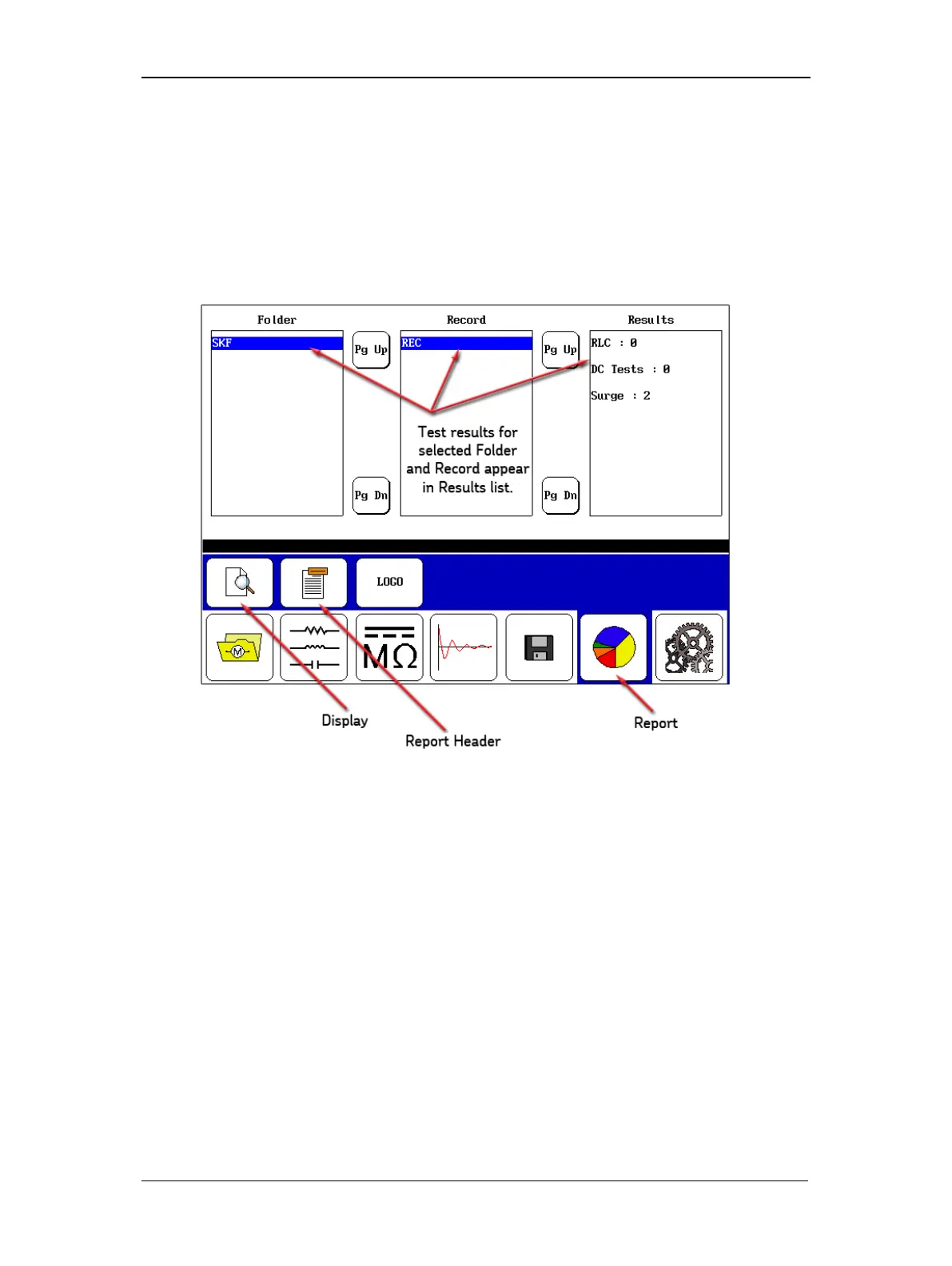
Viewing Existing Data
1. To view existing data, touch the Data Folder icon in the mode menu.
2. When you touch a folder in the Folder list, such as the Megger folder in the following
example, the folder will be highlighted and all associated records that are in that folder
will appear in the Record list.
3. Touch the Report icon and the results associated with the highlighted record will appear
in the Results list.
Figure 34. Viewing selected record’s results.



 To Next Page