Using Baker DX Non-Test Functions
megger.com 31
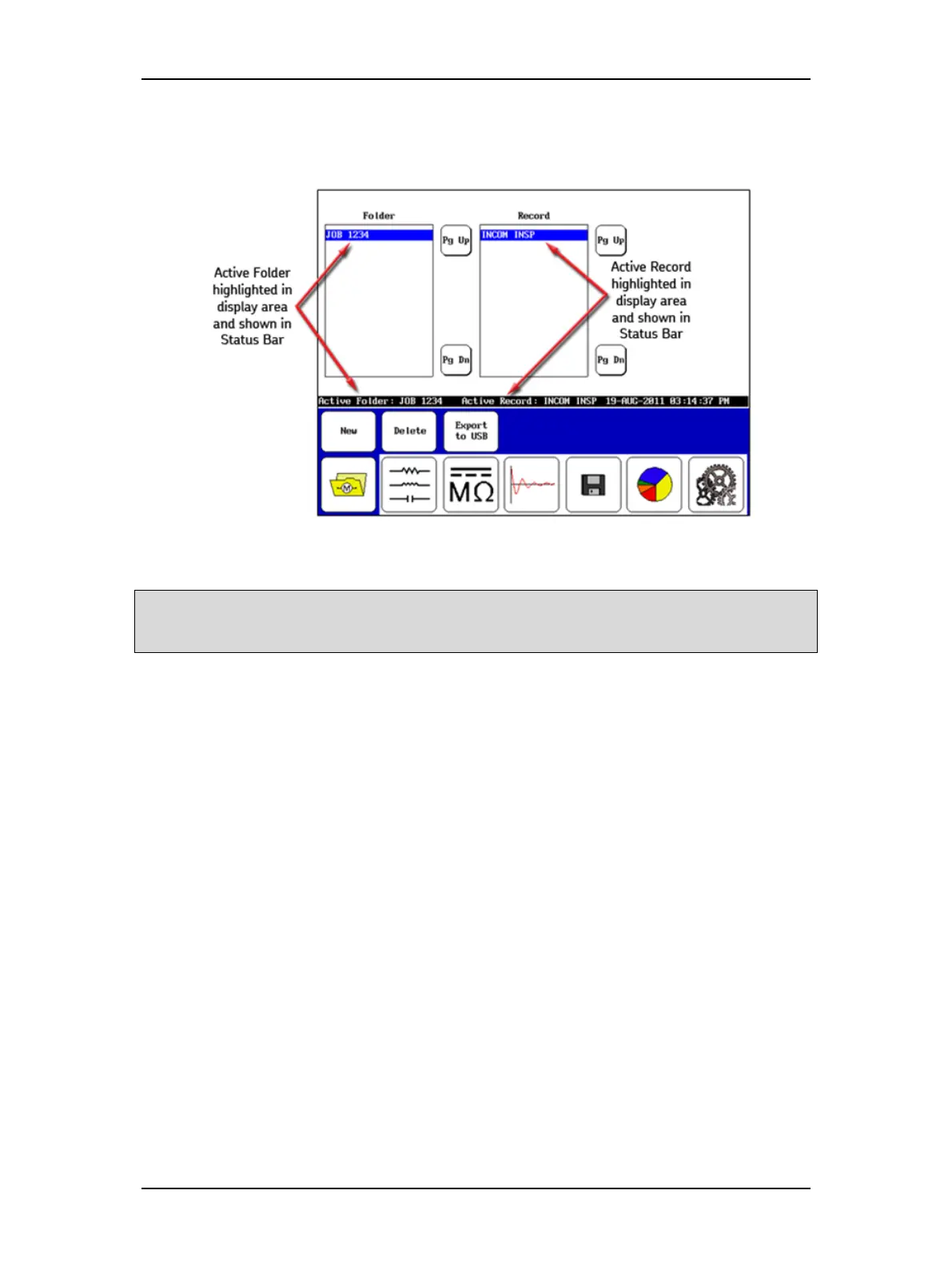
Current test results are saved in the highlighted folders and records. The active folders and
records also appear in the Status Bar as shown in the example below.
Figure 33. Active Folder and Active Record display example.
NOTE: Ensure that you have a clear plan or policy in place before naming folders and records for test
activities. A clear file naming policy makes file identification, organization, and searches much easier; and it
helps avoid potential confusion that can occur with redundant or forgotten file names.



 To Next Page