Baker DX User Interface Overview
22 Baker DX 71-030 User Guide EN V10 www.megger.com
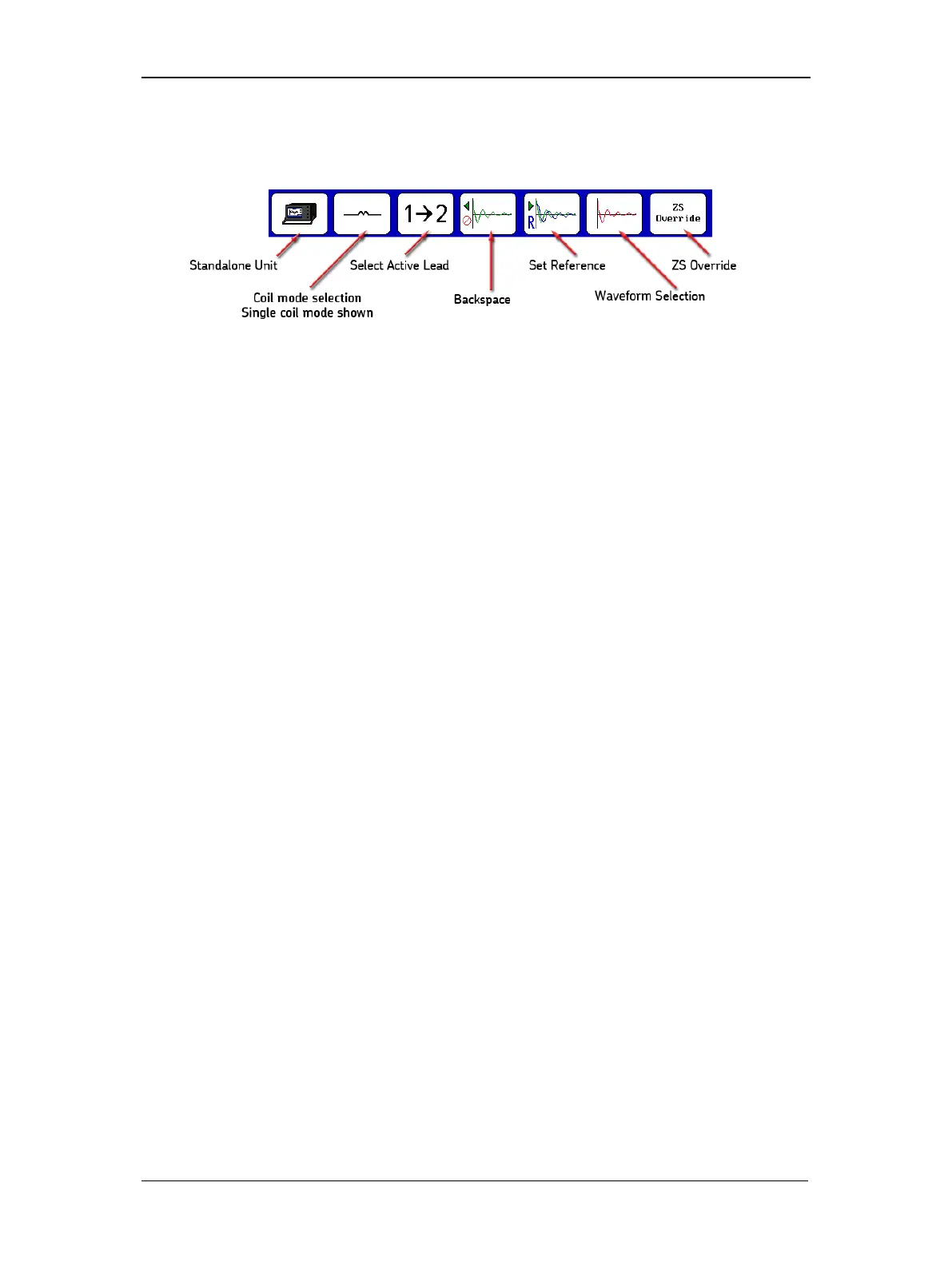
The single-coil testing submenu is shown in the following graphic. This submenu appears during
a Surge test operation when a Standalone Unit is selected along with Single-coil mode.
Figure 23. Single-coil testing submenu icons.
Select Active Lead icon—used to select the active lead and the direction to start the
surge flow—hot side.
Backspace icon—used to delete tests.
Set Reference icon—used to set the selected test as the reference.
Waveform Selection icon—used to select optional coil test displays.
PD—touching this icon enables PD testing. Icon turns green and PD data fields appear
in the display. Once the reference is set, the PD button is replaced by the ZS Override
button. If PD is enabled, all coils are tested for PD; otherwise, no coils are tested for PD.
ZS Override (Zero Start Override) icon—replaces PD button after reference is set. When
pressed, it tells the tester to go immediately to the reference level (removing the need to
ramp up), allowing the tester to reach the target voltage faster.
Other submenus for each mode—along with their descriptions—are provided throughout the
manual in context for the applications described.



 To Next Page