Procedures for Testing with the DX Host
megger.com 107
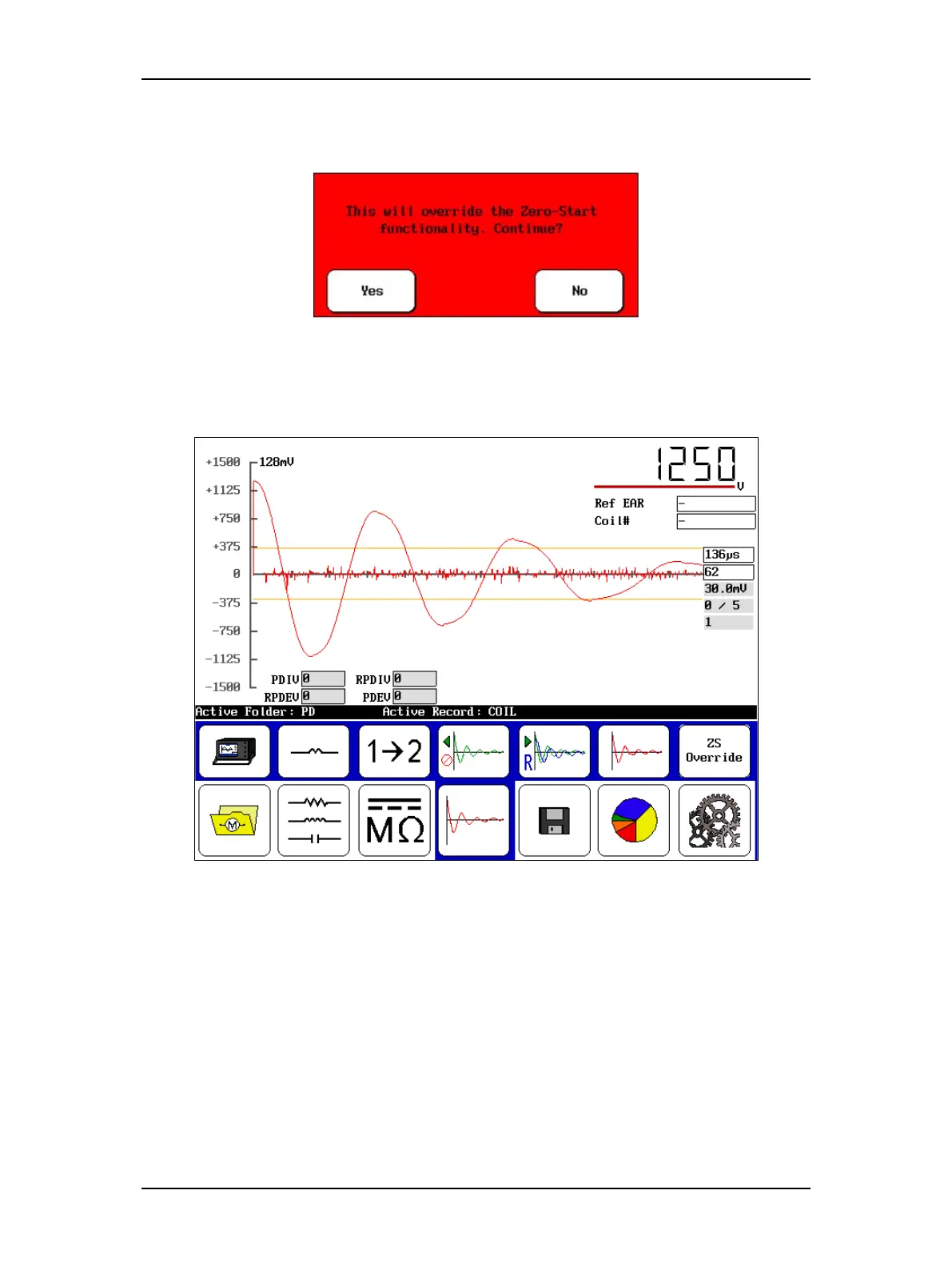
2. Touch Yes to answer the override message, which will appear in a dialog box like the
one shown below.
Figure 119. Override zero start message dialog.
3. Test each subsequent coil by connecting the clips to each coil and pressing and holding
the Start button on the DX Host (or footswitch) for approximately 10 pulses.
Figure 120. PD ZSO, no PD events indicated.



 To Next Page