Procedures for Testing with the Baker ZTX
megger.com 125
NOTE: When testing armatures, apply the surge pulse until you see the EAR graph add the new bar
information. Releasing the PTT, footswitch, or fixture button too soon can result in a collapsed waveform
and errant test data being collected.
9. When you have completed testing all bars of the armature (or all coils), return the
Voltage Output Control knob to Min (full counterclockwise rotation).
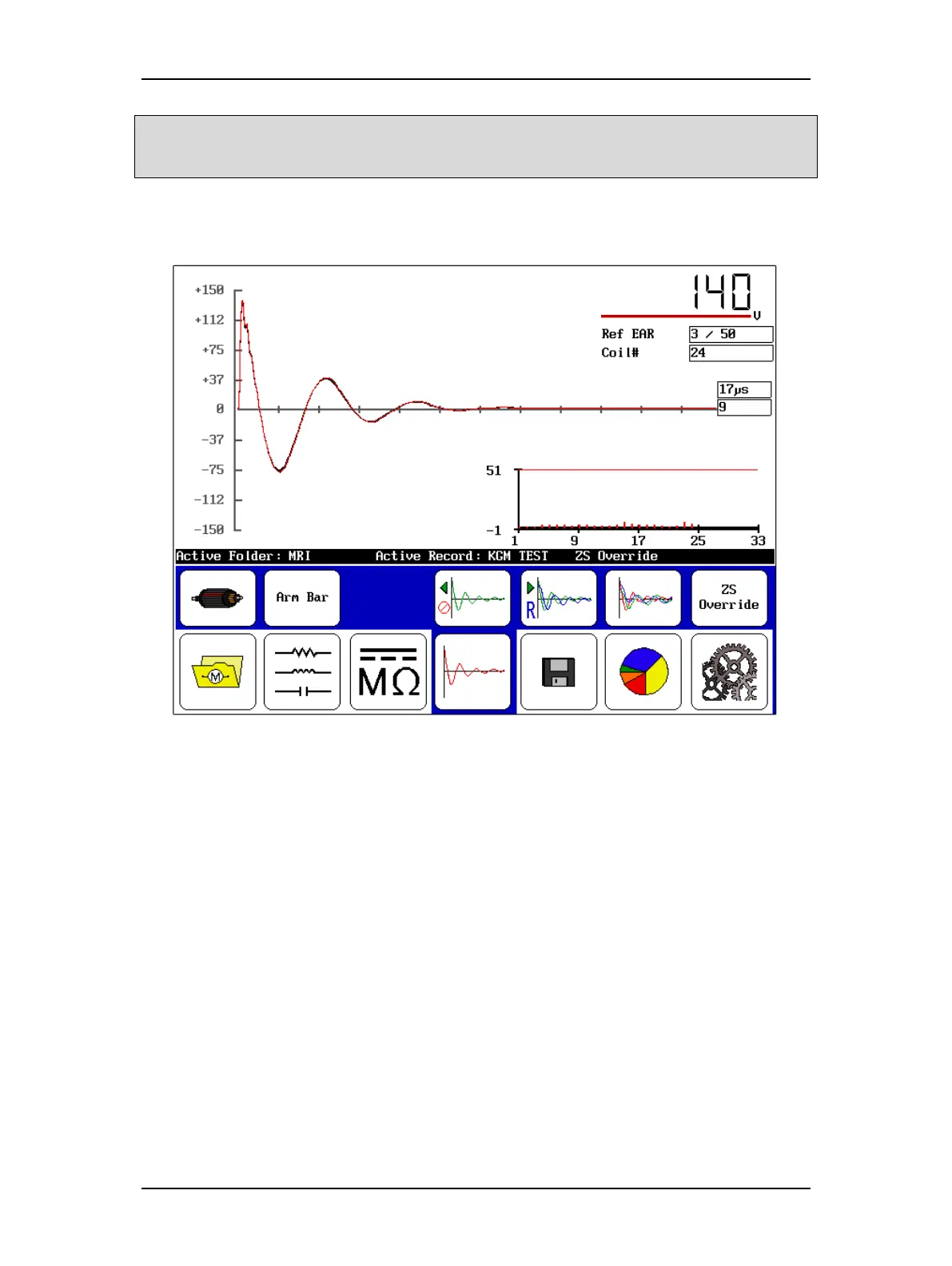
Figure 139. Example waveforms collected—DX-15A with built-in ZTX.
10. Touch the Save icon to store the test results in the Active Folder/Active Record. It
will save as Arm data and it will appear on the results as such. Running the test
continues adding armature coils up to 400, after which you must create a new record
for an armature with more commutator bars.
11. Touch the Report icon then the Display icon to view the commutator bar results.



 To Next Page