Procedures for Testing with the DX Host
64 Baker DX 71-030 User Guide EN V10 www.megger.com
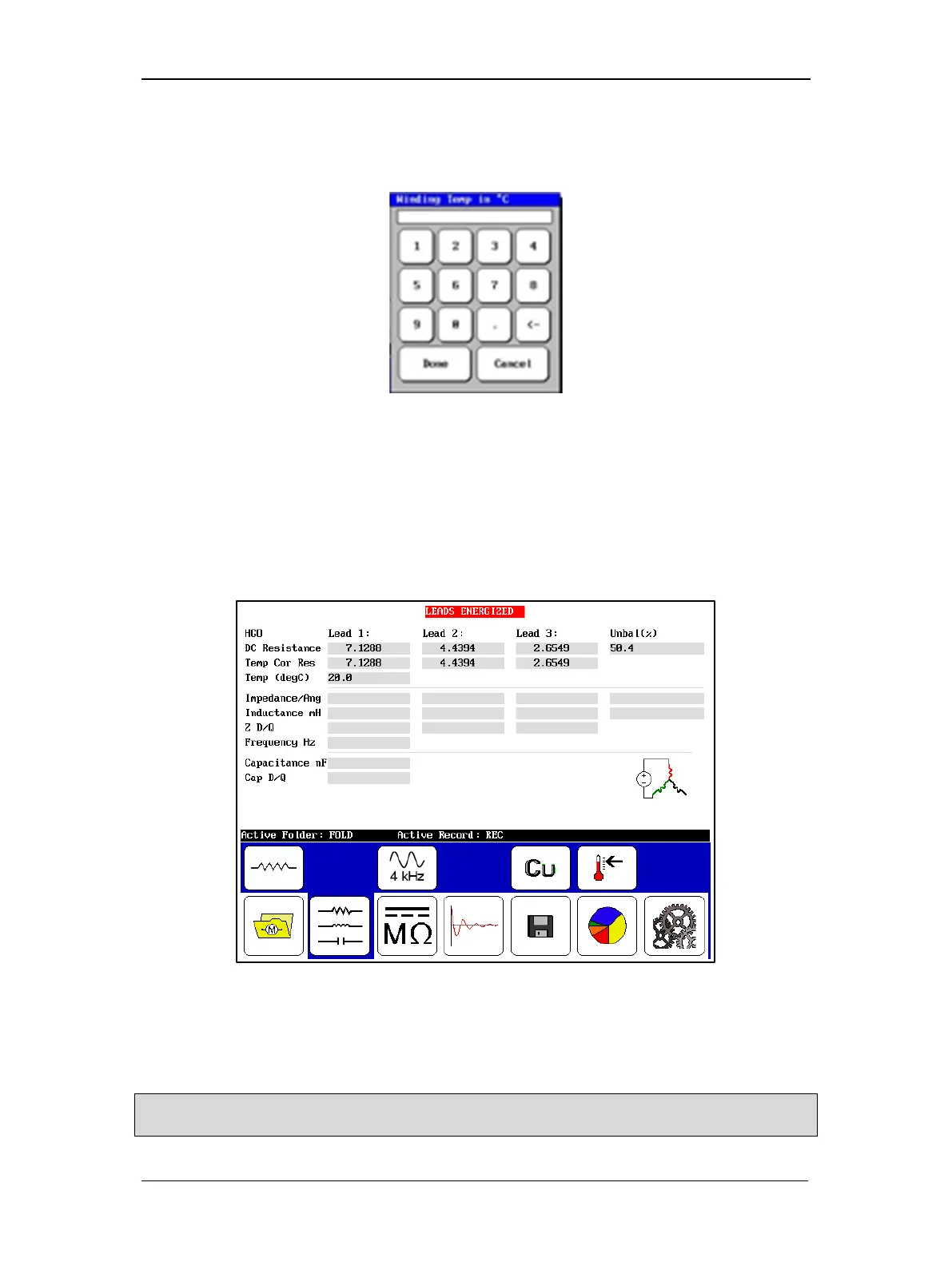
6. If you need to define temperature compensation, touch the Temperature icon, then
use the popup keypad to input actual temperatures. Otherwise, skip this step and the
next.
Figure 67. Popup keypad.
7. The default temperature is 25° C; key in the actual temperature to calculate
compensation and touch Done.
8. Push and release the Start (PTT) button to run the resistance test. The resistance test
will be run for all three phases automatically. The “Leads Energized” message will
appear at the top of the display. When the test finishes, the unbalance will display in
the results.
Figure 68. Resistance test results screen.
9. If this resistance test was run as a standalone test, save the results. Saving resistance
data at this time is not necessary if you plan collect inductance and/or capacitance tests
data as well; then you can save all together.
NOTE: If you require another resistance test, running this test again will overwrite the current results unless
you save it.



 To Next Page