Procedures for Testing with the DX Host
74 Baker DX 71-030 User Guide EN V10 www.megger.com
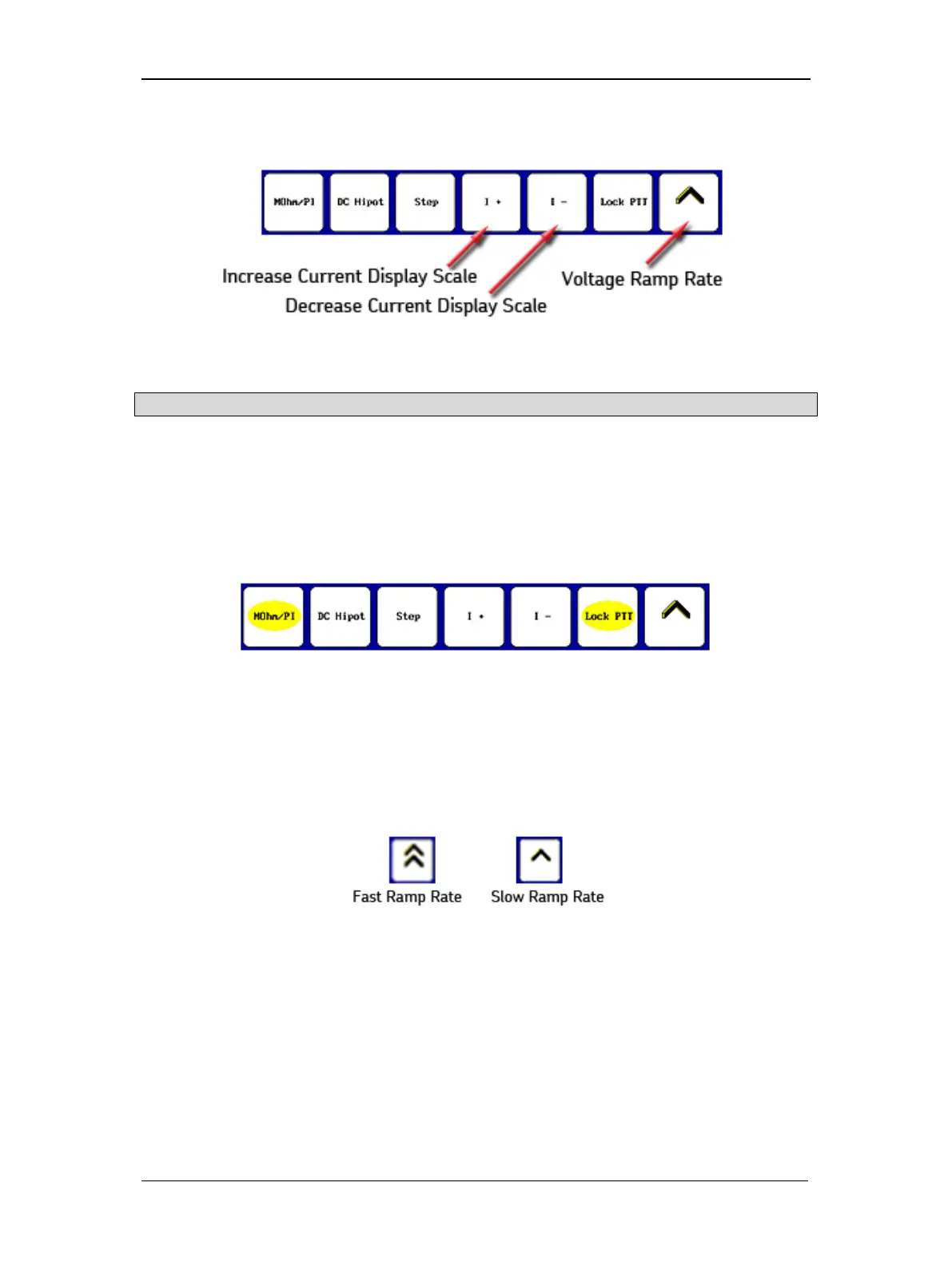
7. Push and hold the Start (PTT) button (or footswitch) and the following controls appear.
Figure 77. Test submenu items.
NOTE: As a matter of best practice, perform the following steps in quick succession.
a. If hands-free testing is desired (recommended), touch the Lock PTT icon. When
the icon changes to a yellow highlight as shown in the example below, release
the Start (PTT) button.
b. Yellow highlights identify the test mode selected and locked controls. The
submenu will look like the following while the tests are running:
Figure 78. Test submenu items with Locked PTT and MOhm/PI selected
(both identified by yellow highlights).
c. Rotate the Voltage Output Control knob on the front panel to raise the voltage
level to 500 volts and use the Fast or Slow Ramp Rate controls as needed to
quickly fine tune the level.
Figure 79. Ramp Rate controls.
d. Touch the MOhm/PI icon to start the MegOhm insulation resistance (IR),
dielectric analysis (DA), and polarization index (PI) tests.



 To Next Page