Note:
Some xBPI platforms have what is known as "specication blocks" for selecting
various modes of operation (single range, multiple range, etc.).
The following is required for the subsequent specication group selection:
- Note the model name of the scale.
- Refer to the operating instructions for the number of the corresponding
specication block.
Press [No] for exit from the menu without data change.
The parameters are listed as an overview in the following, see Chapter 7.13.5.1.
Note:
Only the parameters supported by the connected scale are displayed.
Press [No] for exit from the menu without data change.
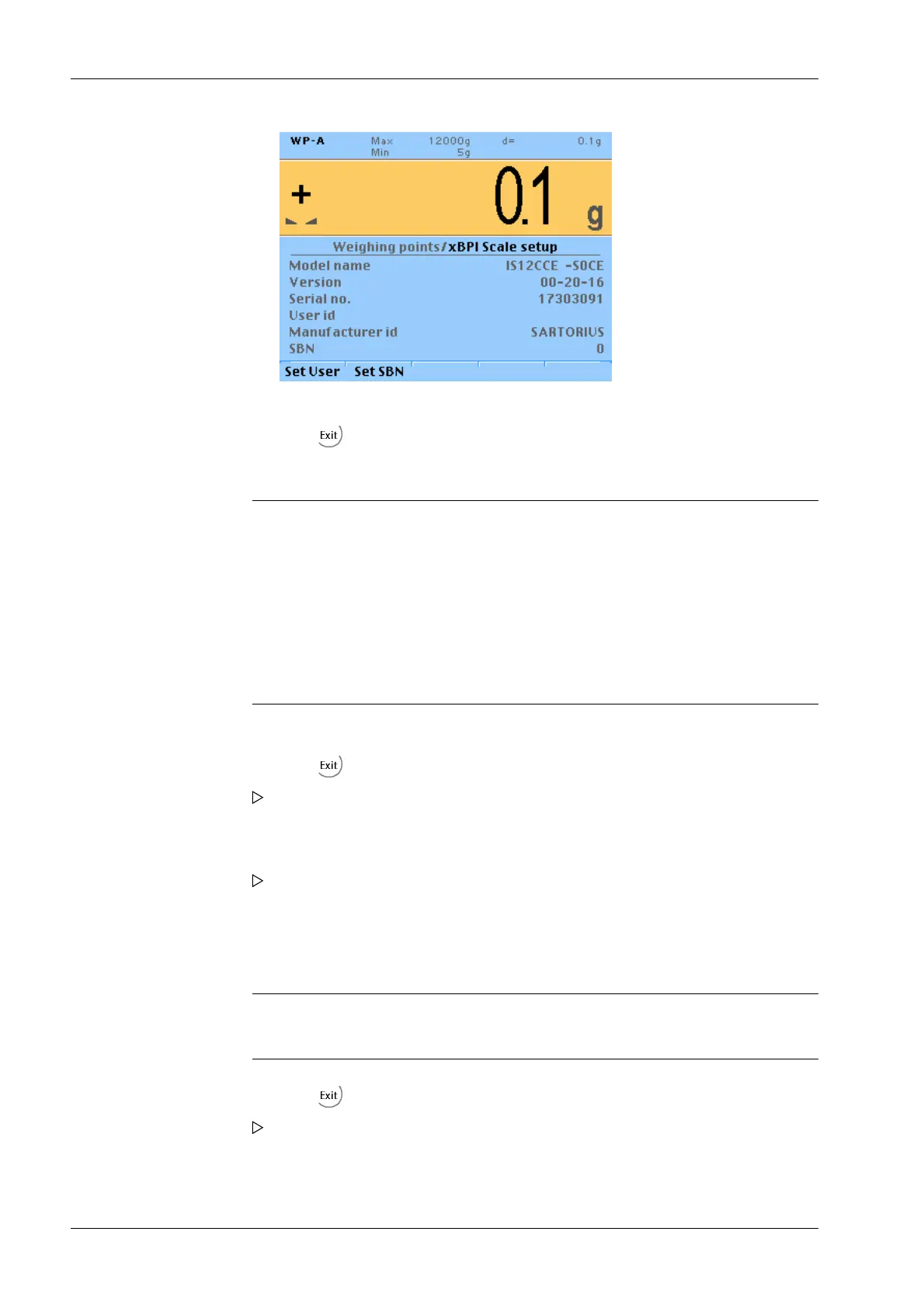
4. Change the user ID and SBN address if necessary.
5. Press the softkey to exit the menu and to save the settings.
6. Select [Select group of specication] using the cursor and conrm.
7. Select and conrm the desired specication group.
8. Press the softkey to exit the menu and to save the settings.
A prompt window opens.
9. Press the [Yes] softkey to save the data.
The parameters are saved. Ticks indicate the progress.
10. Select [Conguration] using the cursor and conrm.
11. Select [Weighing parameters] with the cursor and conrm.
12. Press the softkey to exit the menu and to save the settings.
A prompt window opens.
13. Press the [Yes] softkey to save the data.
Transmitter in eld housing PR 5230 7 Commissioning
Minebea Intec EN-152



 To Next Page