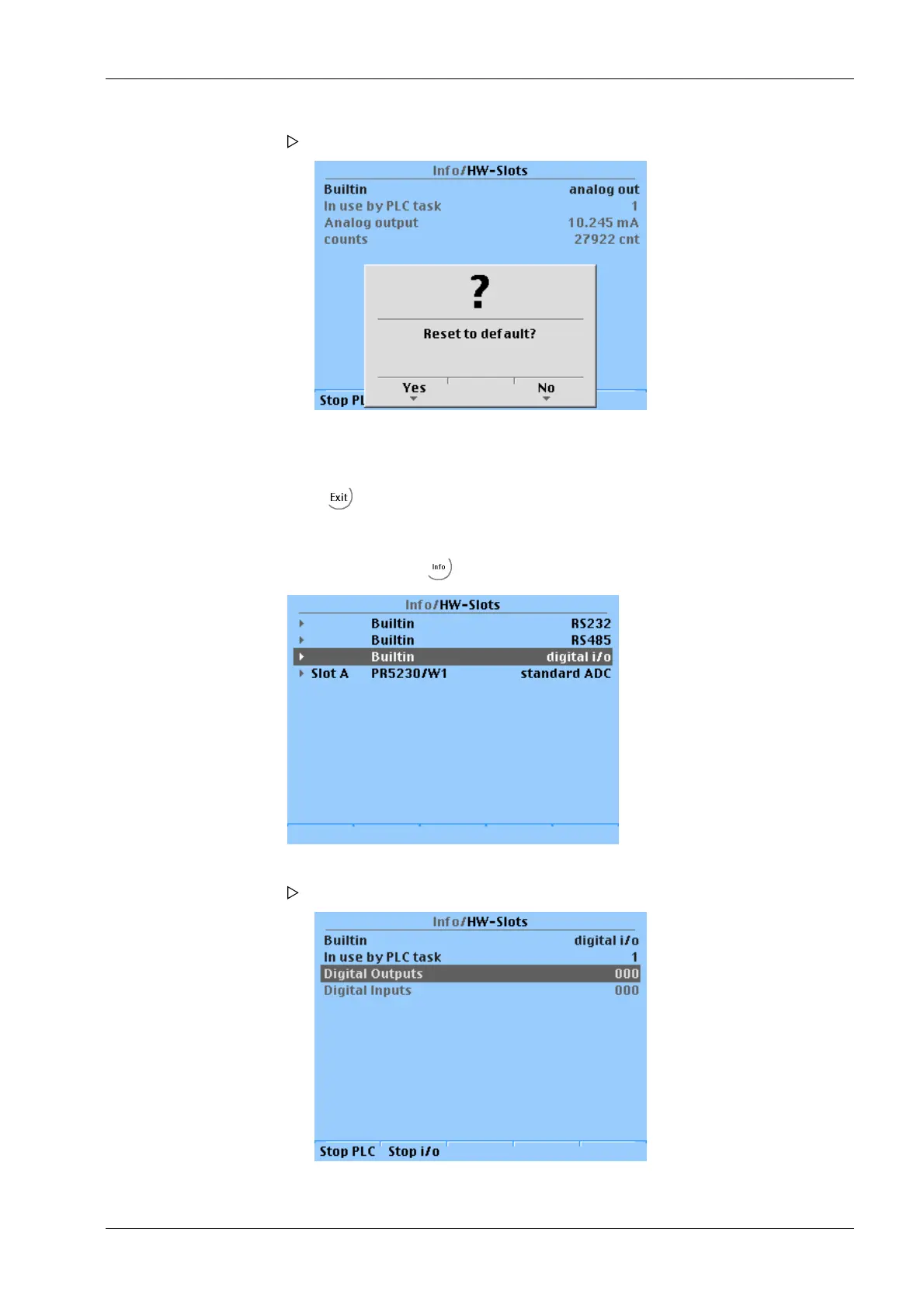
If applicable, press the [No] softkey to keep the entered values.
9.1.2.2 Digital inputs and outputs
Open the menu with - [HW-Slots].
A prompt window opens.
7. Press the [Yes] softkey to reset to the factory settings.
8. Press to return to the previous window.
1. Select and conrm the appropriate line.
The "Monitor" test mode is active.
The following window opens.
9 Extended functions Transmitter in eld housing PR 5230
EN-233 Minebea Intec



 To Next Page