2. Product presentation
MiR250 Hook User Guide (en) 01/2023 - v.1.2 ©Copyright 2021-2023: Mobile Industrial Robots A/S. 28
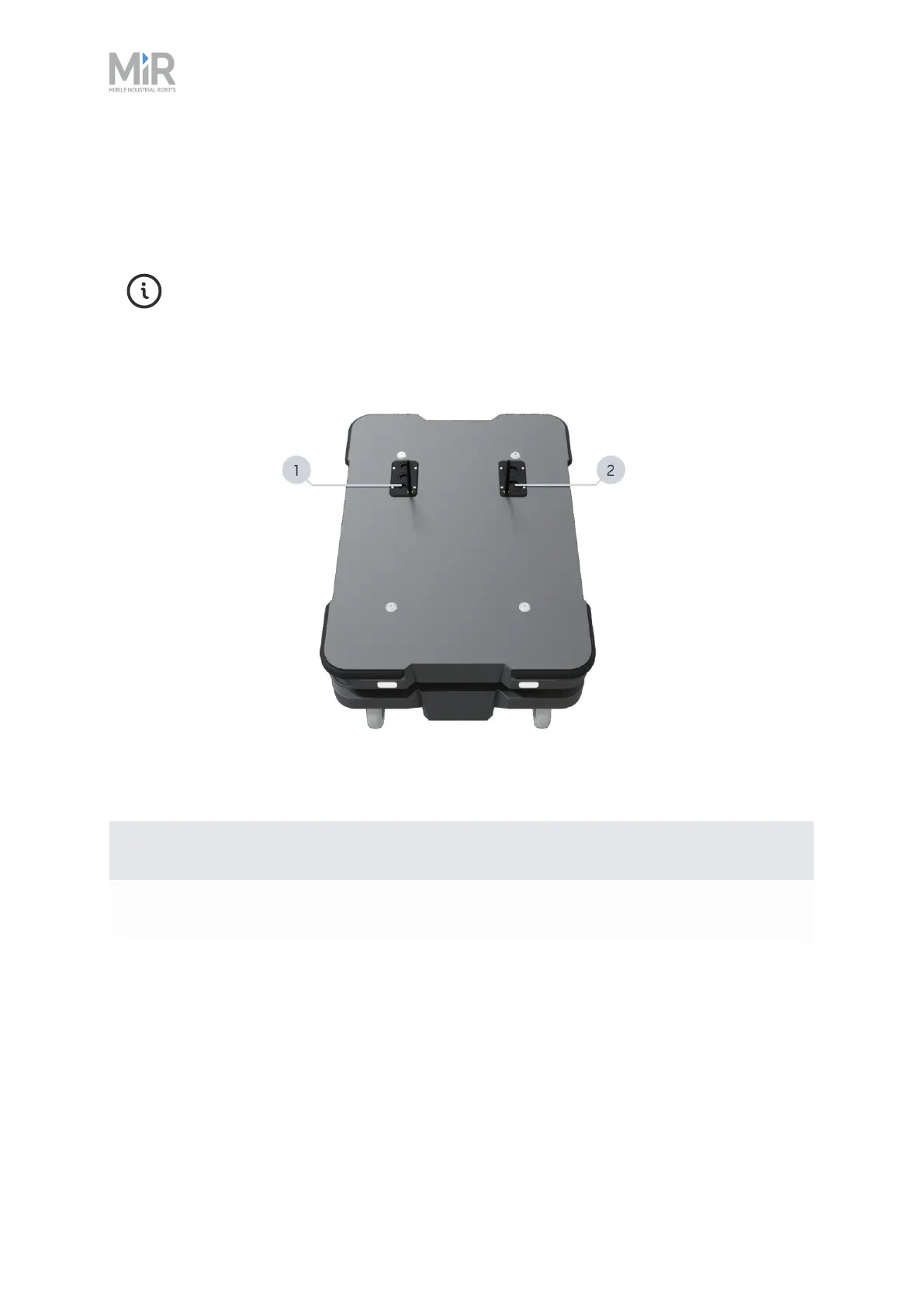
Top compartments
The two top compartments contain electrical interfaces that can be connected to top modules.
The top compartments are only accessible after the top module has been removed—
see "Demounting the top module" on page231.
Figure 2.13 The top compartments on the robot.
Pos. Description Pos. Description
1 Left top compartment 2 Right top compartment
Table 2.7 Identification of top compartments in Figure 2.13
The top compartments interfaces are listed in Table 2.8. For detailed information on electrical
interfaces, see "Interface specifications" on page252.



 To Next Page