Mitel 6940 SIP Phone User Guide
Expansion Module Keys
5.
Select from
Key 1
through
Key 84
(M695).
6.
In the
Type
field, select
Empty
.
7.
Click
Save Settings
.
None Key
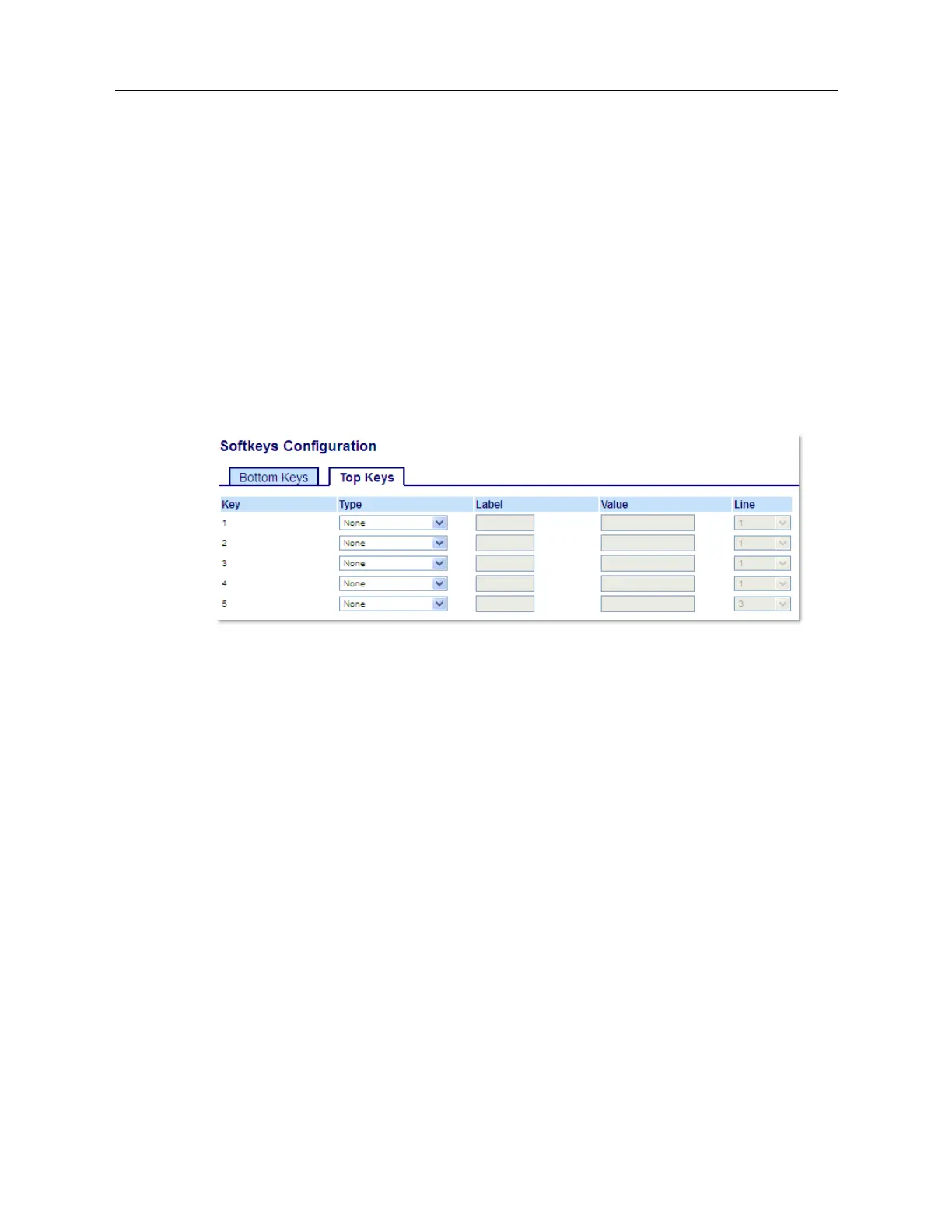
Use the following procedure to delete a key’s functionality on the 6940 IP phone.
Deleting a Key’s Function Using the Mitel Web UI
1.
Click on
Operation > Softkeys and XML
.
or
Click on
Operation > Expansion Module <N>
.
2.
Choose the key you want to delete from the phone or expansion module.
3.
In the
Type
field, select
None
.
4.
Click
Save Settings
.
The key function is deleted from the IP phone memory.



 To Next Page