Mitel 6940 SIP Phone User Guide
• Email1
• Email2
• Email3
• Number of Total Phone Numbers
• Phone Number 1 Type
• Phone Number 1 Line #
• Phone Number 1
•...
• Phone Number 7 Type
• Phone Number 7 Line #
• Phone Number 7
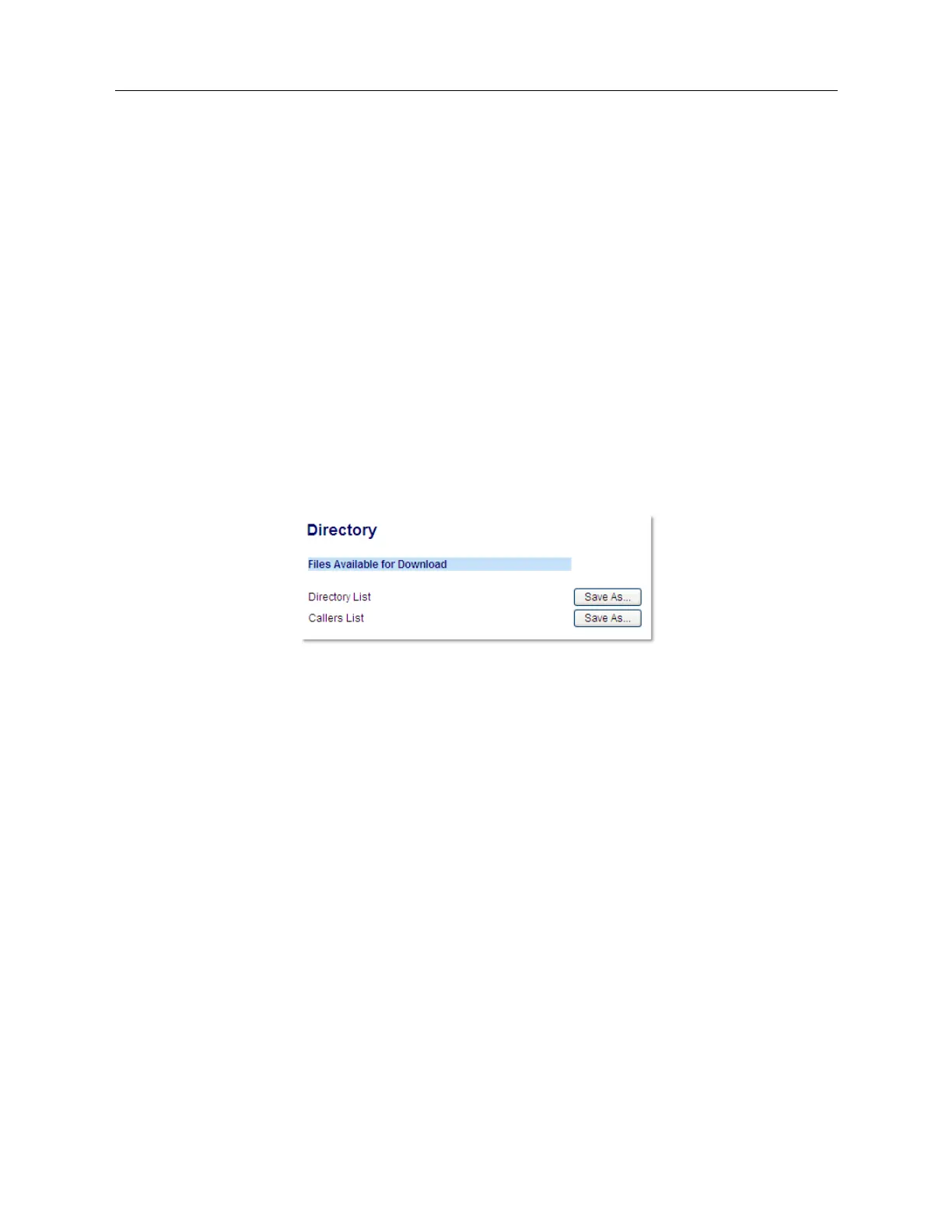
Downloading the Directory
1.
Click on
Operation > Directory
.
2.
In the Directory field, click on
Save As...
A download window displays.
3.
Click
OK
.
4.
Enter the location on your computer where you want to download the Directory and click
Save
.
The
directorylist.csv
file downloads to your computer.
5.
Use a spreadsheet application to open and view the
directorylist.csv
file.
External Directory Source Features
The following external Directory sources may be configured on your phone:
• Two CSV-based directories.
• Lightweight Directory Access Protocol (LDAP) Directory.
• Microsoft Exchange contacts (Exchange 2007 SP1 or greater interface supported).
• BroadSoft Xsi Enterprise Directory, Personal Contacts, Enterprise Common Phone List, Group
Directory, and Group Common Phone List.
When any of these external Directory sources are configured, the contacts from the respective
sources will be loaded into your Directory. From the Directory List, you will be able to search for any
external Directory source contacts, dial out to the contacts, copy the contacts to the Local Directory,



 To Next Page