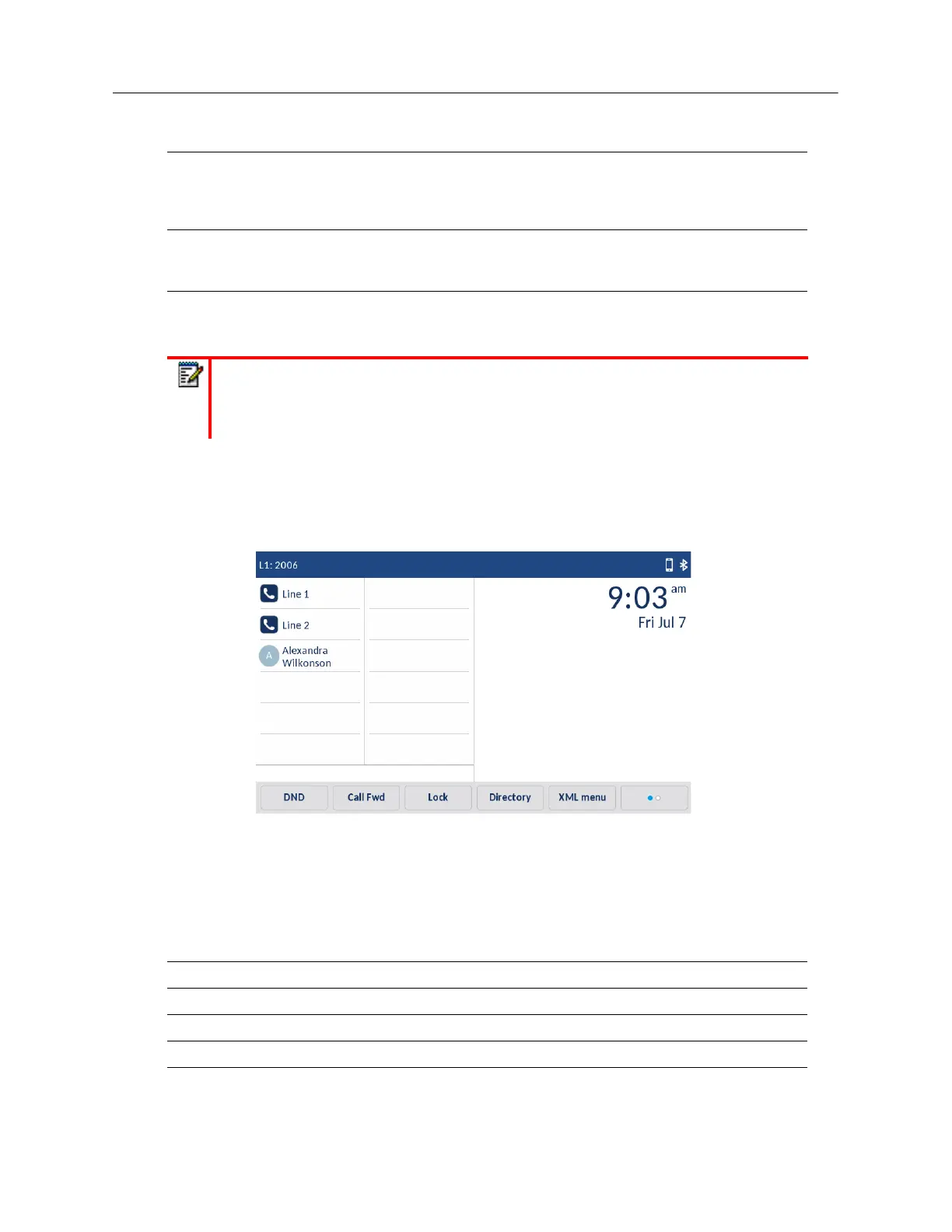
Many softkey functions allow you to customize the label of the softkey. When you define a long top
softkey label, the 6940 will attempt (if possible) to intelligently split the label on to two lines. You can
also manually split any top softkey label on to two lines by adding two vertical bar characters (i.e.
||) in between the characters you want to split. For example, defining a top softkey label as
Alexandra||Wilkonson places a carriage return after Alexandra.
State-Based Softkeys
On the 6940’s bottom softkeys, you can configure a specific state to display when a softkey is being
used. The following table describes the states available to configure for the softkeys.
Discreet Ringing Indicates the key is configured as a Discreet Ringing key. When the Discreet
Ringing feature is enabled, if a call is incoming, the phone will play the
configured ring tone once only. Pressing the Discreet key will allow you to toggle
on/off the feature.
Call History Indicates the key is configured as a Call History key. When pressed, the Call
History softkey allows users the ability to directly access the list of all calls in the
Call History.
Empty Indicates the key has no function assigned but should be displayed as any
empty softkey on the phone’s screen.
Note:
Keys can also be set up to quickly to access features such as call return (*69) or
voicemail. Quick access features like call return and voicemail must first be configured
on your PBX in order to work on your phone. See your System Administrator for more
information.
State Description
Idle The phone is not being used.
Connected The current line is in an active call (or the call is on hold).
Incoming The phone is ringing.
Outgoing The user is dialing a number, or the far-end is ringing.
Busy The current line is busy because the line is in use or the line is set as DND.
Key Function Description



 To Next Page