Mitel 6940 SIP Phone User Guide
5.
Use a spreadsheet application to open and view the Received Callers List.
Voicemail
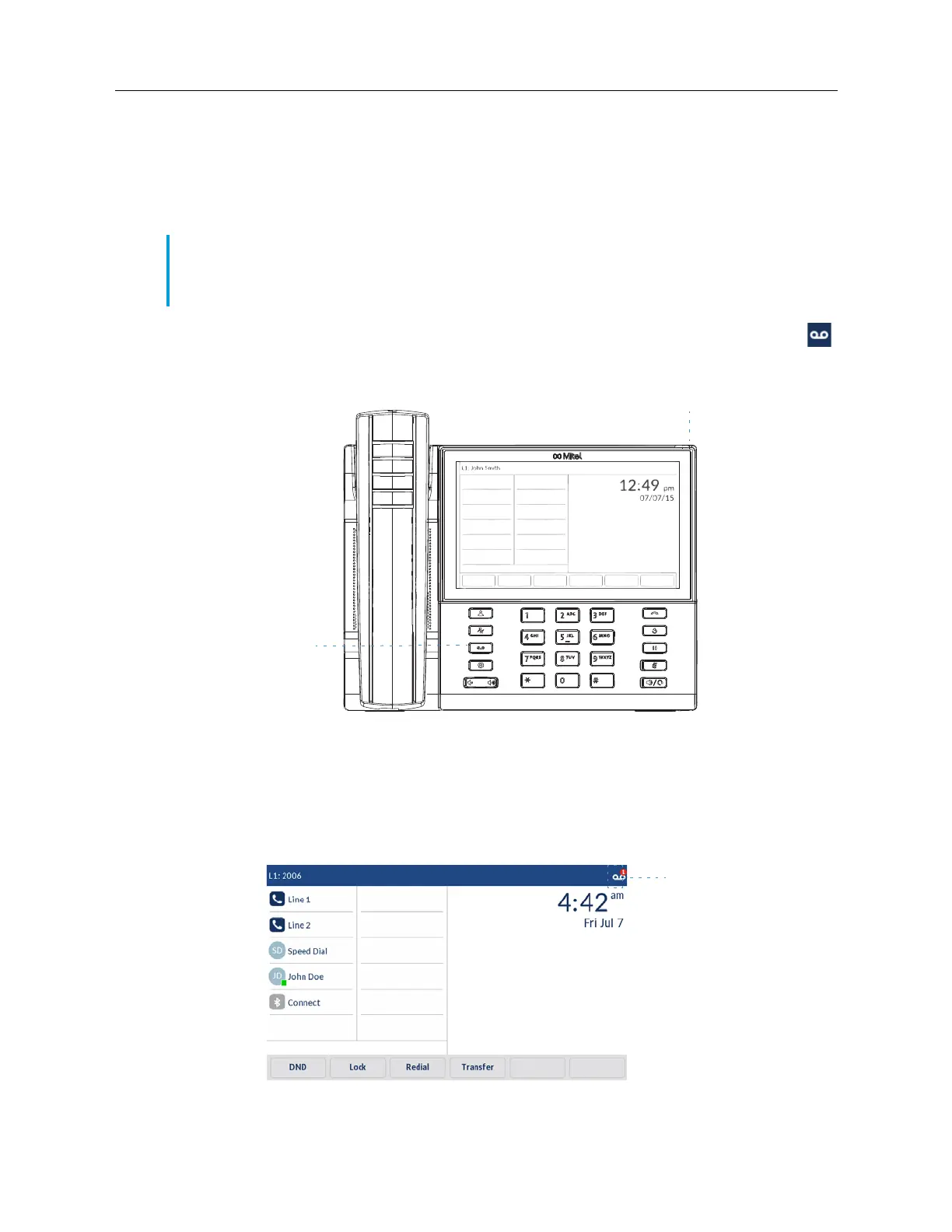
The 6940 SIP phone provides a hardkey for configuring voicemail.
When voicemail functionality is enabled, the MWI LED on the Mitel 6940 flashes red and the
(
Voicemail
) icon displays on the status bar indicating that voicemail messages are available. You
can access your voicemail service by pressing the
Voicemail
key.
Note:
1.
Voicemail functionality must be configured by your System Administrator.
2.
Voicemail is not supported on the mobile line.
Voicemail
count on
status bar



 To Next Page